presentation-md
Notes in. Editable deck out.
Pick a vibe. Preview it. Ship craft you can edit — HTML in the browser, PowerPoint for the room.
Zero schema homework · scaffold → shareable Studio link · MIT
presentation-md
Pick a vibe. Preview it. Ship craft you can edit — HTML in the browser, PowerPoint for the room.
Zero schema homework · scaffold → shareable Studio link · MIT
Show, don’t tell — pick a look from real craft, then restyle the same deck. Schema and MCP stay under the hood until you need them.
?d=)
Same progressive path as the best agent slide packs — react to what you see, then ship. Schema, audit, and PPTX stay available; they are not the homework for your first win.
Paste a brief or rough outline. Ask for a pitch, launch, or wrap. The agent shortlists three looks — safe, bold, wildcard — without making you learn a schema.
Open live theme previews (or Studio Compare 3). Show, don’t tell — choose the craft you want to keep, not adjectives on a list.
One hop: scaffold_deck returns an editable Studio URL. Fill copy, present, export PowerPoint when the room needs it.
Default path: install the skill where you already work. Prefer zero install? Open Studio and generate in the browser.
Your agent
npx @presentation-md/install claude-code
Restart the agent, then ask: “Build a 10-slide pitch deck from these notes…”
First win: the agent should call scaffold_deck and hand you a Studio share link — not a schema lecture.
Full vs lite and CLI details live in Install.
Agent guides: Claude Code ·
Cursor ·
Copilot ·
Codex ·
Gemini CLI.
After install, say: “Scaffold a Series A pitch and give me the Studio link.”
MCP returns craft-floor Deck JSON plus an editable ?d= URL. Open it, tweak, present, export PPTX when you need Office.
The free browser Studio is a full deck workbench. No account, no upload — your deck and your API key never leave your browser.
Describe your deck and get an editable one back. Bring your own Claude API key to generate in-browser, or copy a ready-made prompt into the agent you already use. Pick Opus 4.8, Sonnet 4.6, or Haiku 4.5.
Every rendered deck embeds its own source spec, so you can reopen a created .html and edit it with live preview. Open .pptx too — Studio maps slides into editable Deck JSON. Change layouts, swap themes, rewrite copy — autosaved to your browser.
Present fullscreen with keyboard navigation, or export native, editable PowerPoint that opens in Keynote and imports into Google Slides — real shapes and text, not screenshots.
Swap the entire look of a deck by changing a single "theme" key. Each theme ships a distinct surface profile — not just colors, but background treatment, decor, and motion. Default filter is Popular so you are not choosing among seventy-five at once. Install more with npm i @presentation-md/theme-<name>. Agents call preview_themes before you commit. Toggle Title / Bento / Comparison to judge cover vs body craft.
Anthropic-inspired — warm cream paper, clay-coral accent, grotesk + editorial serif. Calm, human, high-craft.
Edgy tech startup — dark canvas, violet + cyan neon, bold geometric sans.
Formal corporate — crisp white, navy text, single restrained blue accent, clean sans-serif.
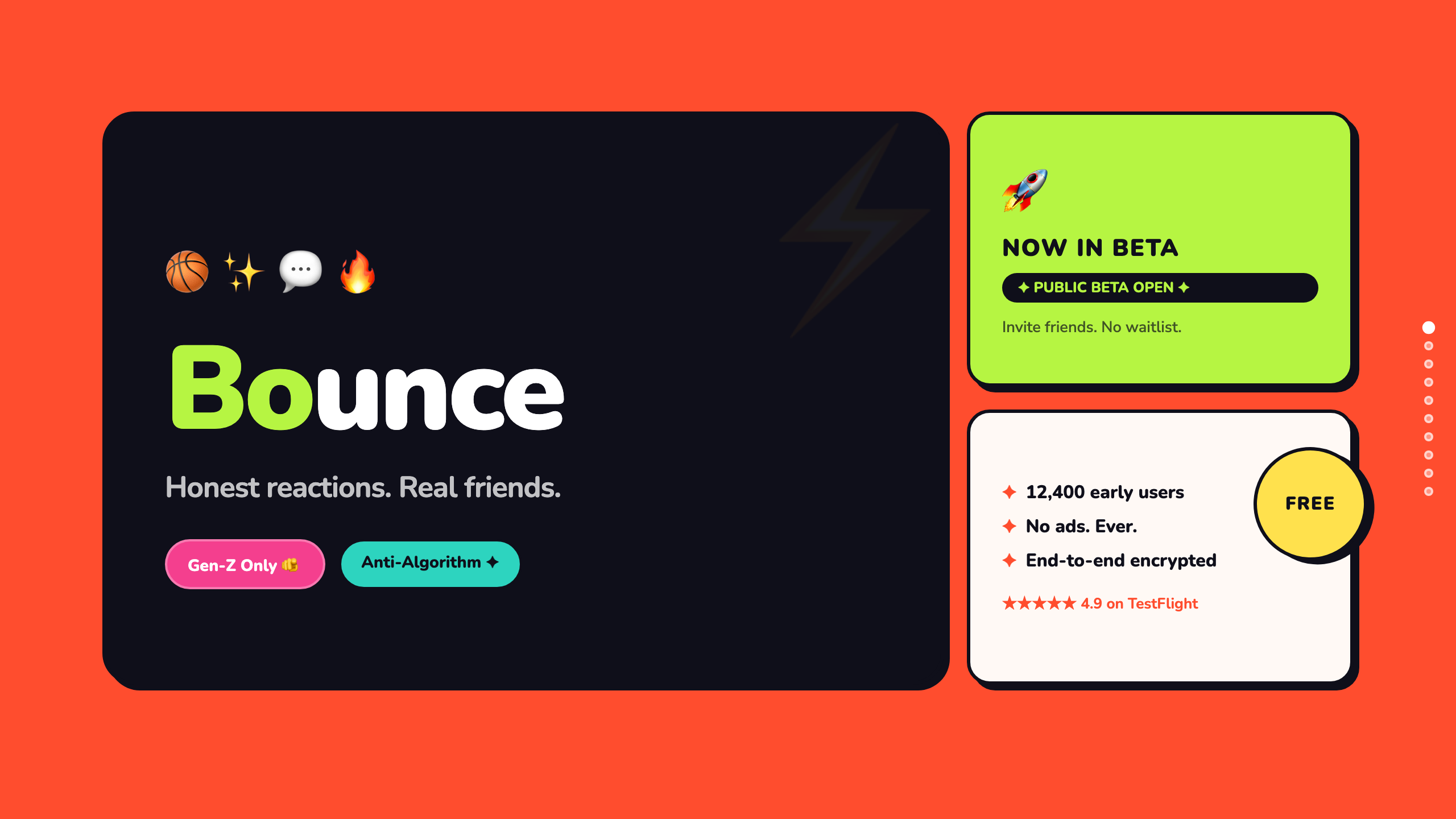
Playful creative agency — bright warm white, bold coral + lime accents, rounded, sticker-style.
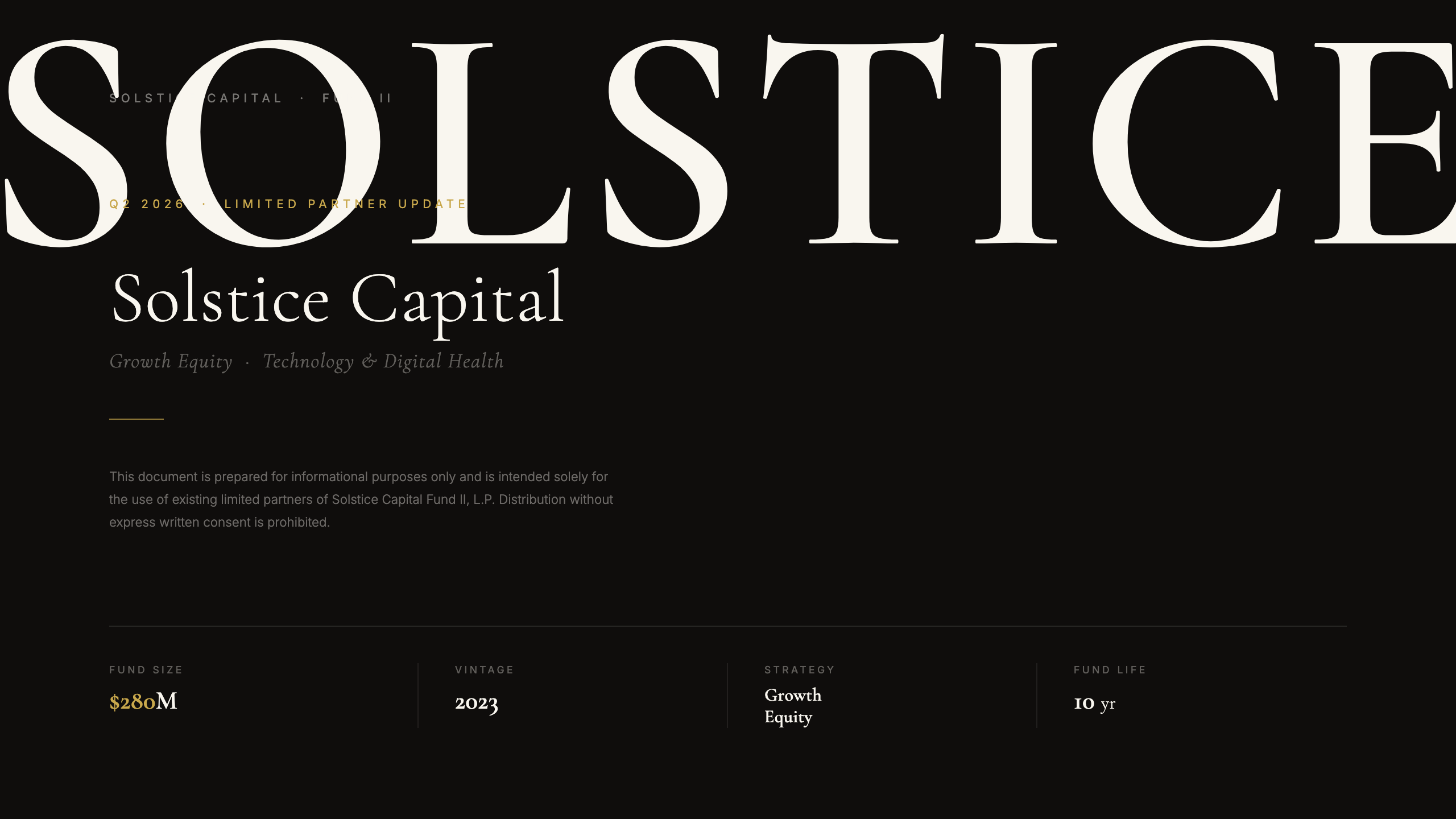
Ultra-luxury — near-black stage, cream serif, gold hairlines. Gallery: Solstice.
Retro 80s arcade — deep purple-black, magenta + cyan neon glow, pixel display font.
Magazine editorial — warm cream paper, ink-black serif type, crimson masthead accent.
Raw brutalist — concrete off-white, monospace type, zero radius, hazard-orange accent.
Soft pastel — lavender-blush canvas, deep plum text, blush + periwinkle accents.
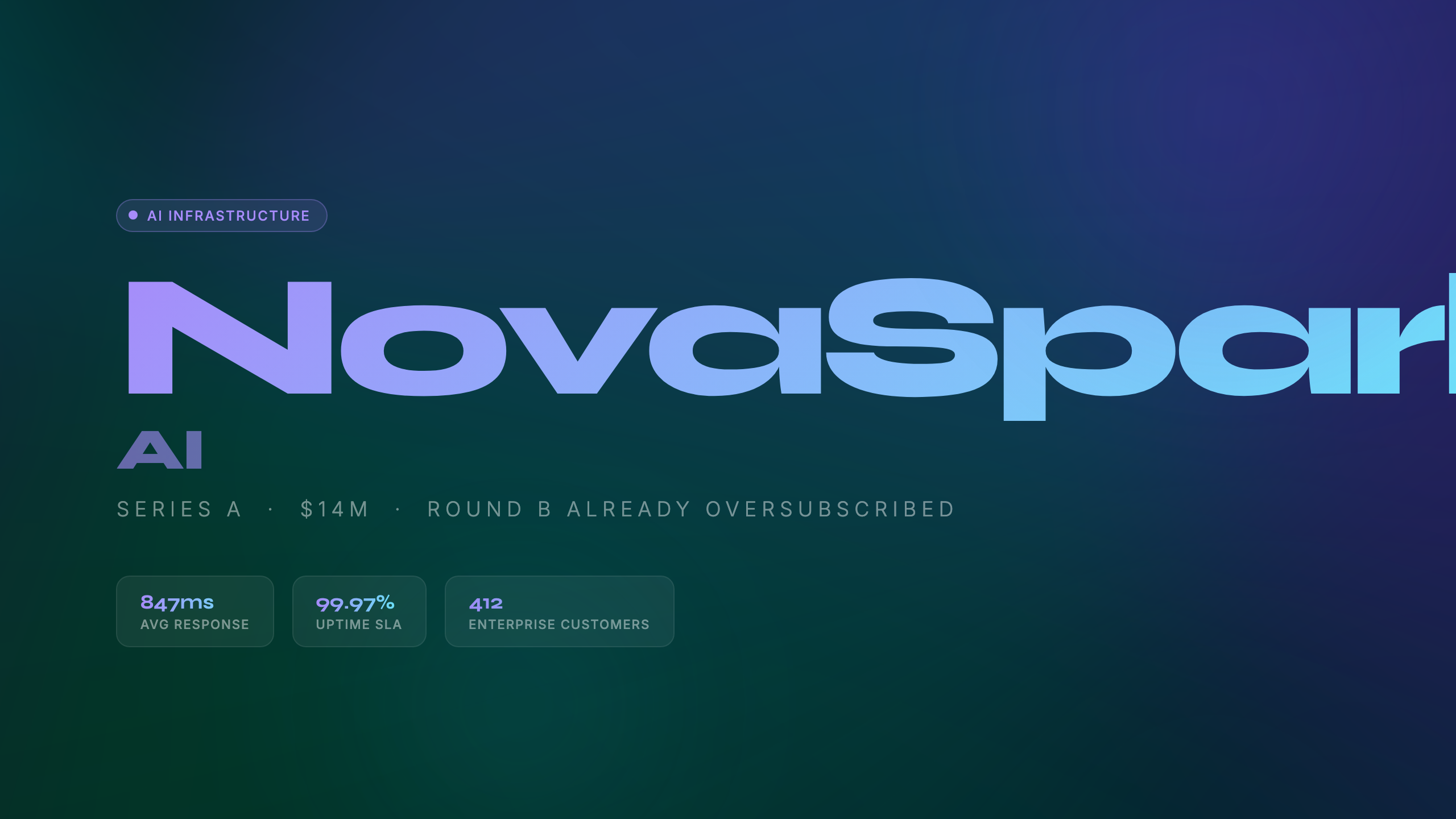
Aurora glass — void canvas, frosted cards, violet + cyan glow. Gallery: NovaSpark.
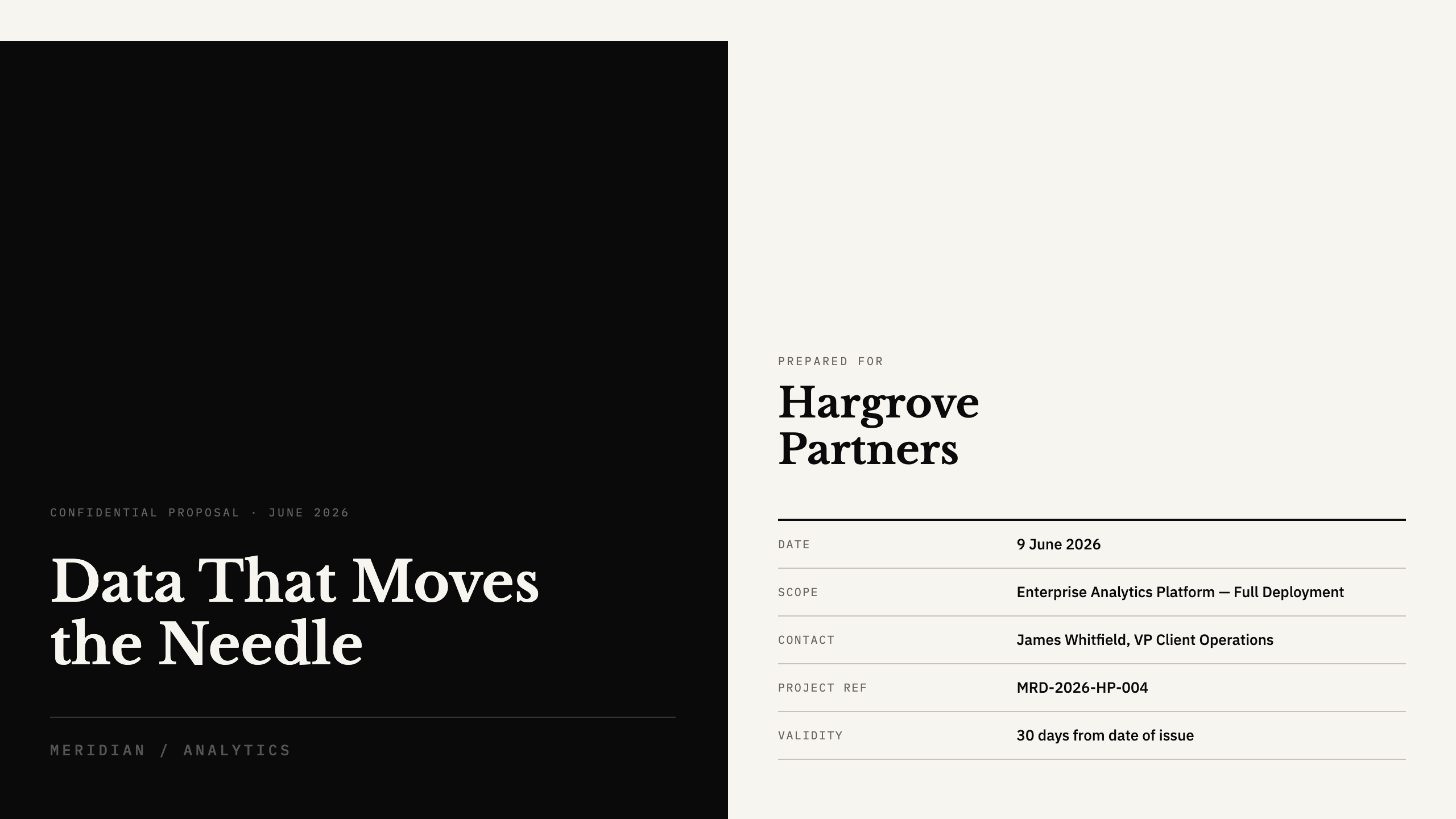
FT broadsheet — cream newsprint, ink serif, blue rules + red signal. Gallery: Meridian.
Hard-shadow bento — coral + lime stickers, thick ink borders. Gallery: Bounce.
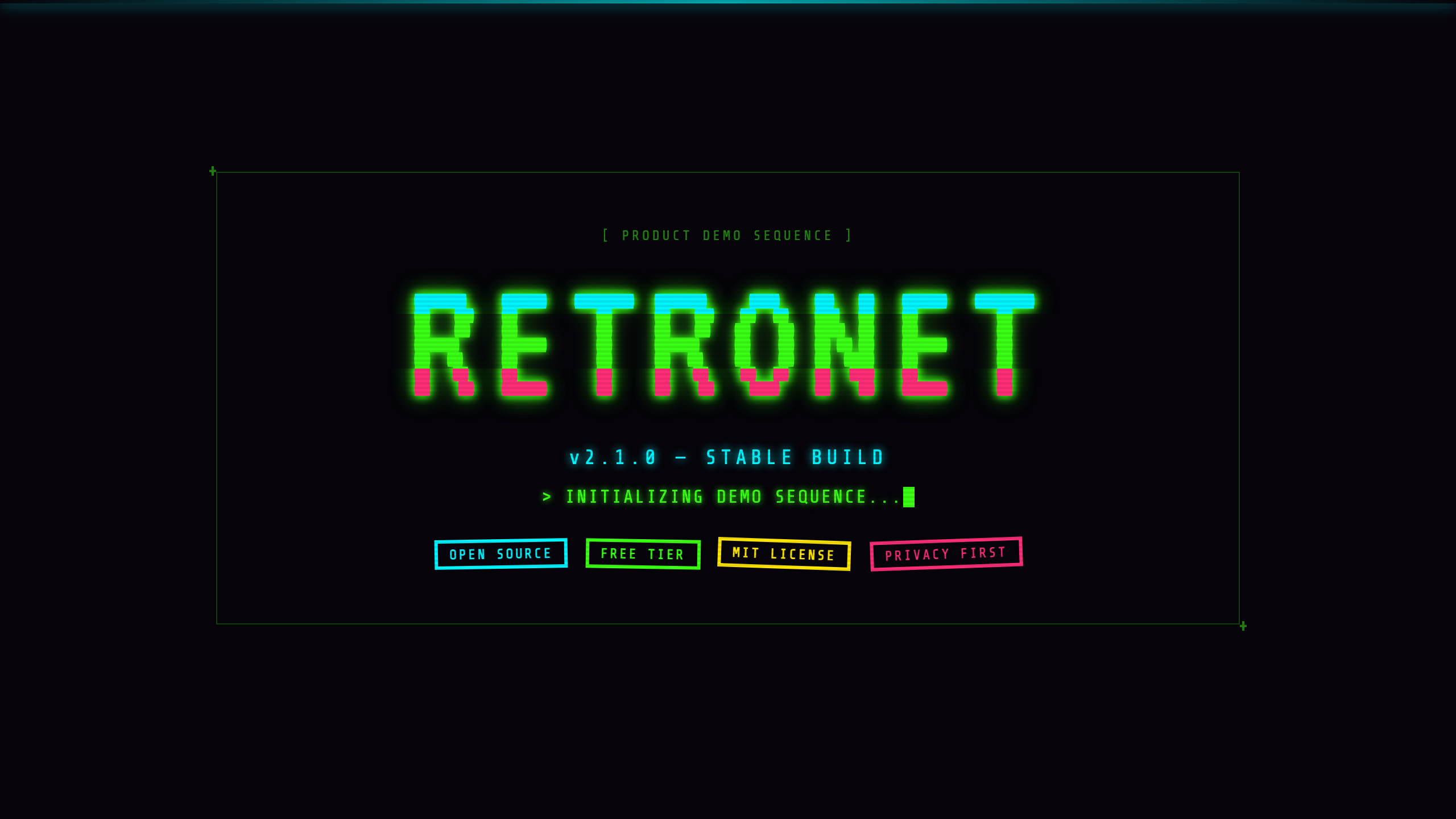
CRT phosphor — acid green glow, scanlines, monospace. Gallery: RetroNet.
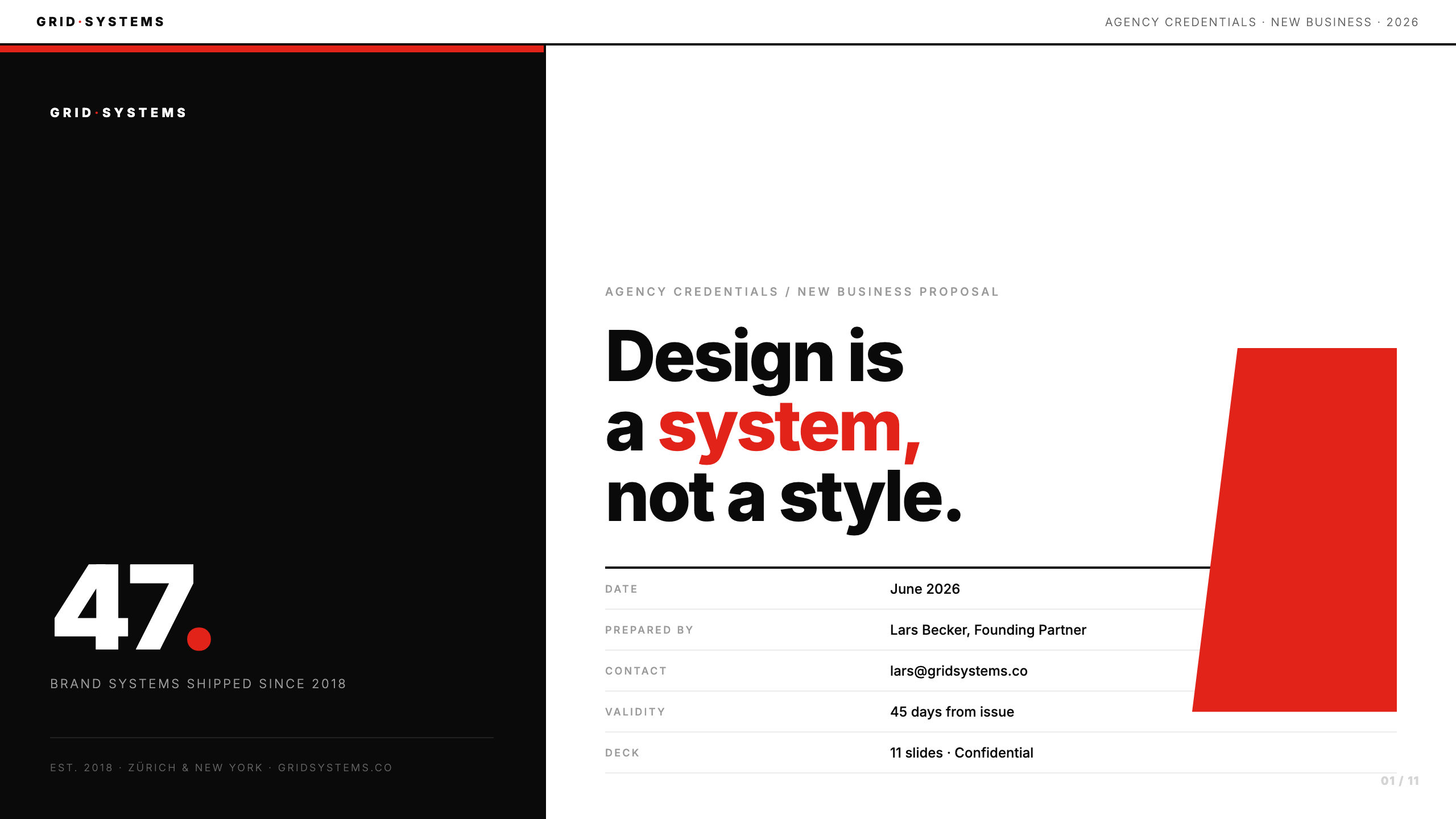
Swiss grid — white field, signal red, bold grotesk, zero radius. Gallery: Grid Systems.
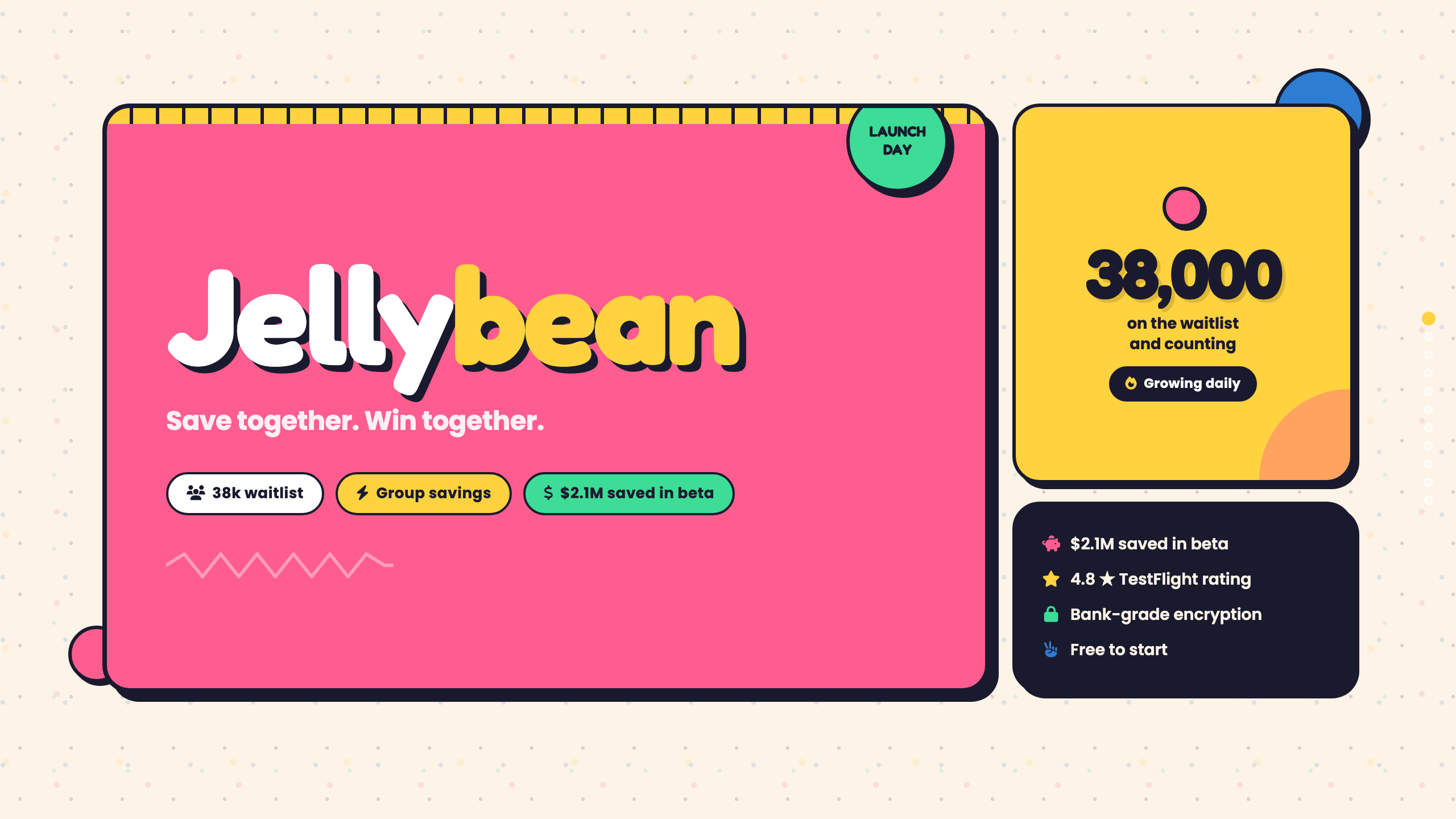
Candy pop — cream, hot pink + butter yellow, soft blobs. Gallery: Jellybean.
Aerospace HUD — navy cockpit, cyan instruments, warning orange. Gallery: Axiom.
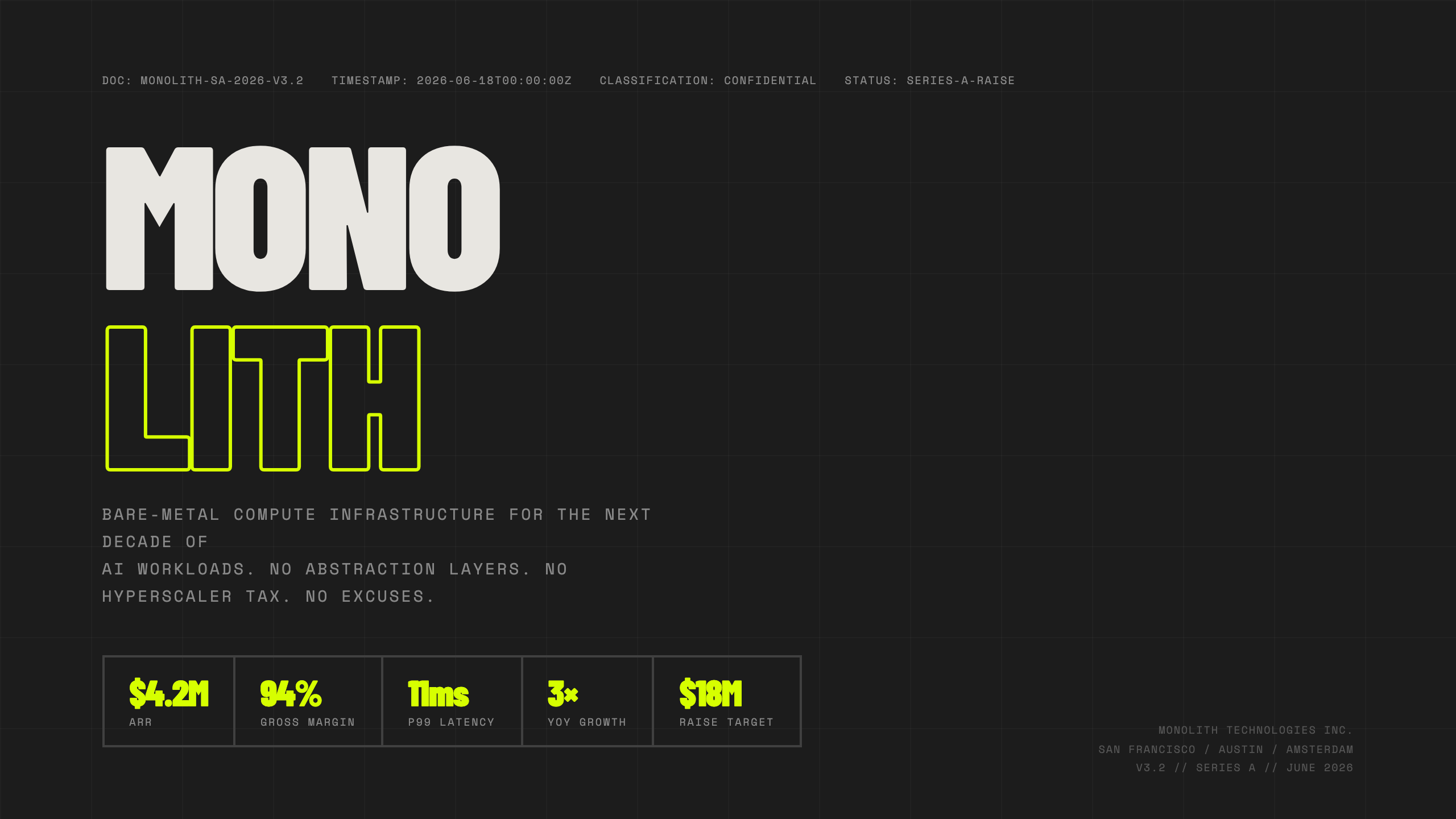
Dark acid brutalist — electric lime on near-black. Gallery: MONOLITH.
Bauhaus primaries — cream, red, blue geometry. Gallery: Primary.
Y2K aero — icy bubbles, chrome cyan + hot pink. Gallery: BubbleFlow.
Risograph zine — kraft paper, magenta + teal overprint. Gallery: Inkwell.
Neon noir — wet asphalt, magenta + cyan rain. Gallery: Neon District.
Vaporwave — purple dusk, pink sunset, teal chrome grid. Gallery: Mallsoft.
Botanical luxe — forest green, gold leaf, serif. Gallery: Verdant.
Heritage editorial — parchment, terracotta. Gallery: Atelier.
Fintech clean — violet + mint. Gallery: Ledgerline.
Developer dark — GitHub night. Gallery: Forge.
Data editorial — navy + chart red. Gallery: Signalbox.
Scandinavian hygge — linen, sage, clay. Gallery: Hygge.
Art Deco — emerald + gold. Gallery: Meridian Club.
Kinetic Wrapped — acid lime on black. Gallery: Pulse.
Engineering blueprint — navy + cyan grid. Gallery: Apsis.
Soft glass — icy mist, indigo + cyan. Gallery: CloudPeak.
Newspaper broadsheet — newsprint + ink masthead. Gallery: Daily Ledger.
A warm magazine spread — Cormorant on cream with soft pastel candy cards. Frontend-slides fidelity.
Penguin-classic quiet — forest green and dusty rose on oat cream. Frontend-slides fidelity.
Yellow legal pad pinned with cobalt ink — field notebook energy. Frontend-slides fidelity.
Gallery wall colorfield — one periwinkle, chartreuse italic serif. Frontend-slides fidelity.
Magazine block grid — ecru, ink, electric lemon panels. Frontend-slides fidelity.
Independent arts publication — only three colors, ever. Frontend-slides fidelity.
Neo-brutalist zine — cream, 4px ink borders, loud color blocks. Frontend-slides fidelity.
Ink-on-fire protest poster — dark canvas, single fire-orange blast. Frontend-slides fidelity.
Confident high-impact — orange card on dark charcoal. Frontend-slides fidelity.
Cream paper notebook with colorful section tabs on the edge. Frontend-slides fidelity.
Electric blue left / dark right — neon yellow voltage. Frontend-slides fidelity.
Economist restraint × private briefing — cream and navy linked by antique gold. Frontend-slides fidelity.
Split-panel studio — white top energy, electric blue field, Manrope mass. Frontend-slides fidelity.
Elegant dark botanical — soft abstract blooms, warm terracotta and blush on void. Frontend-slides fidelity.
Friendly pastel geometry — white card on sky wash with vertical edge pills. Frontend-slides fidelity.
Playful split pastel — peach left, lavender right, badge pills. Frontend-slides fidelity.
Witty vintage editorial — Fraunces on cream, geometric circle/line accents. Frontend-slides fidelity.
Literary paper & ink — drop-cap energy, crimson rules, thoughtful serif stack. Frontend-slides fidelity.
Art-biennale catalogue — solar yellow bloom on parchment, deep indigo Instrument Serif. Frontend-slides fidelity.
Populist editorial poster — massive Shrikhand, single fire-engine red, literary body. Frontend-slides fidelity.
Travel-poster coral — cream/coral/ink planes, Bebas Neue caps, 45° hatch. Frontend-slides fidelity.
Fashion masthead — emerald field, navy Bodoni Moda, double-rule ornaments. Frontend-slides fidelity.
Cassette-package cream — chroma stamps, Big Shoulders Display. Frontend-slides fidelity.
After-hours couture — black canvas, hot fuchsia, DM Serif Display. Frontend-slides fidelity.
Neobrutalist pastel blocks — chunky black borders, hard shadows. Frontend-slides fidelity.
Memphis pills on bone — Bodoni Moda + candy coral/lime. Frontend-slides fidelity.
Graph-paper cobalt — Newsreader serifs, stair-step panels. Frontend-slides fidelity.
Pixel neon arcade — navy void, cyan/pink/yellow HUD. Frontend-slides fidelity.
High-voltage studio — near-black + acid yellow binary, Barlow 900 as shape. Frontend-slides fidelity.
Literary monograph — forest green, Playfair 400, rust italic accent. Frontend-slides fidelity.
Post-it workshop board — sticky pastels, Shrikhand + Caveat. Frontend-slides fidelity.
WPA protest poster — Alfa Slab, cobalt/amber, red shadow-only. Frontend-slides fidelity.
Win95 chrome — beveled windows, navy title bars, CRT scanlines. Frontend-slides fidelity.
Neo-brutalist grid — 3px ink borders, blush/sage fills, hard shadows. Frontend-slides fidelity.
Supper-club risograph — single rust ink on cream, Bricolage + Fraunces. Frontend-slides fidelity.
Mid-century material — dark sage, wood glow, burnt-orange accent. Frontend-slides fidelity.
Bone paper stencil — Stardos Stencil, earth tablet blocks. Frontend-slides fidelity.
Museum catalog — warm stone, Playfair, 1px taupe draft lines. Frontend-slides fidelity.
Ivory ledger — ultra-light Jost, zero chroma, Lora for quotes only. Frontend-slides fidelity.
Cream + electric cobalt — Space Grotesk, clean modern B2B. Frontend-slides fidelity.
Cheerful pastel stickers — Fredoka One, turquoise/pink/butter. Frontend-slides fidelity.
Riso-printed zine — khaki paper, forest green, Bebas + Caveat. Frontend-slides fidelity.
Every slide picks exactly one layout. The agent chooses the right one for the content; you can always override. Each layout is a purpose-built HTML/CSS template — no DIY needed.
Full-bleed hero with eyebrow, headline, and a lead line. Opens any deck.
Text on the left, image or content block on the right. Great for before/after or feature + visual pairs.
2, 3, or 4 icon cards in a grid. Icons from FontAwesome. The go-to for listing capabilities or pillars.
Large pull-quote with optional attribution. Perfect for a customer voice or a strong thesis statement.
A row of 2–4 big-number stats with labels. Punchy metrics — revenue, users, NPS, retention.
Numbered steps on a horizontal rail. Roadmaps, onboarding sequences, historical milestones.
Structured comparison or data table with column headers. Pricing tiers, feature matrices, benchmark results.
A minimal divider slide: number, heading, optional lead. Use to break a long deck into chapters.
Closing hero with a headline and a CTA button. Ends the deck with a clear next step or call to action.
Full-bleed photo with a bottom scrim and short caption. Cinematic product or story beats.
Side-by-side contrast — before/after, us vs them, option A vs B. Optional emphasis grows the winning column.
API / SDK snippet in window chrome. Dev demos, install recipes, one-file “aha” moments — plain text, HTML-escaped.
Theme-colored SVG charts — bar, line, area, pie, donut. Trends and composition without leaving Deck JSON.
Top-N bars with ranks and widths. Year wraps, leaderboards, and “what won” slides.
Customer / partner marks in a clean grid. Social proof without inventing custom HTML stickers.
Day-streak cells for wrap energy — filled vs total, Pulse-style craft beats.
Circular KPI with arc or badge ring. Percentile moments that stop the room.
Sanitized one-off art when schema layouts aren’t enough — still round-trips in Deck JSON + Studio.
Same energy as a bold template gallery — three craft layouts per flagship so you judge the vibe beyond the cover.
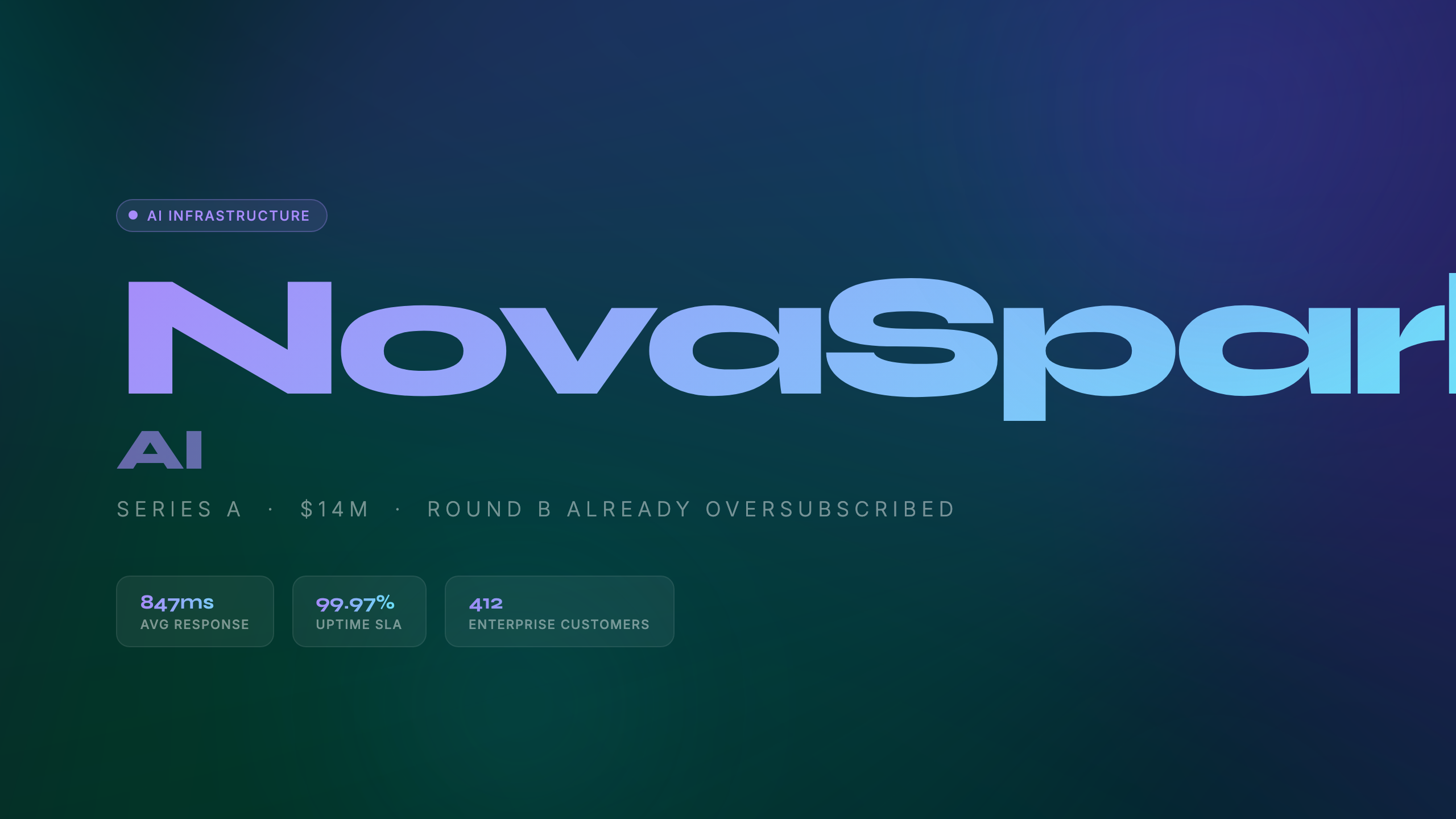
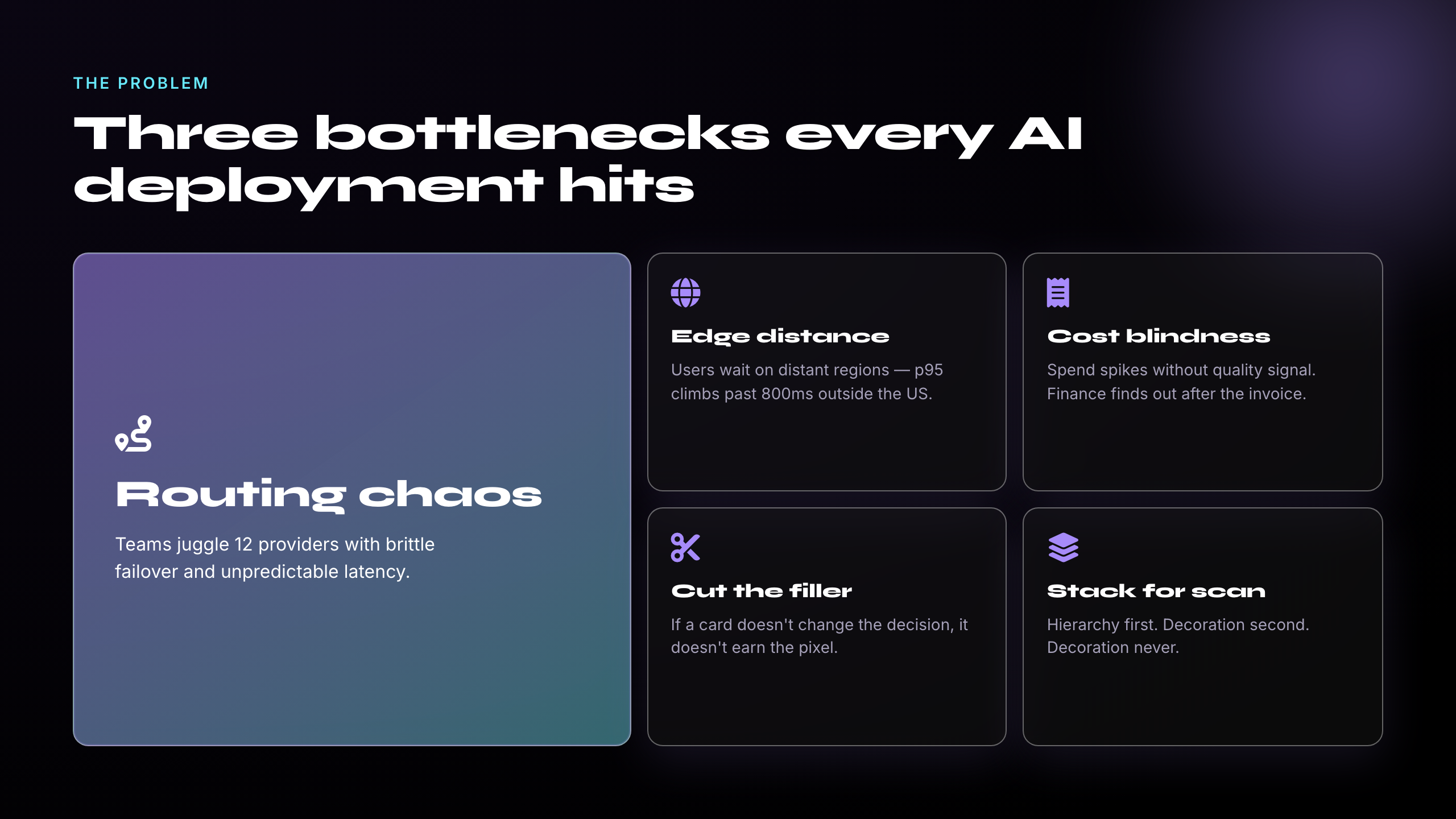
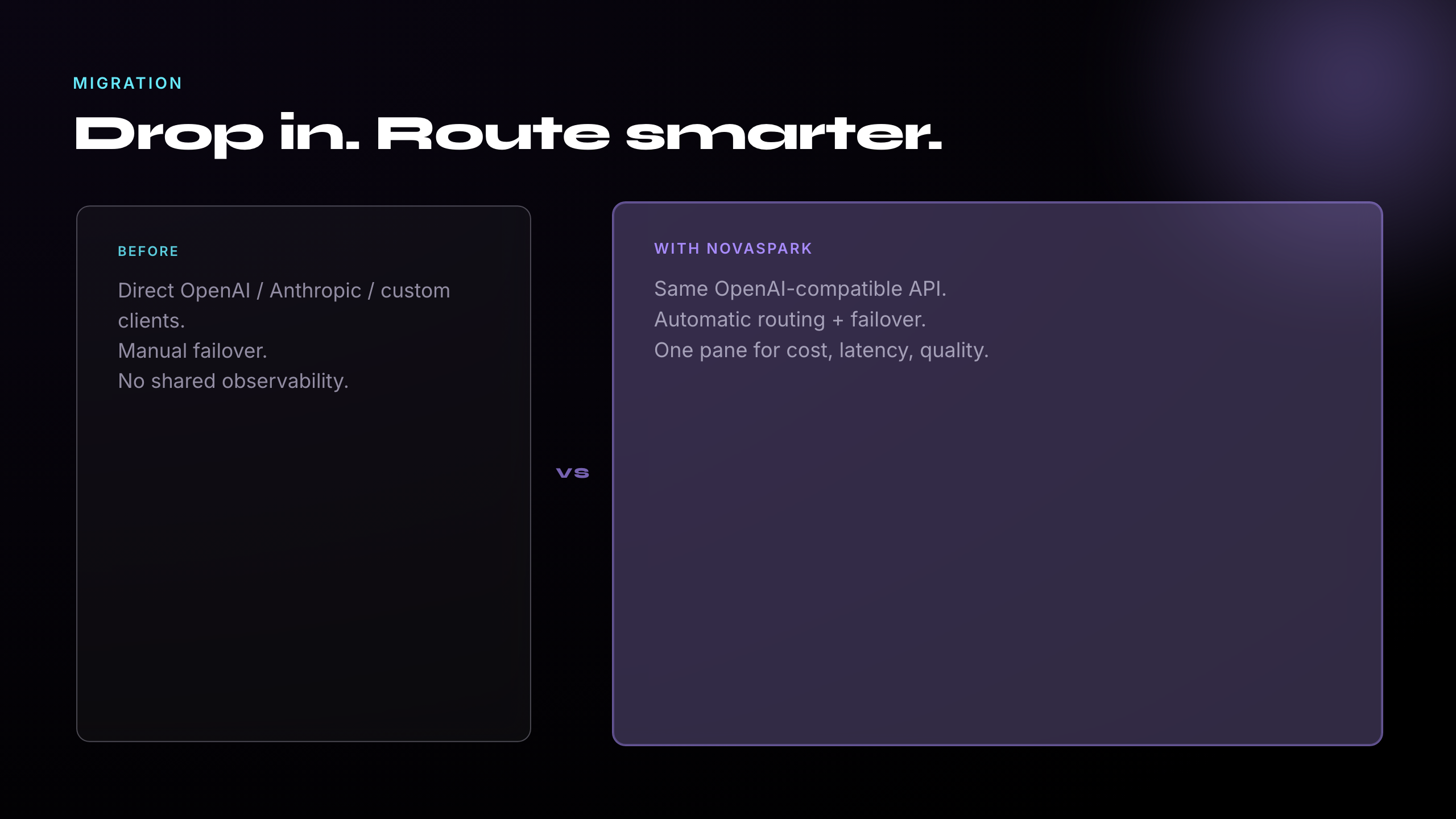
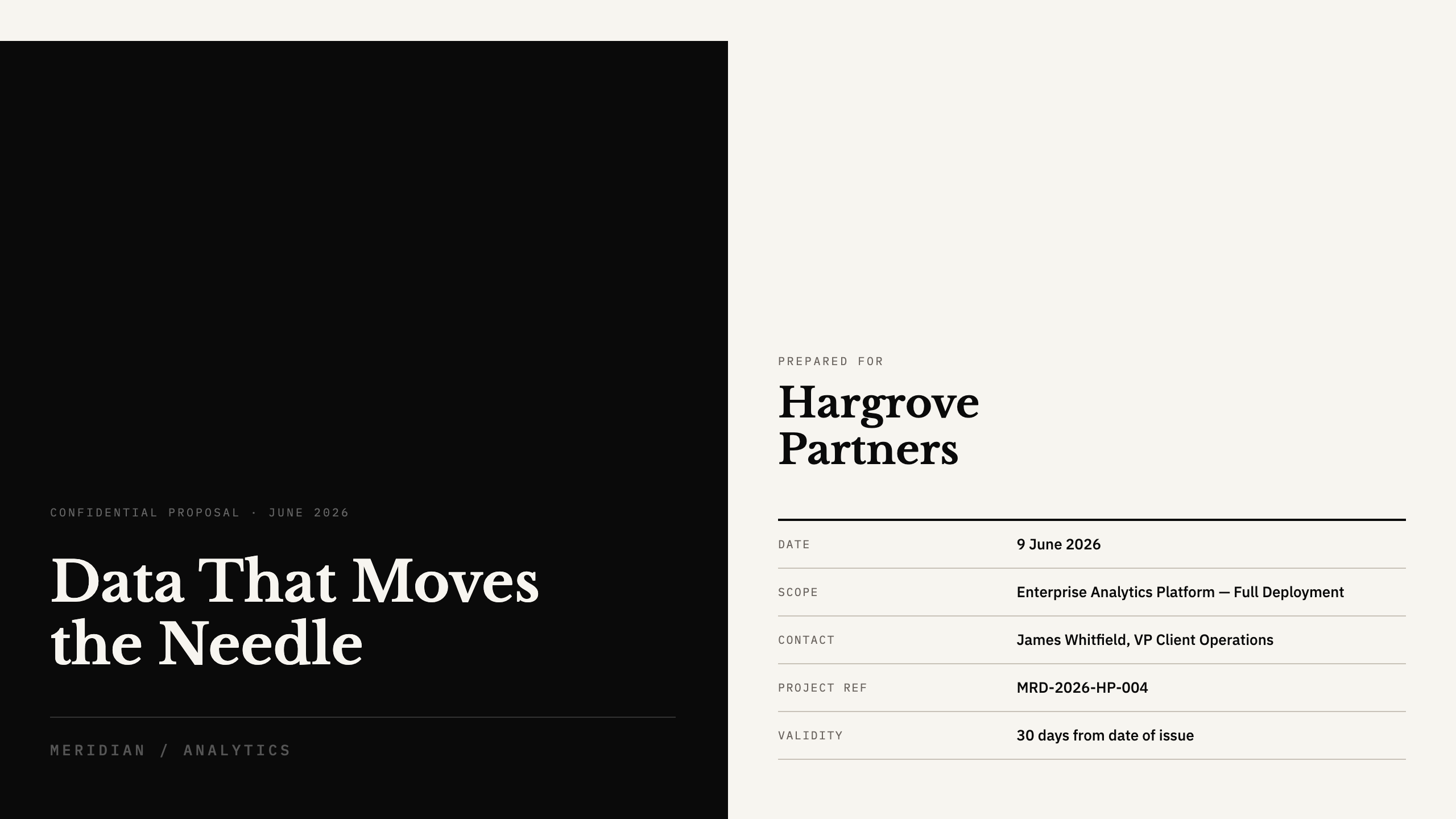
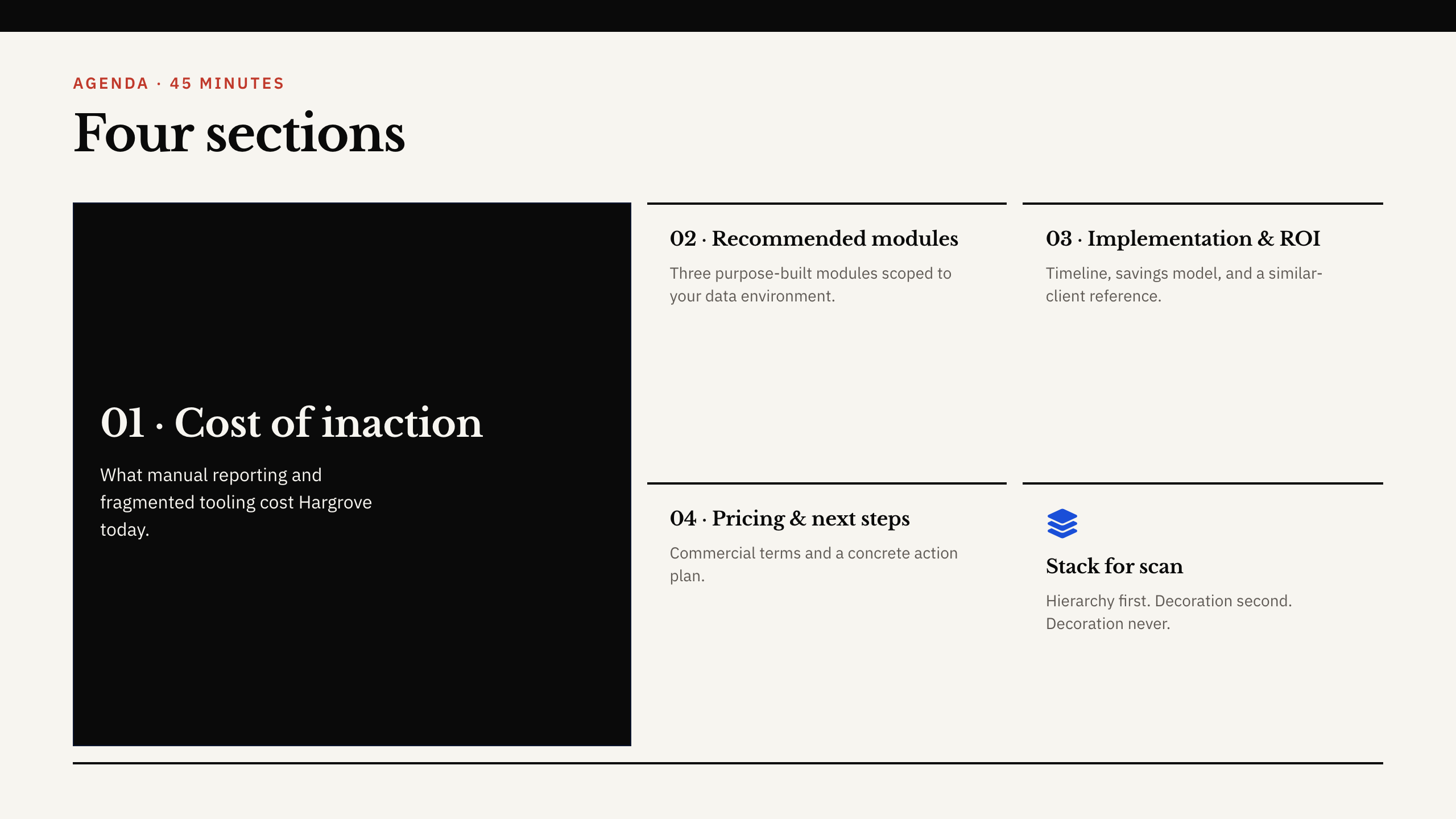
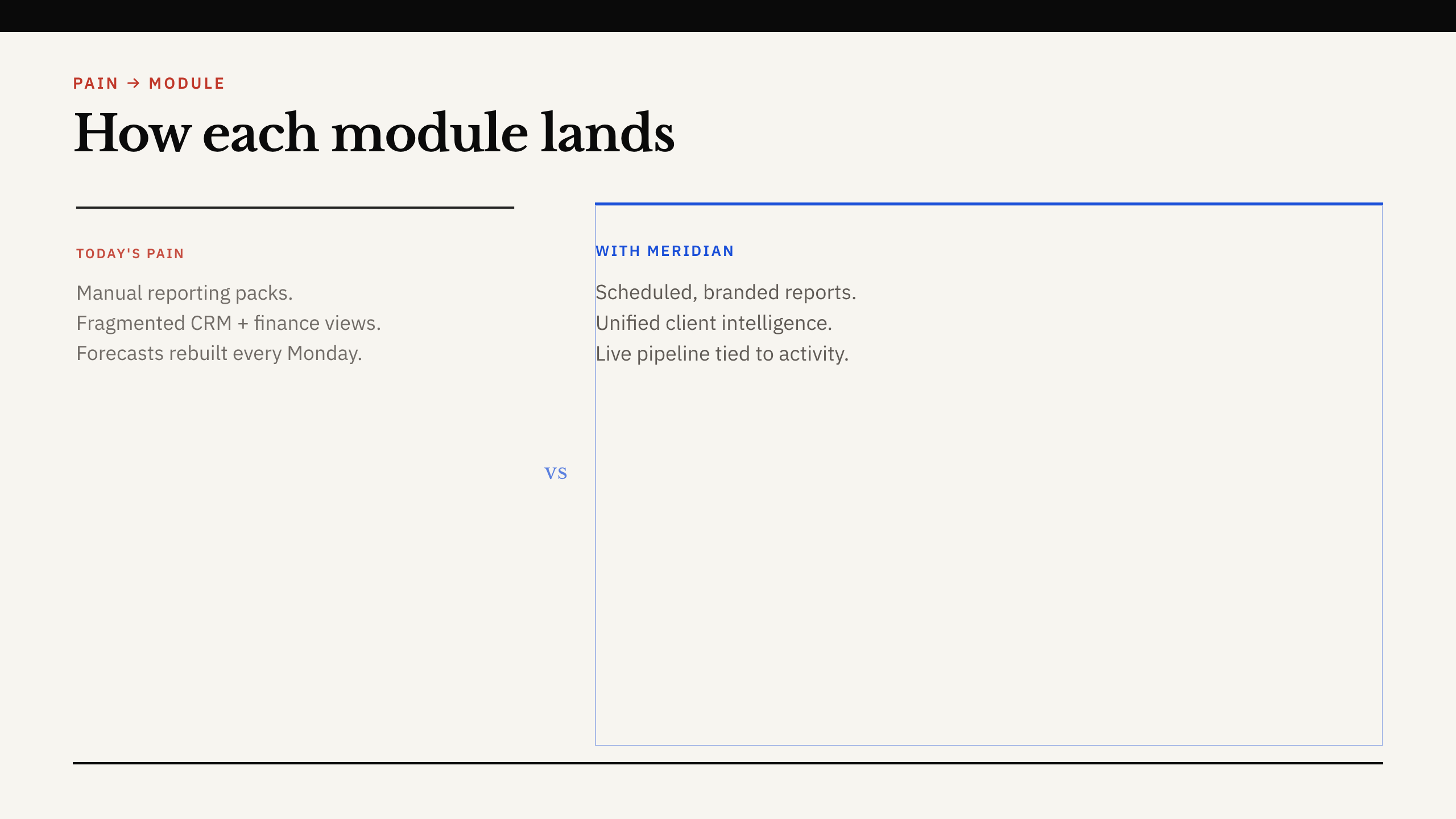
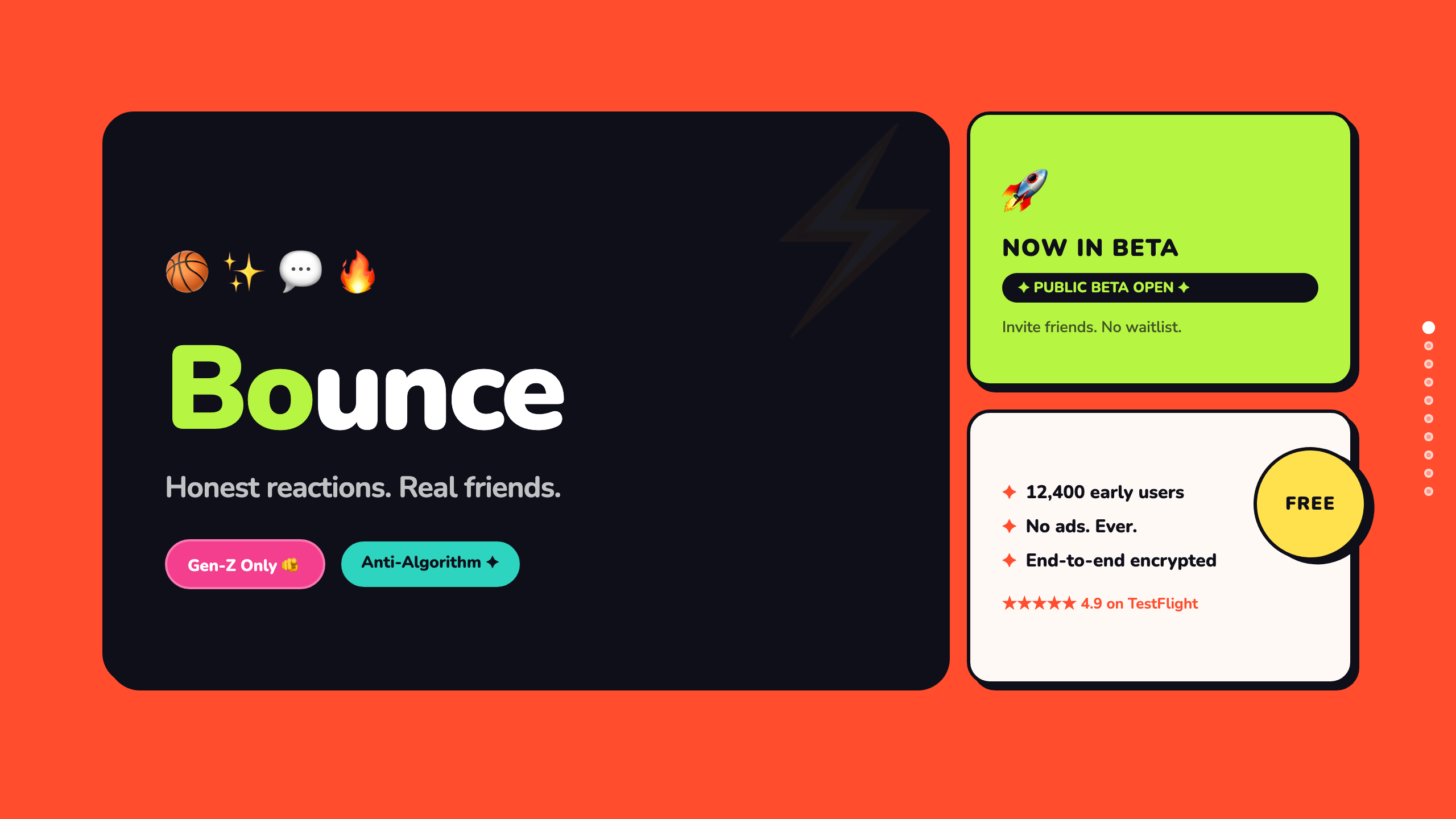
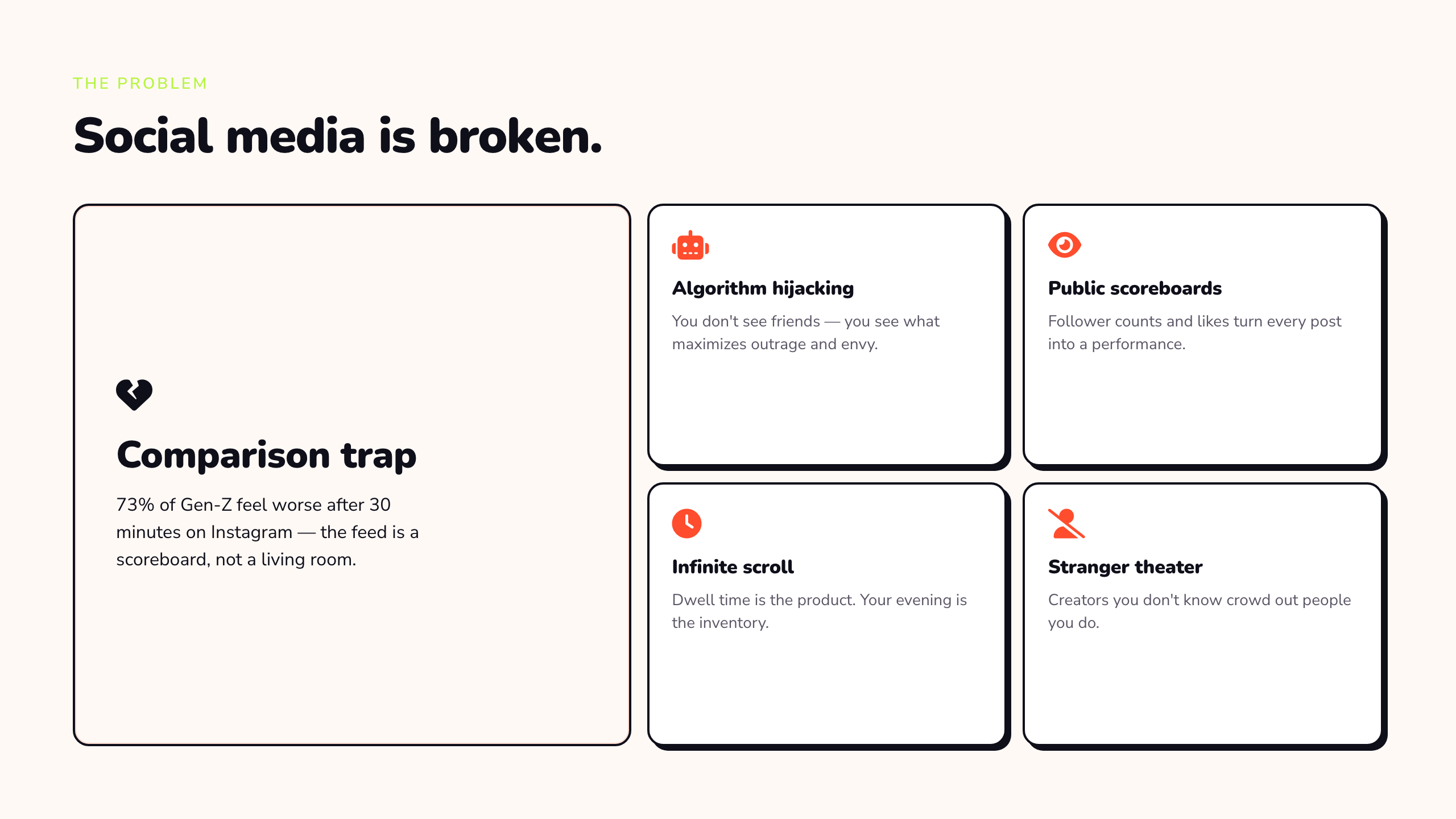
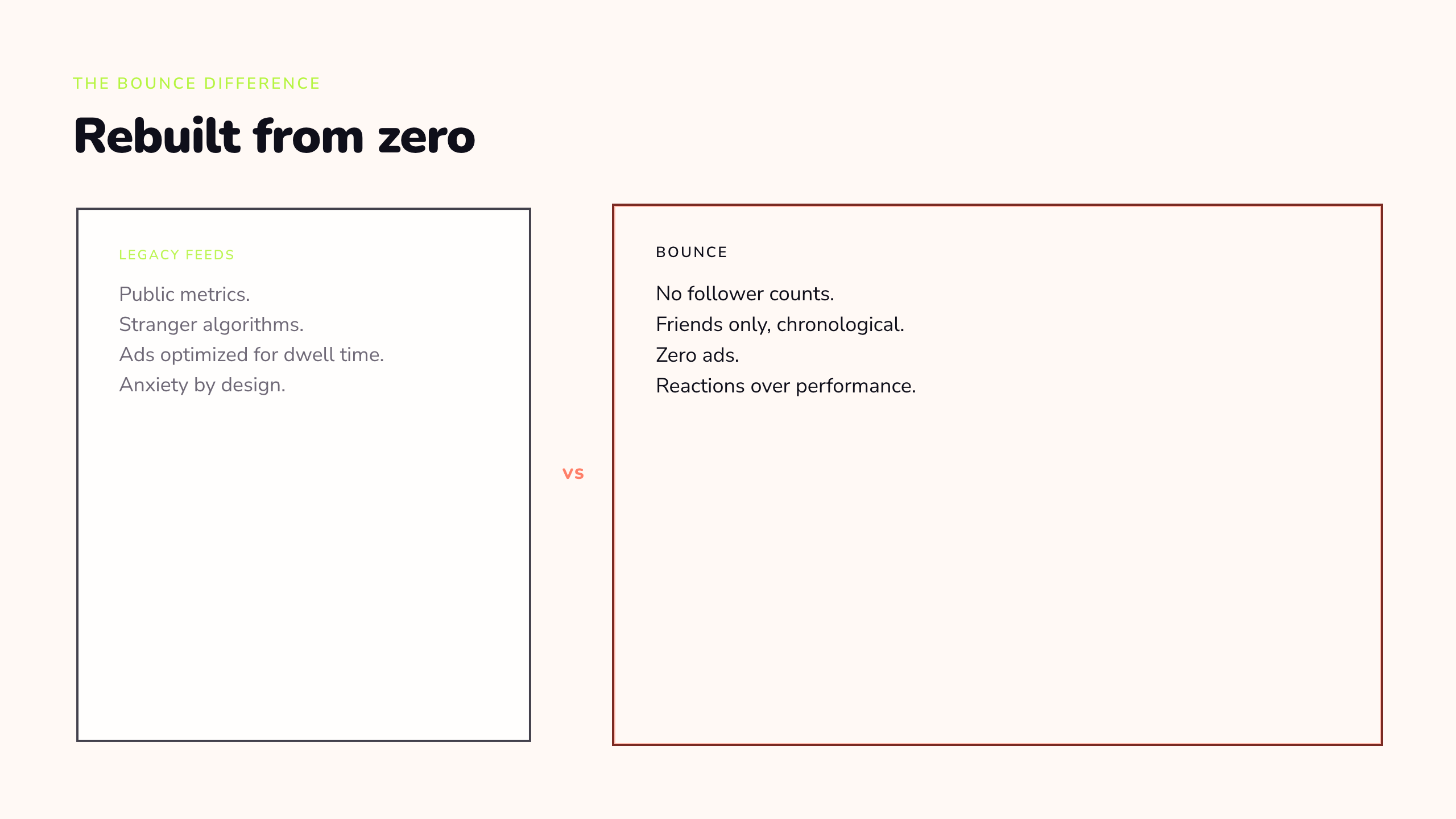
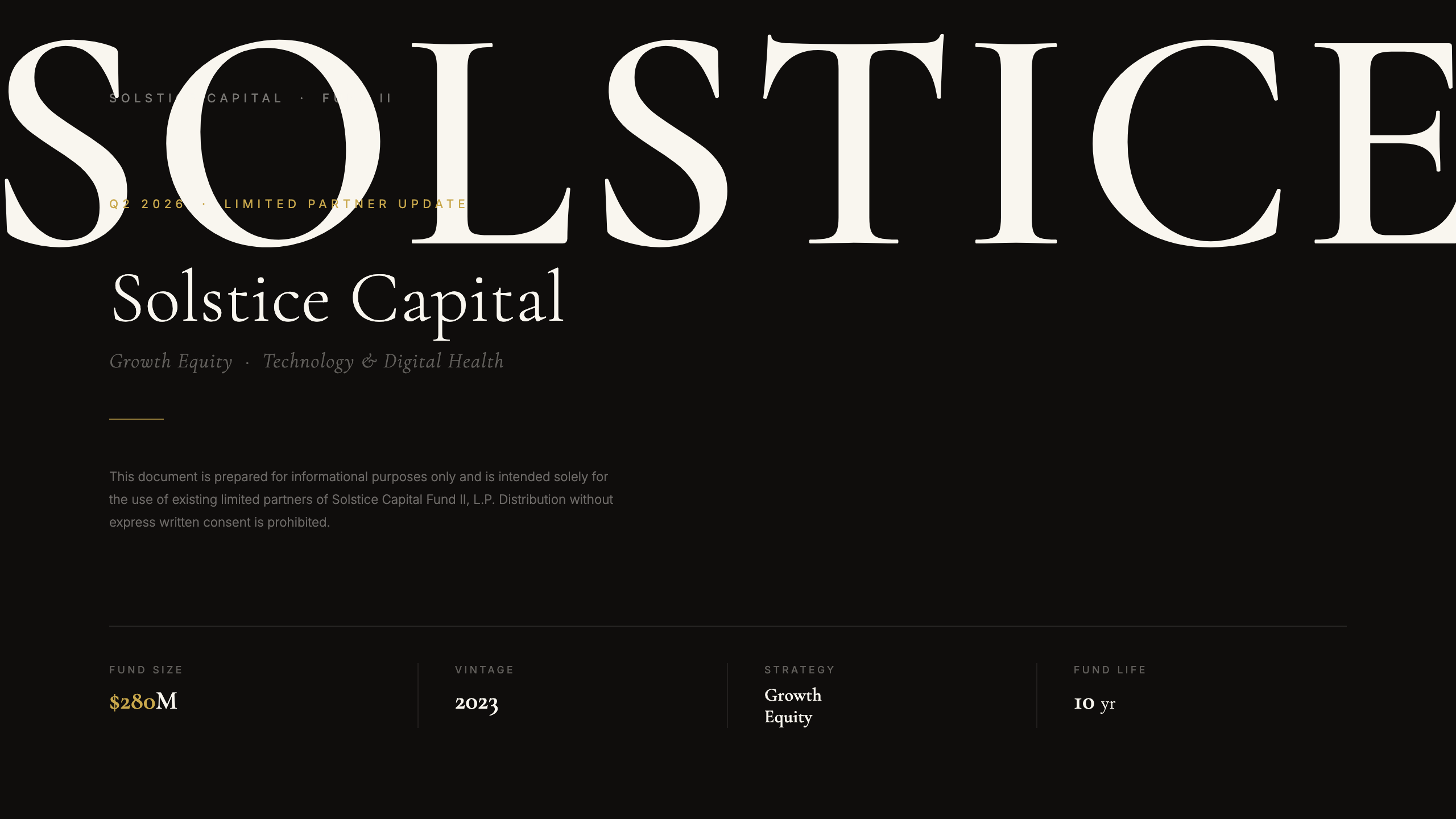
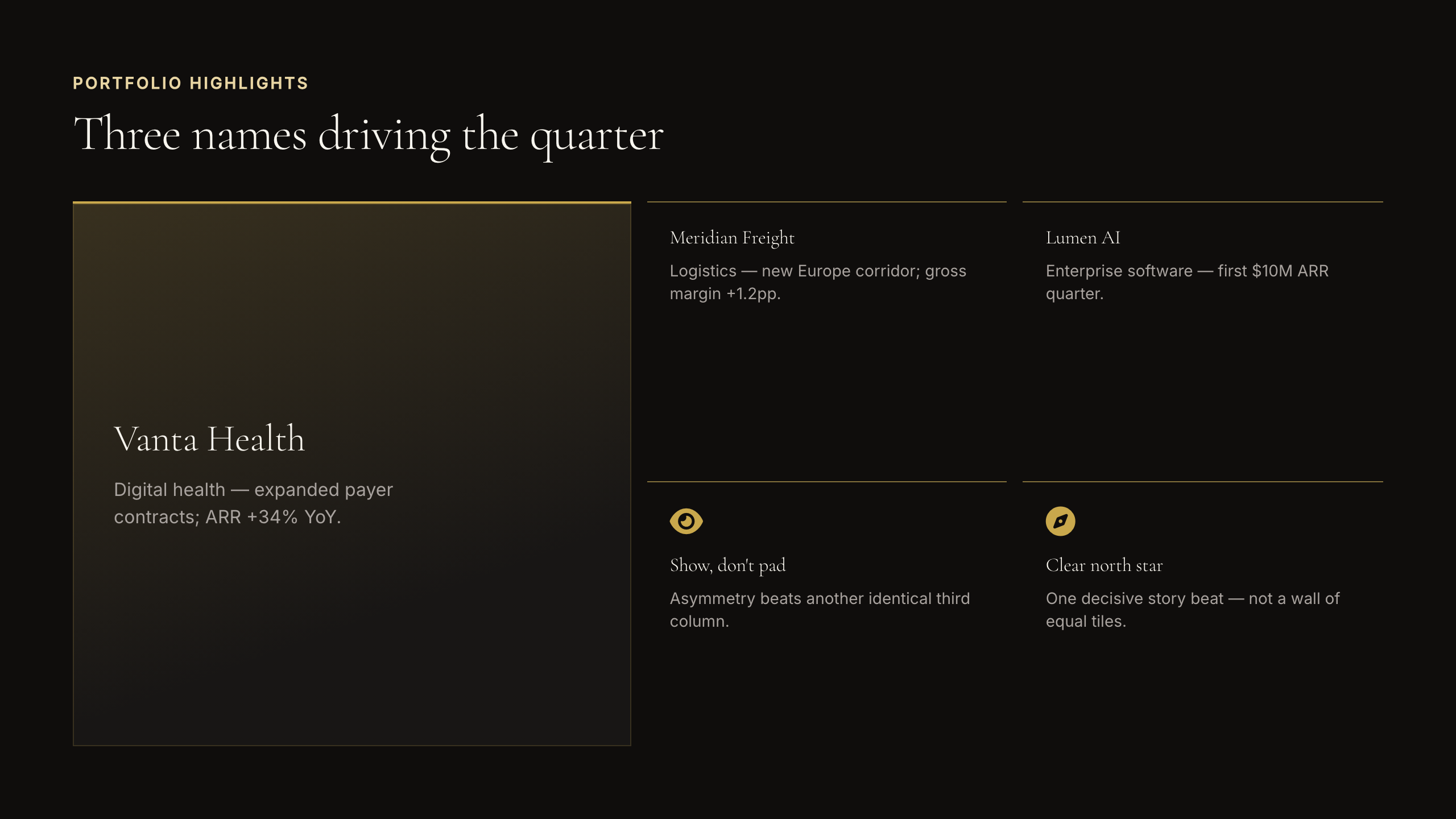
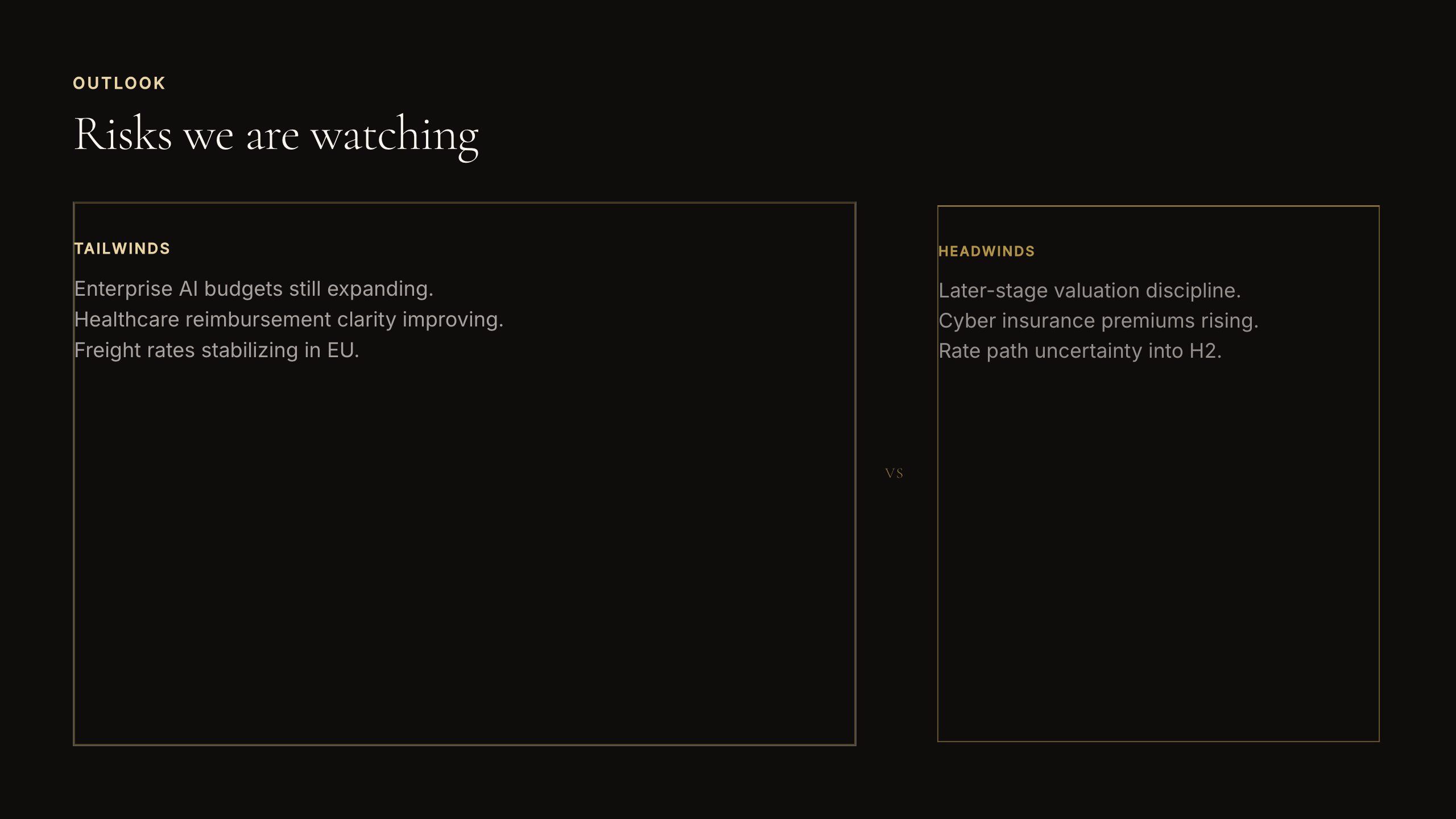
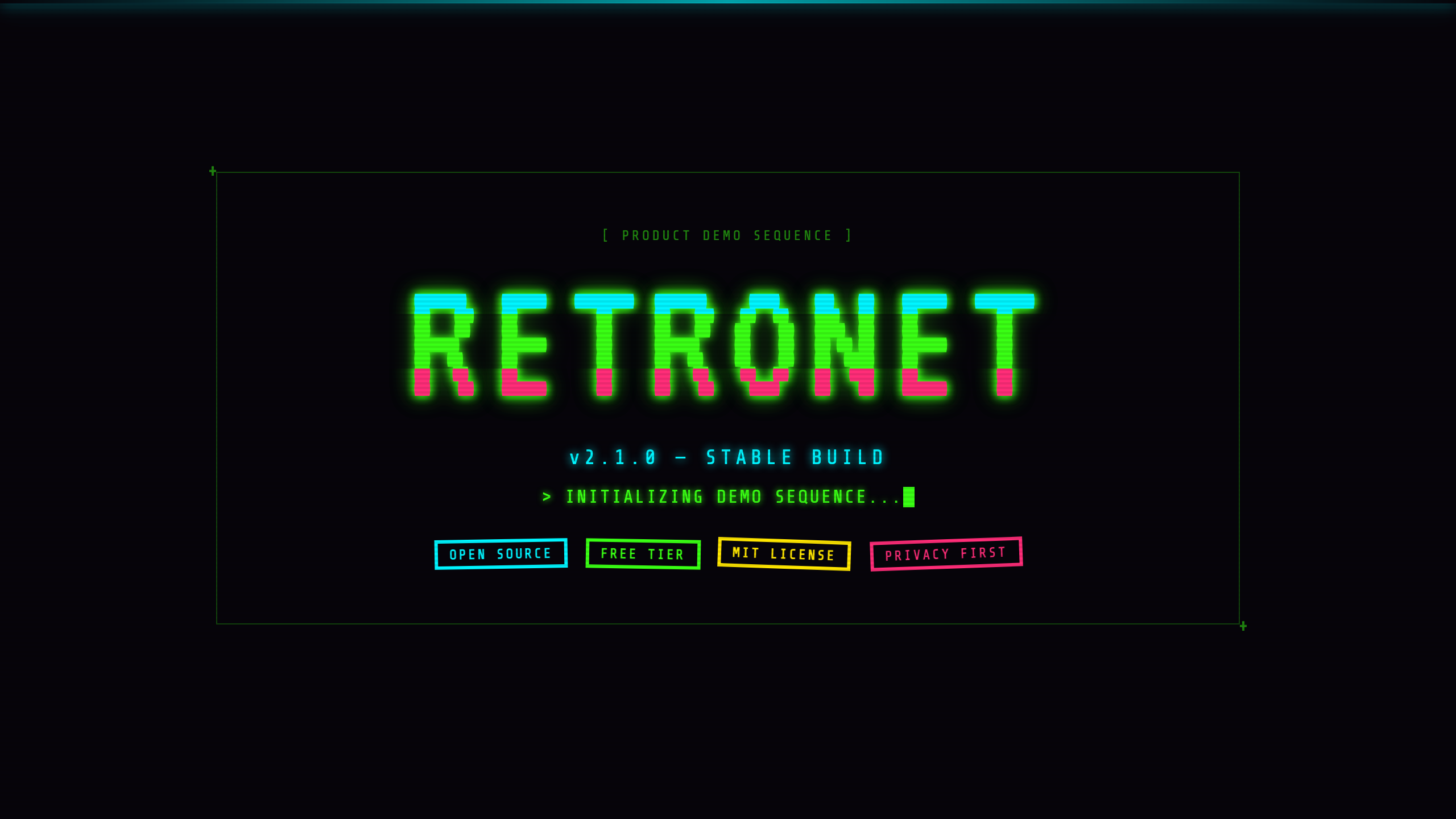
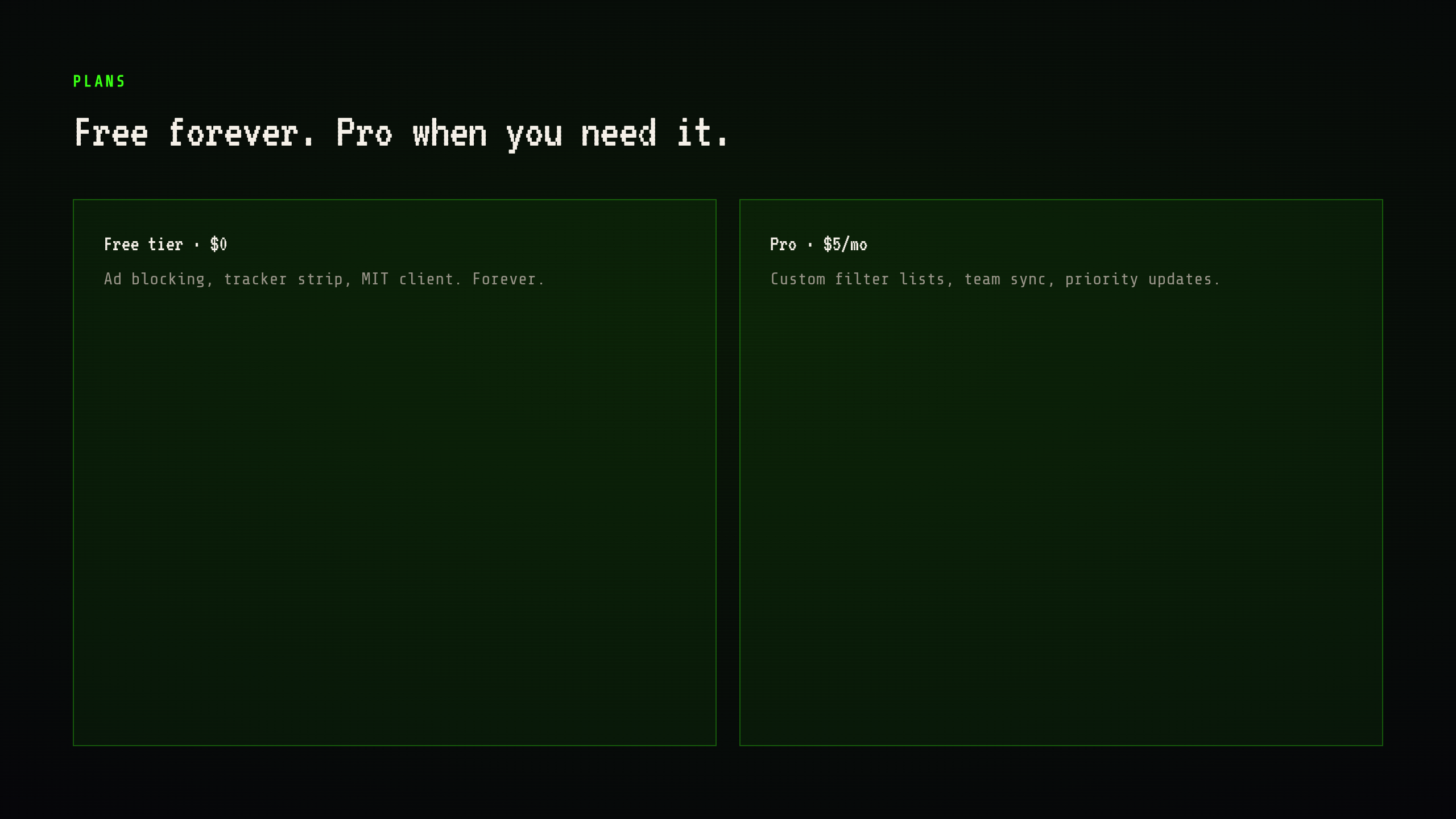
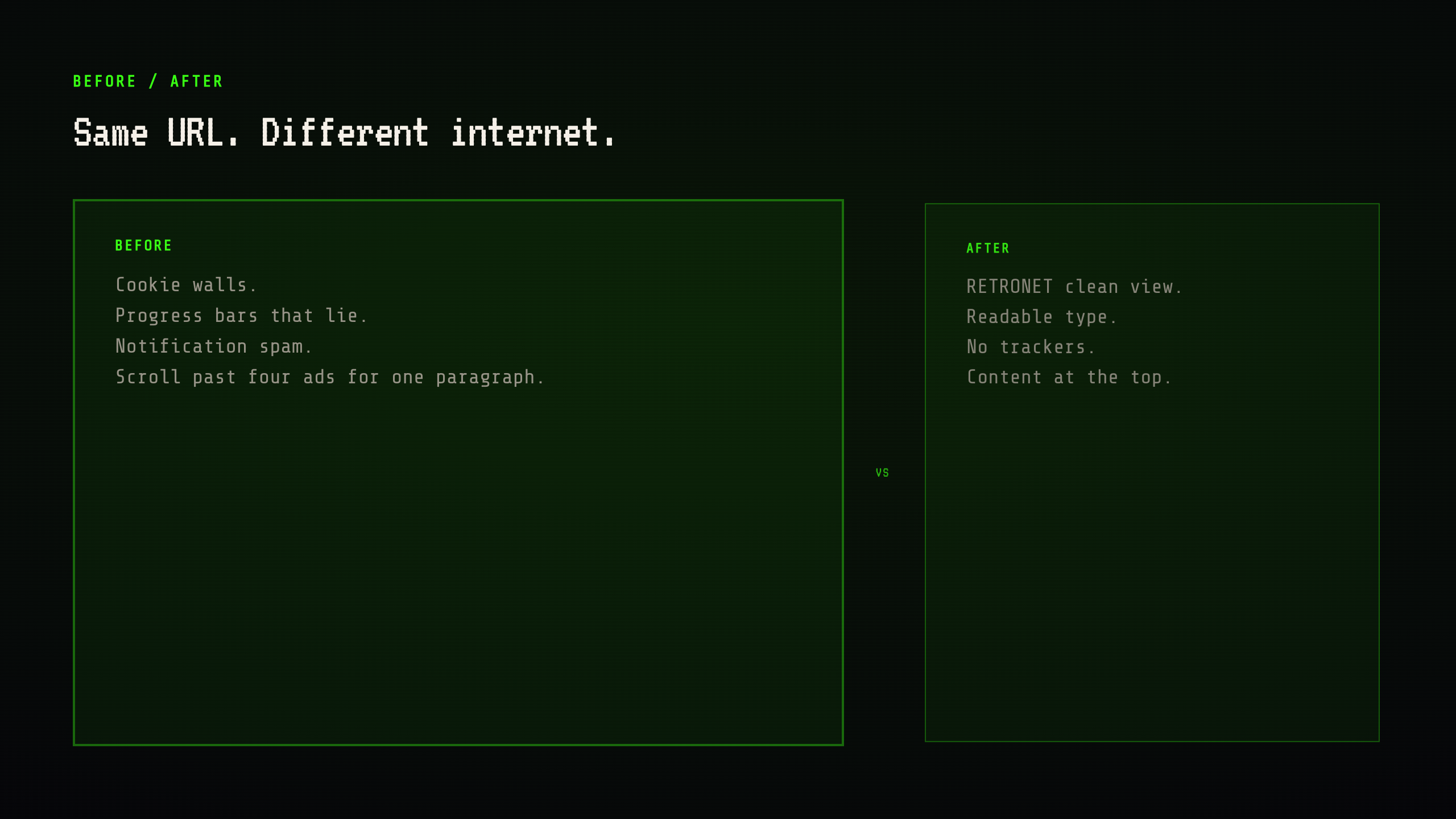
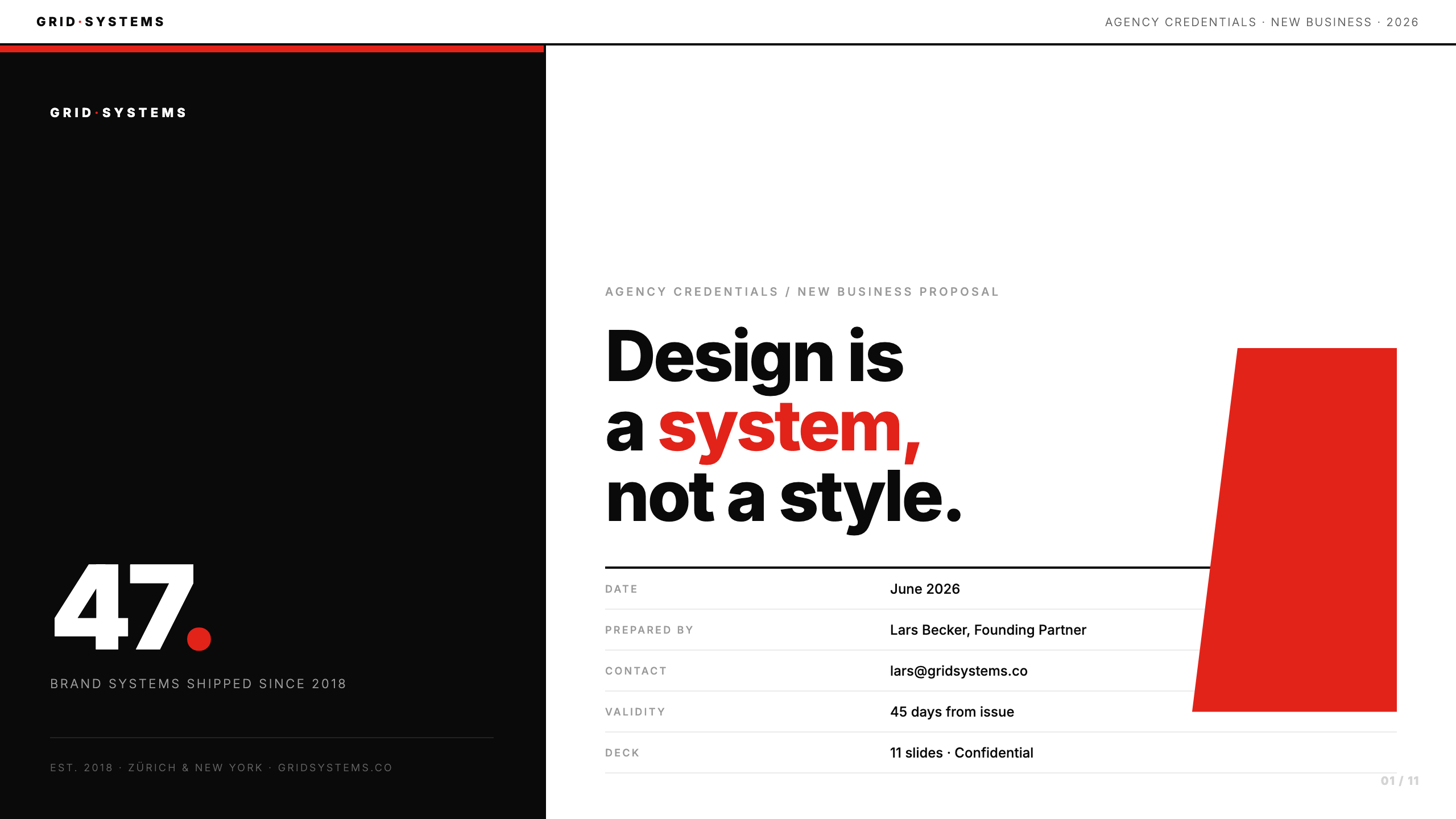
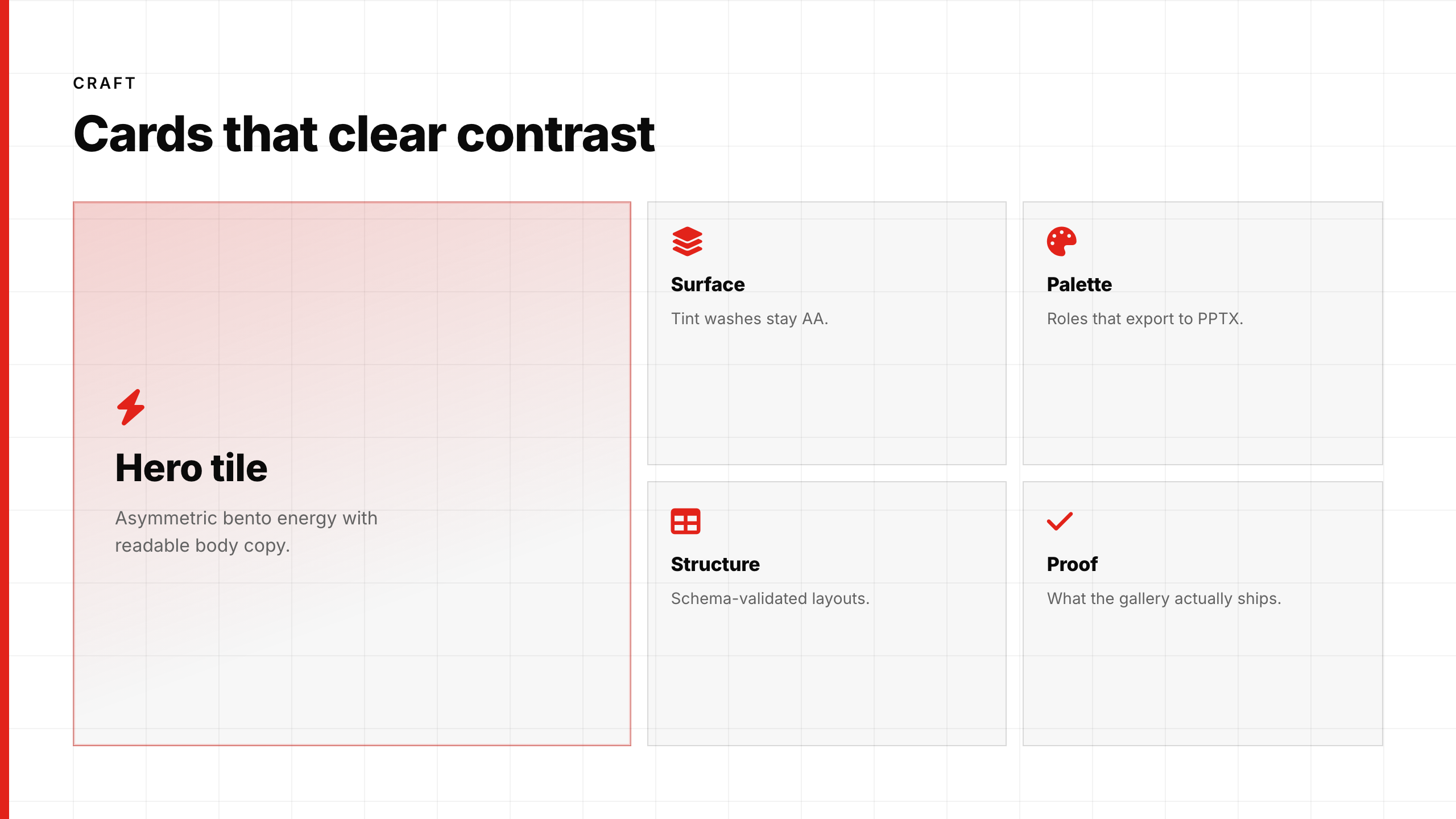
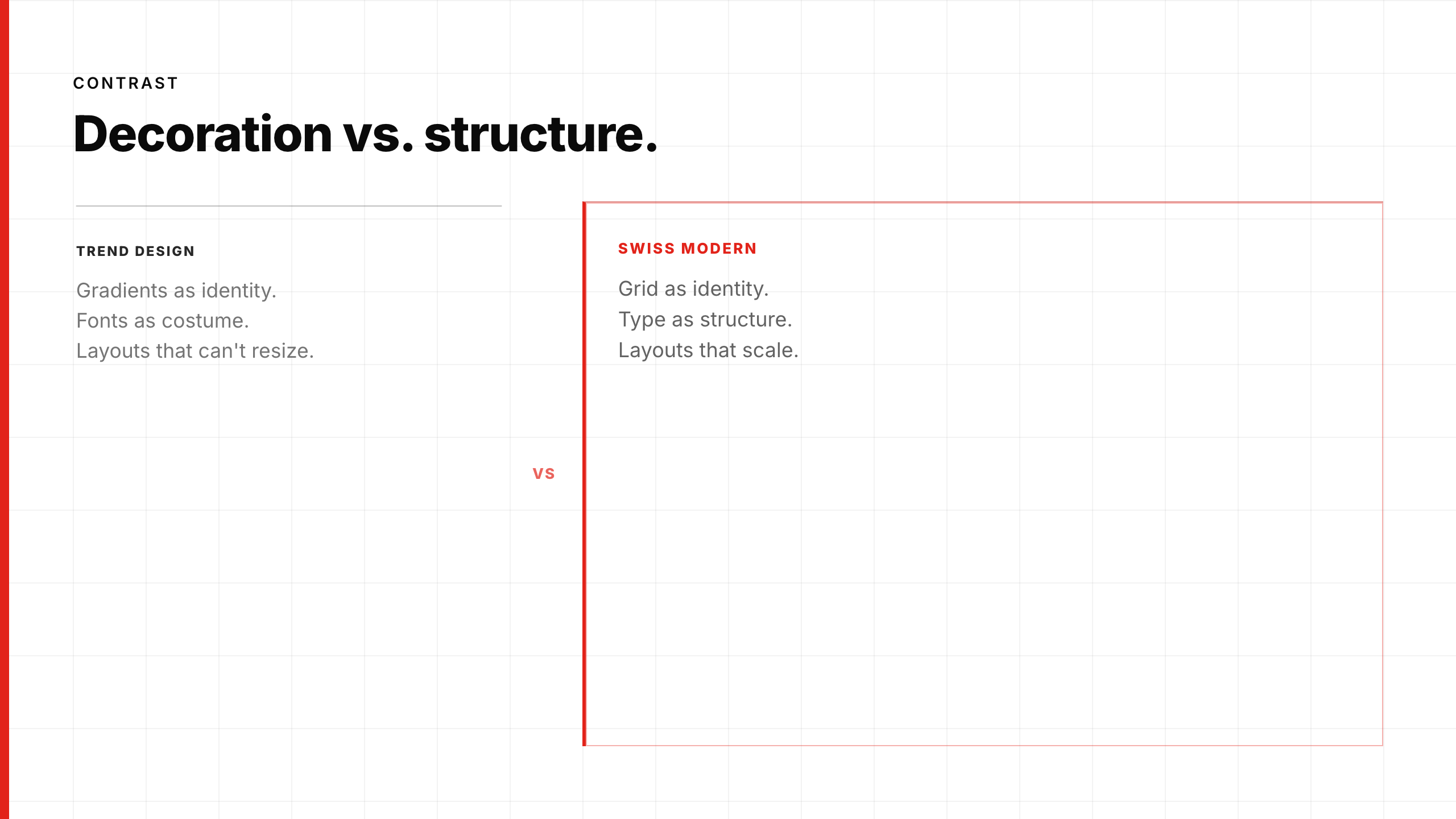
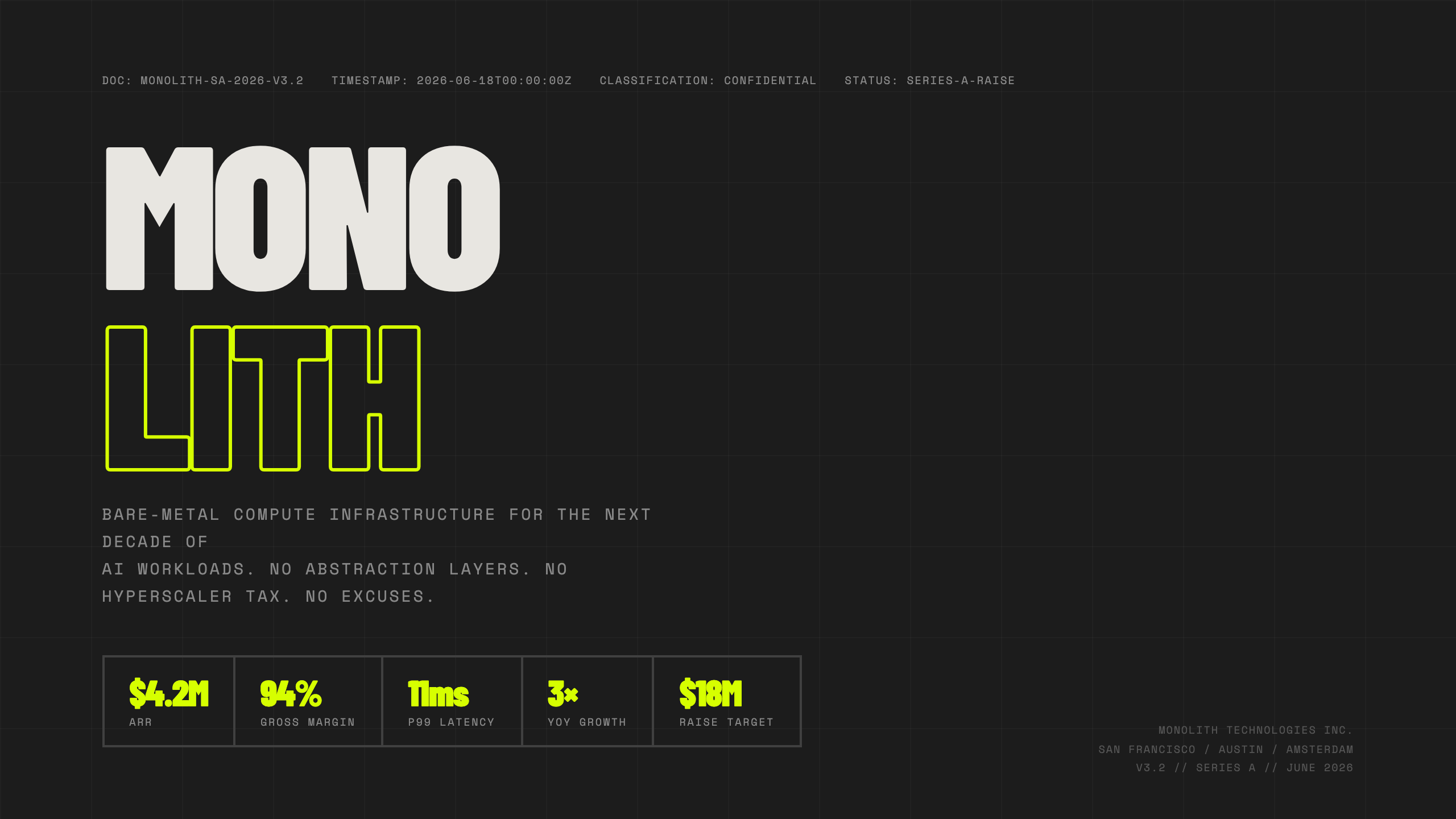
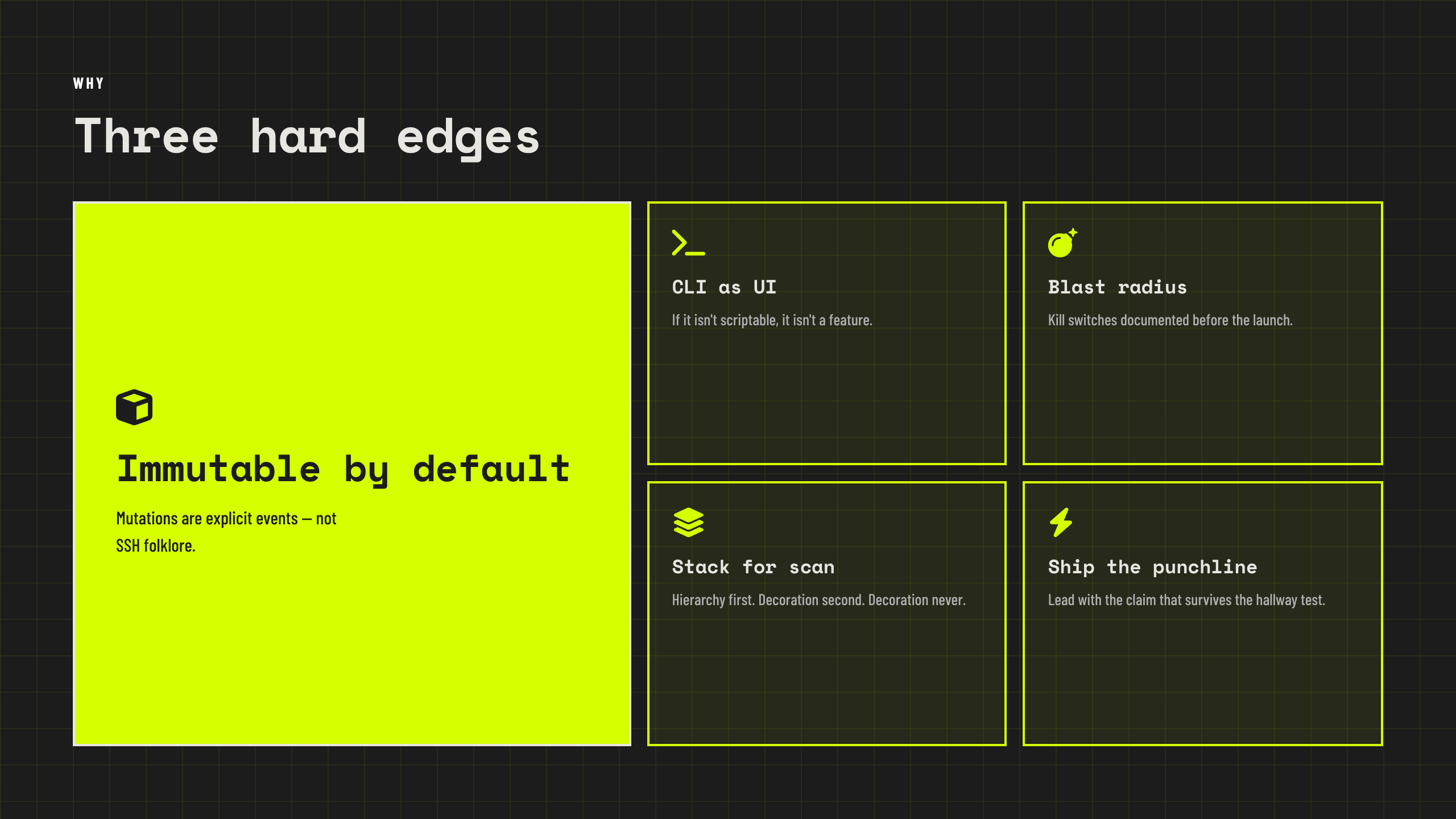
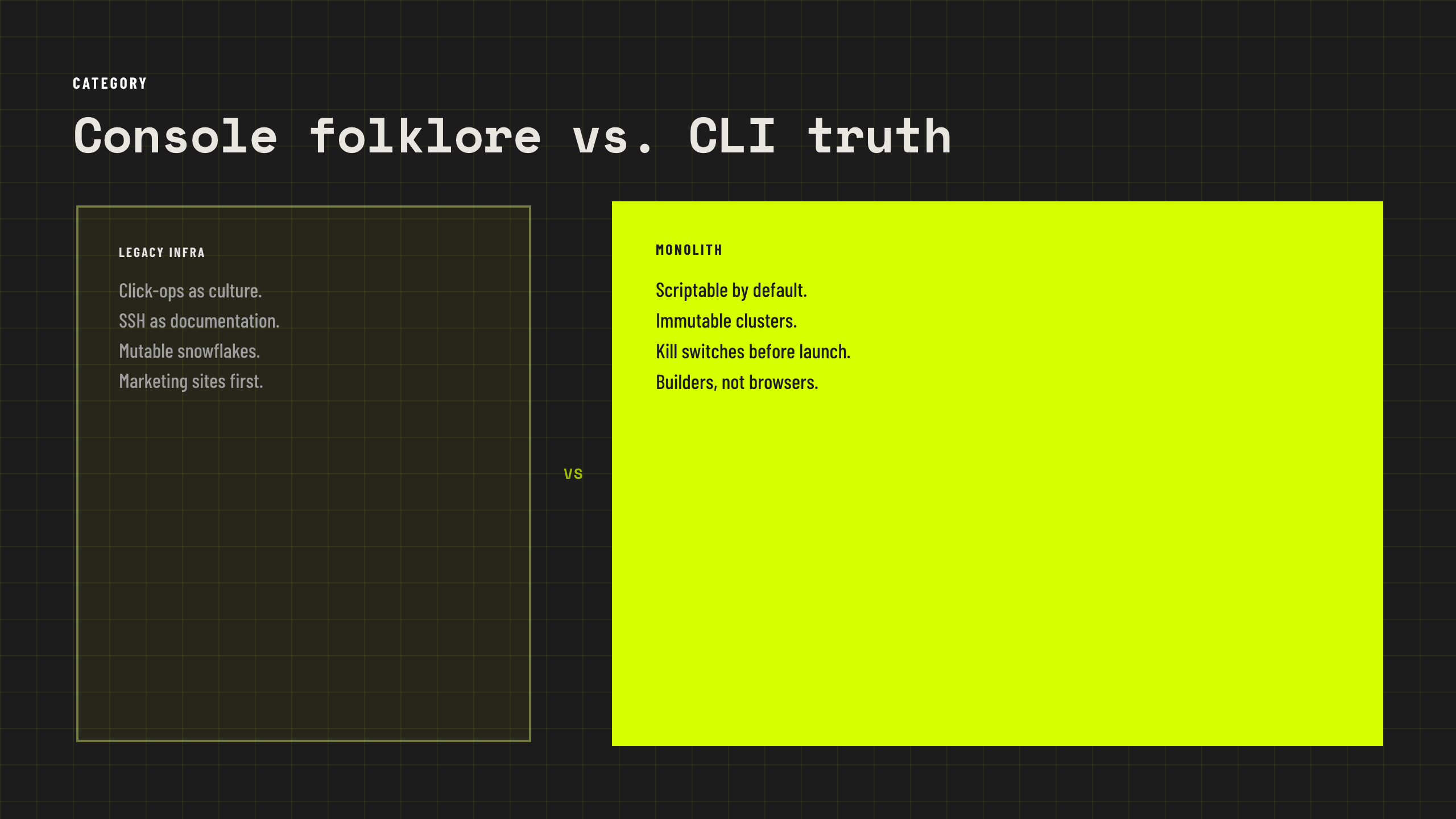
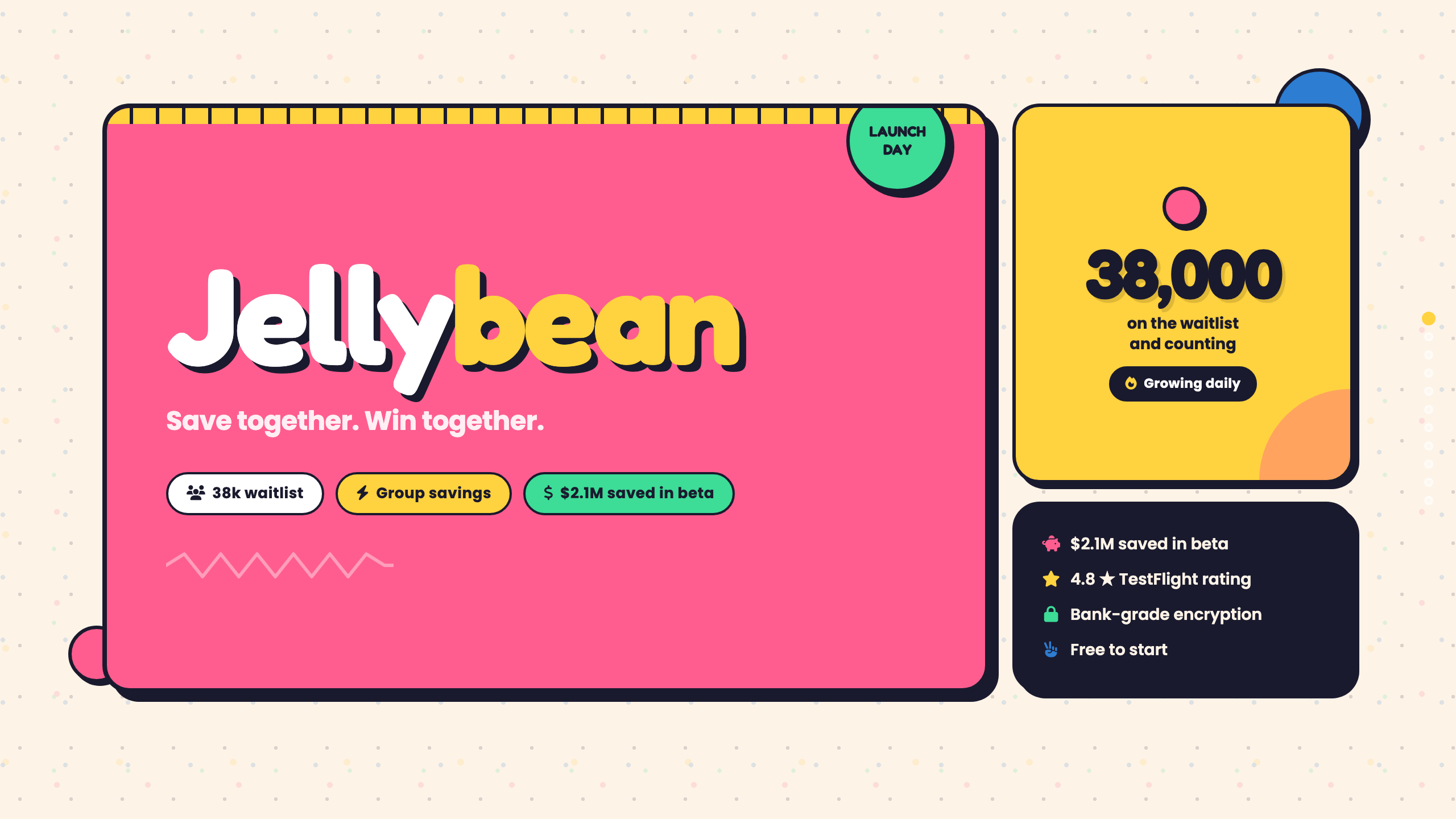
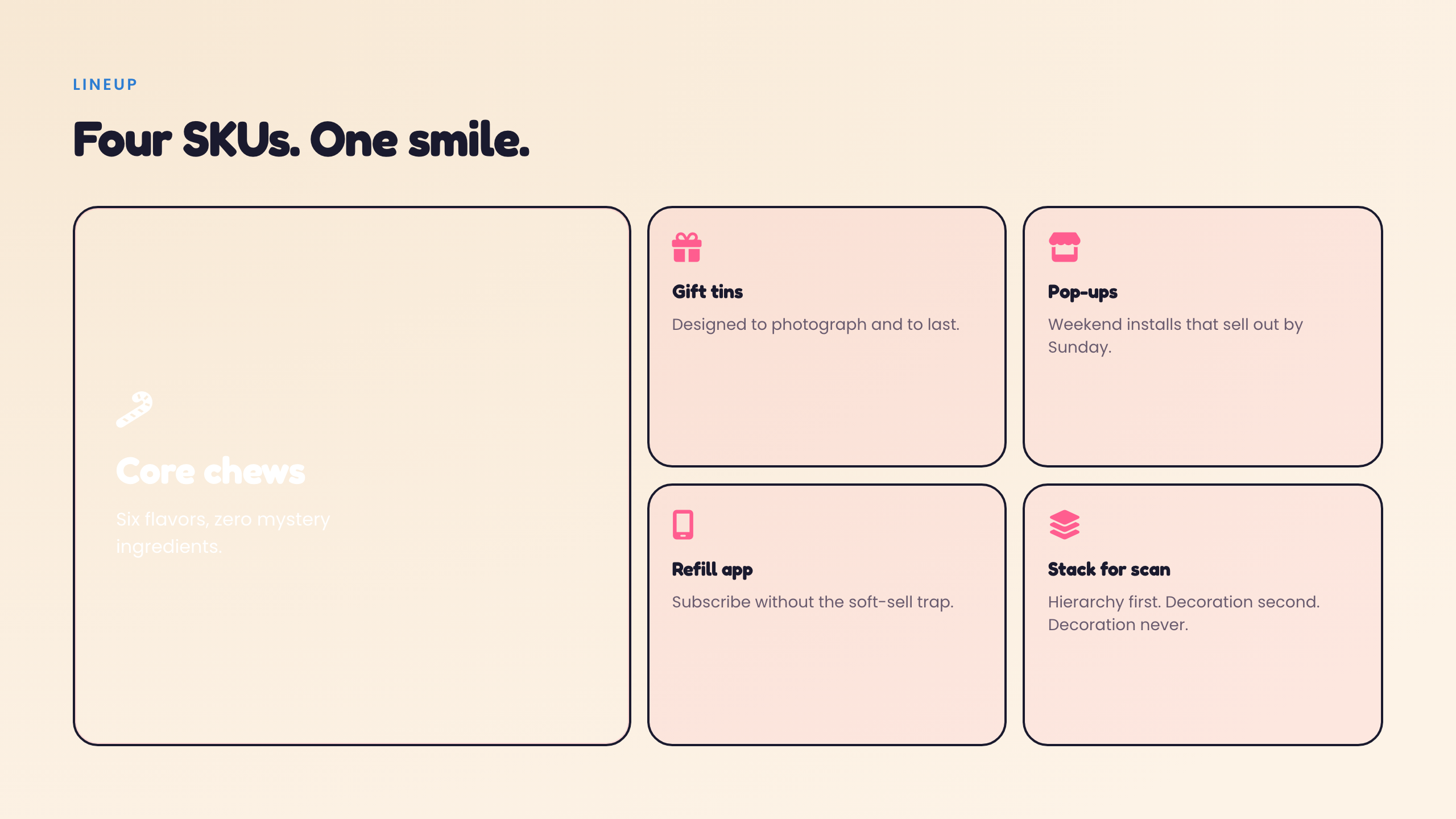
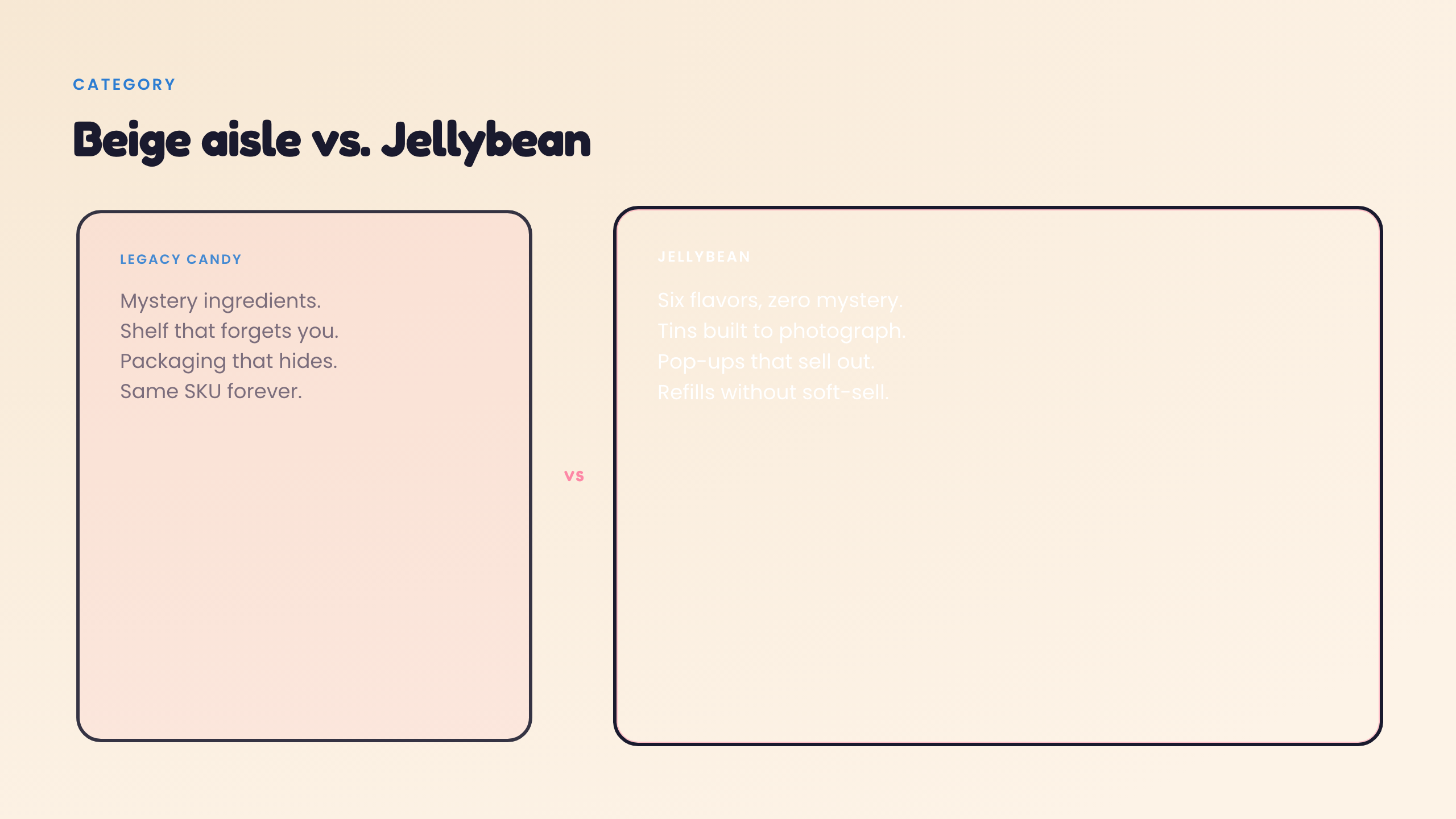
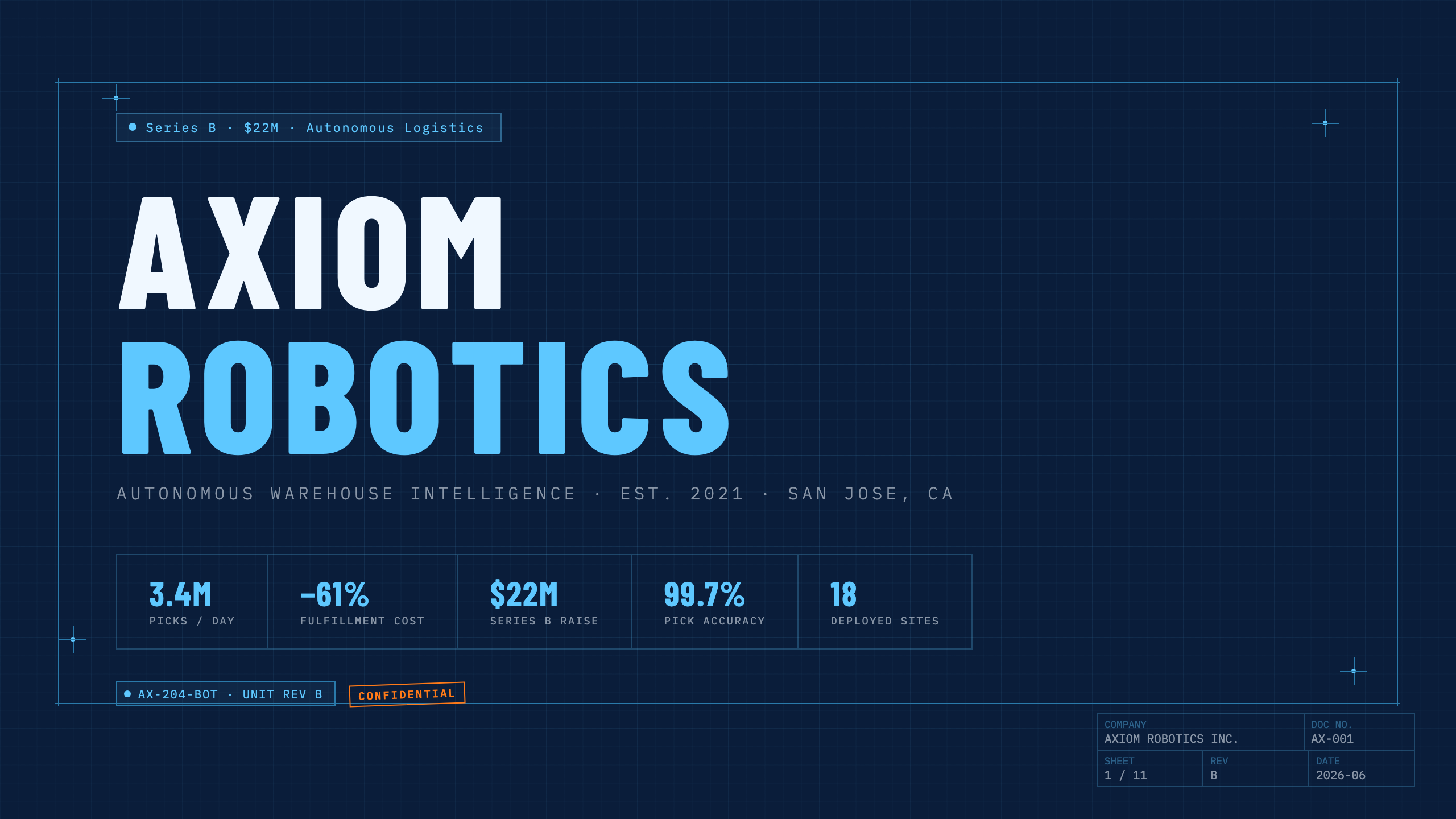
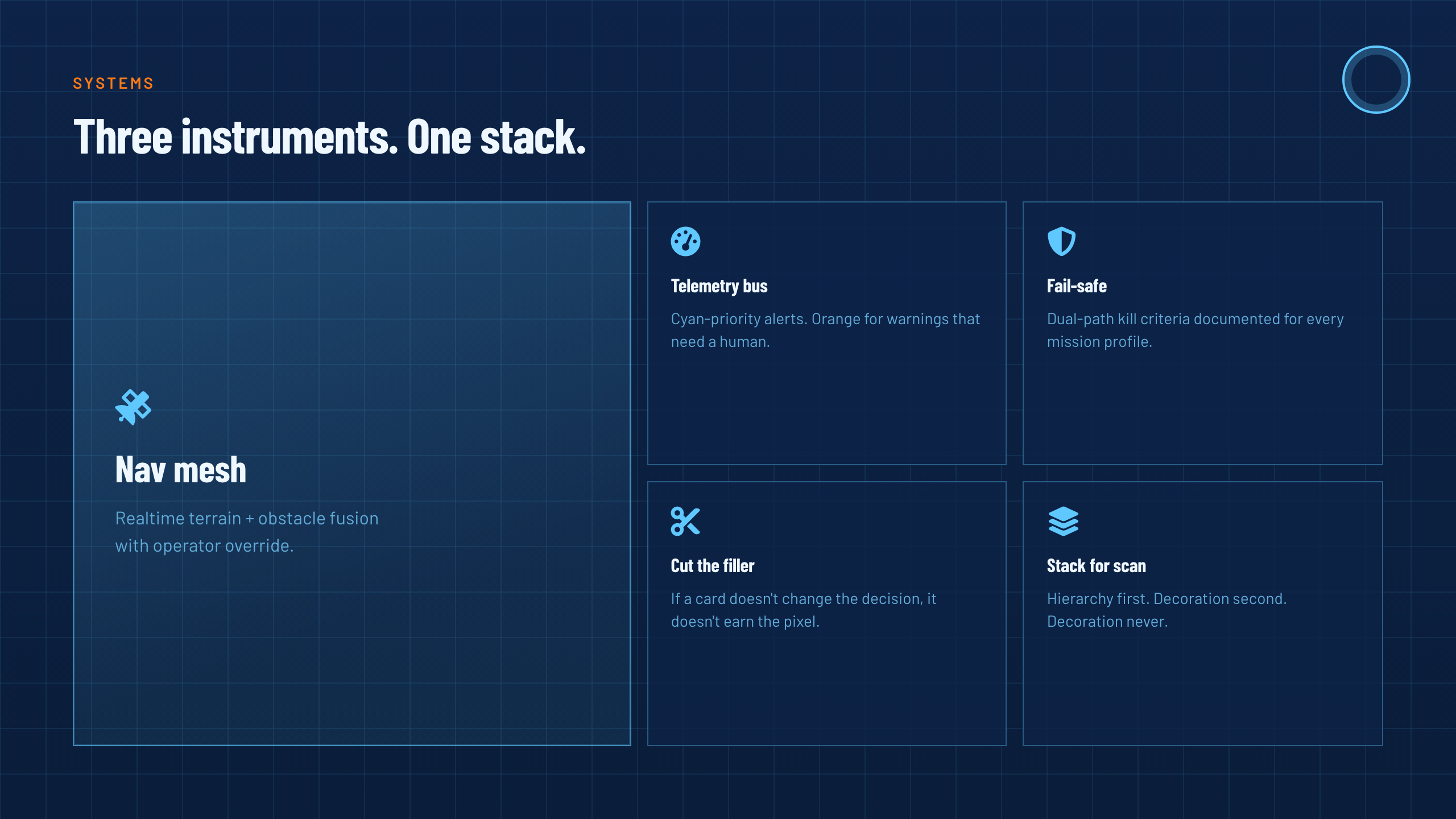
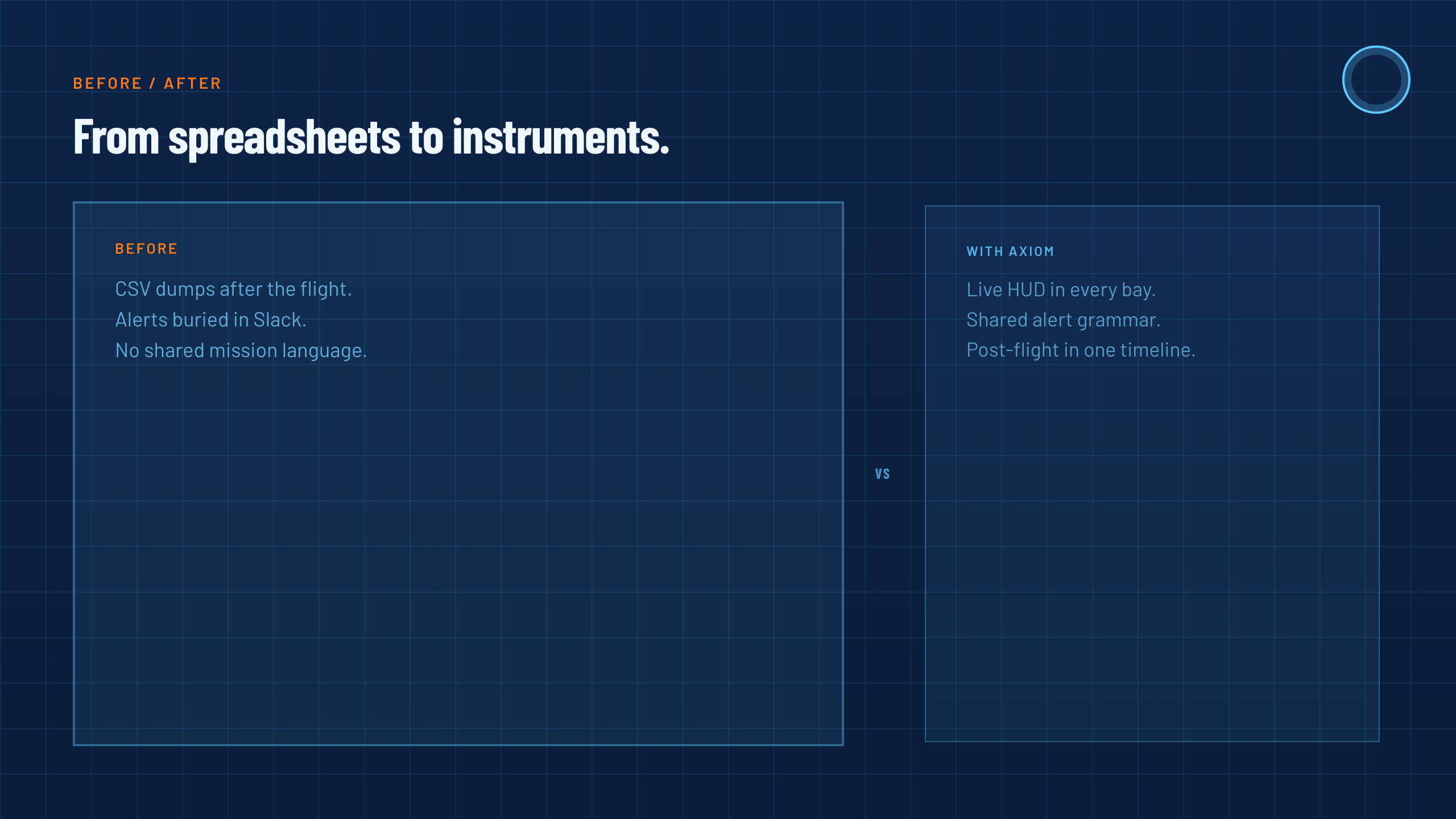
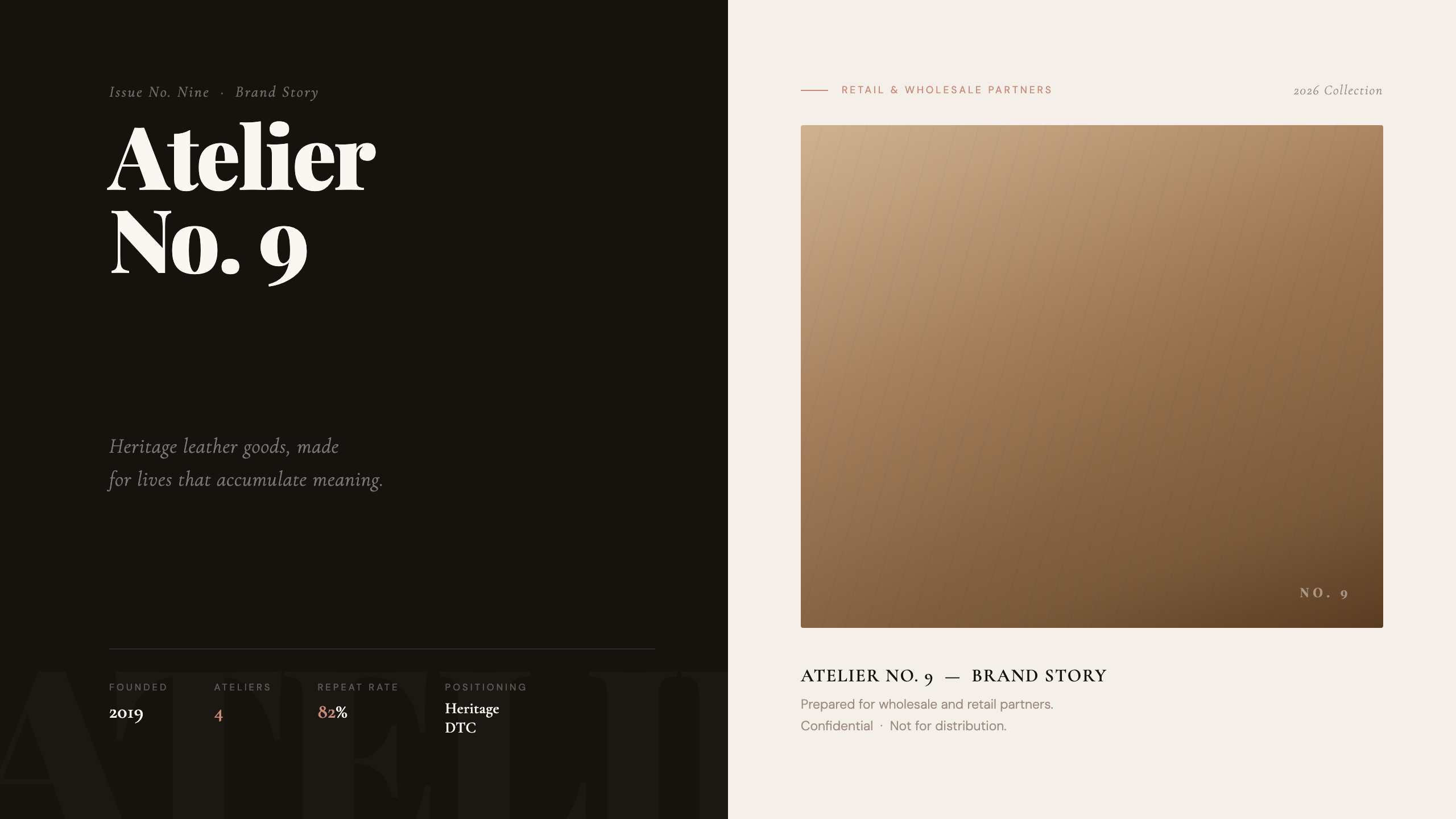
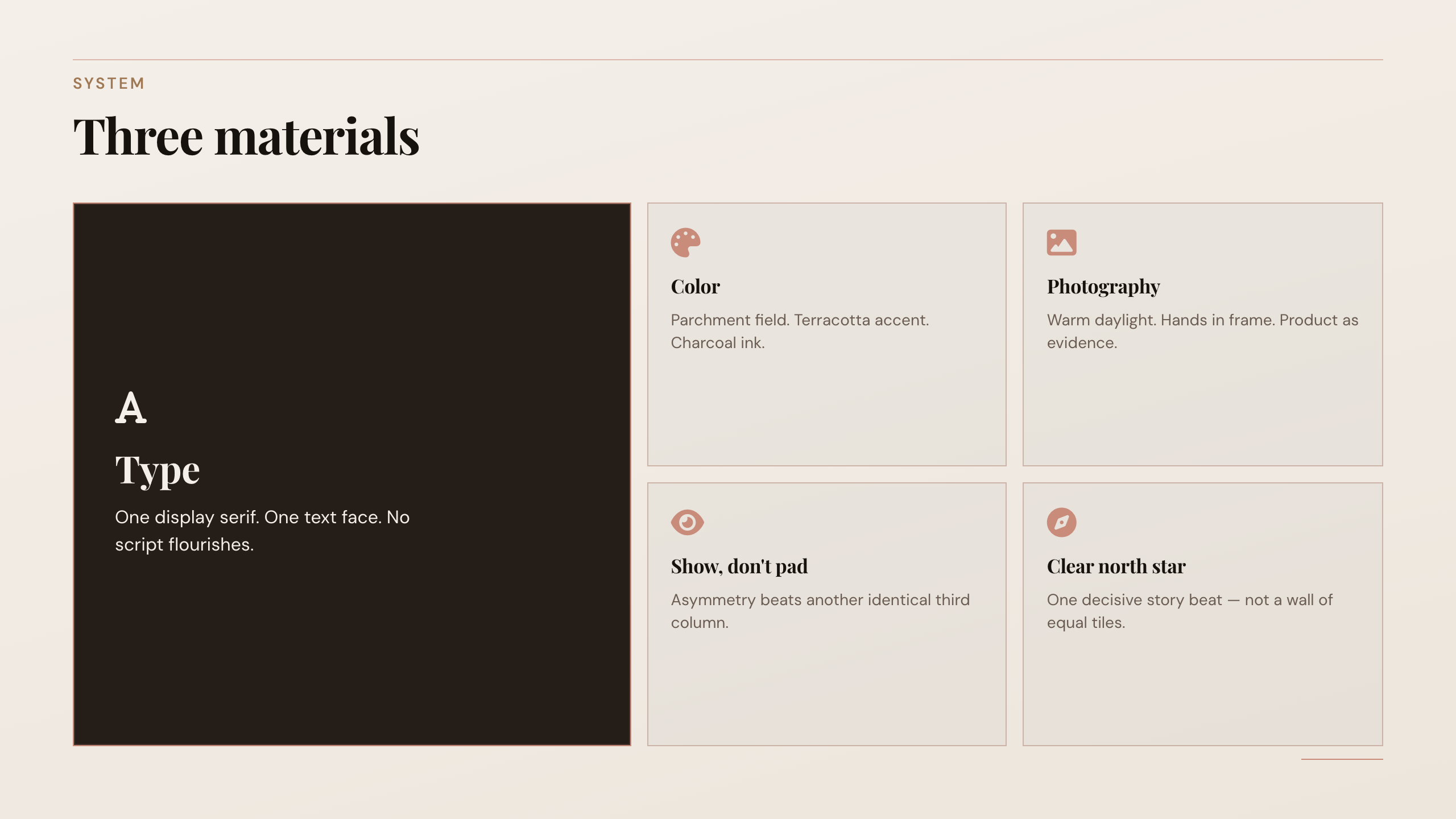
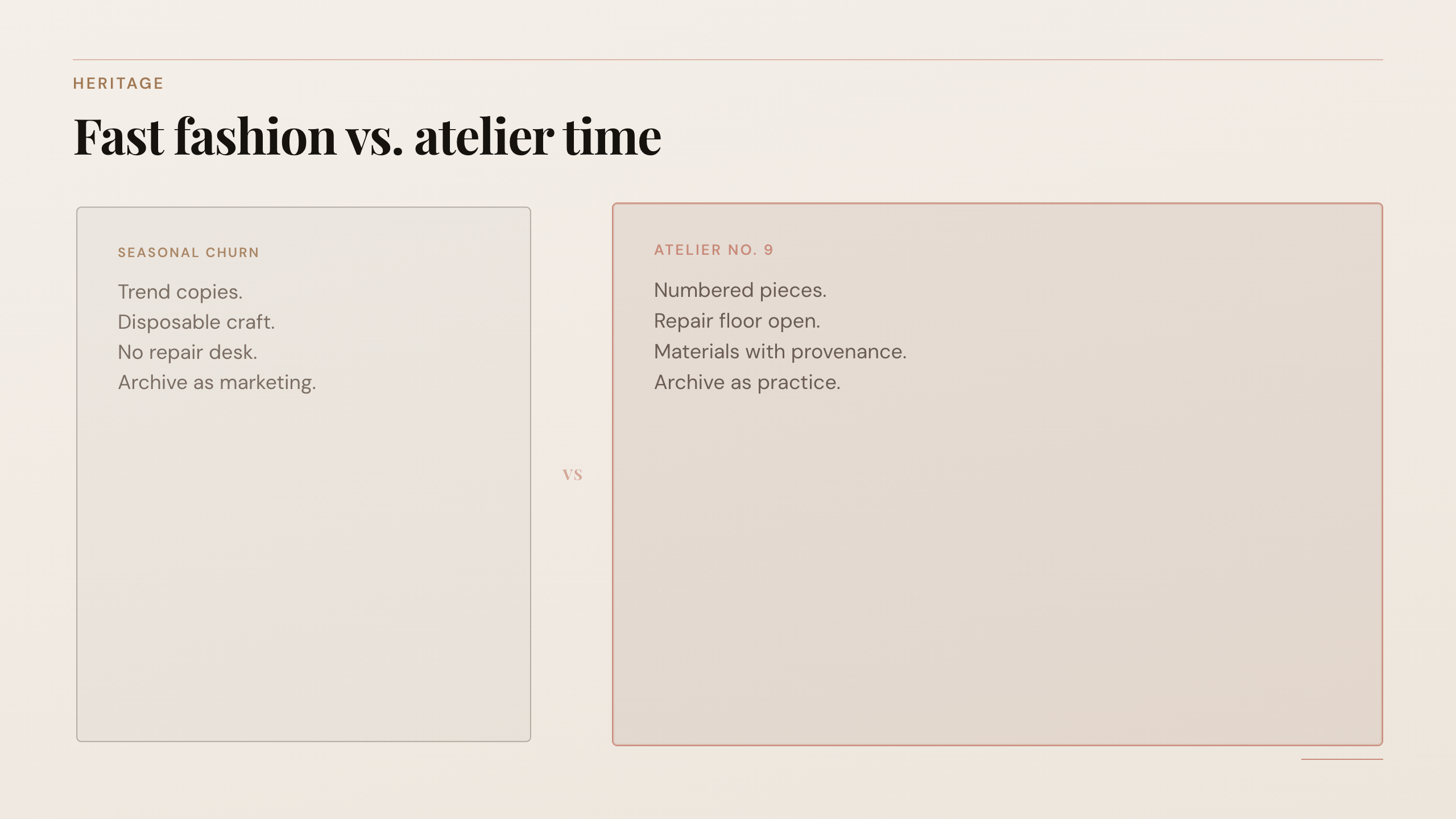
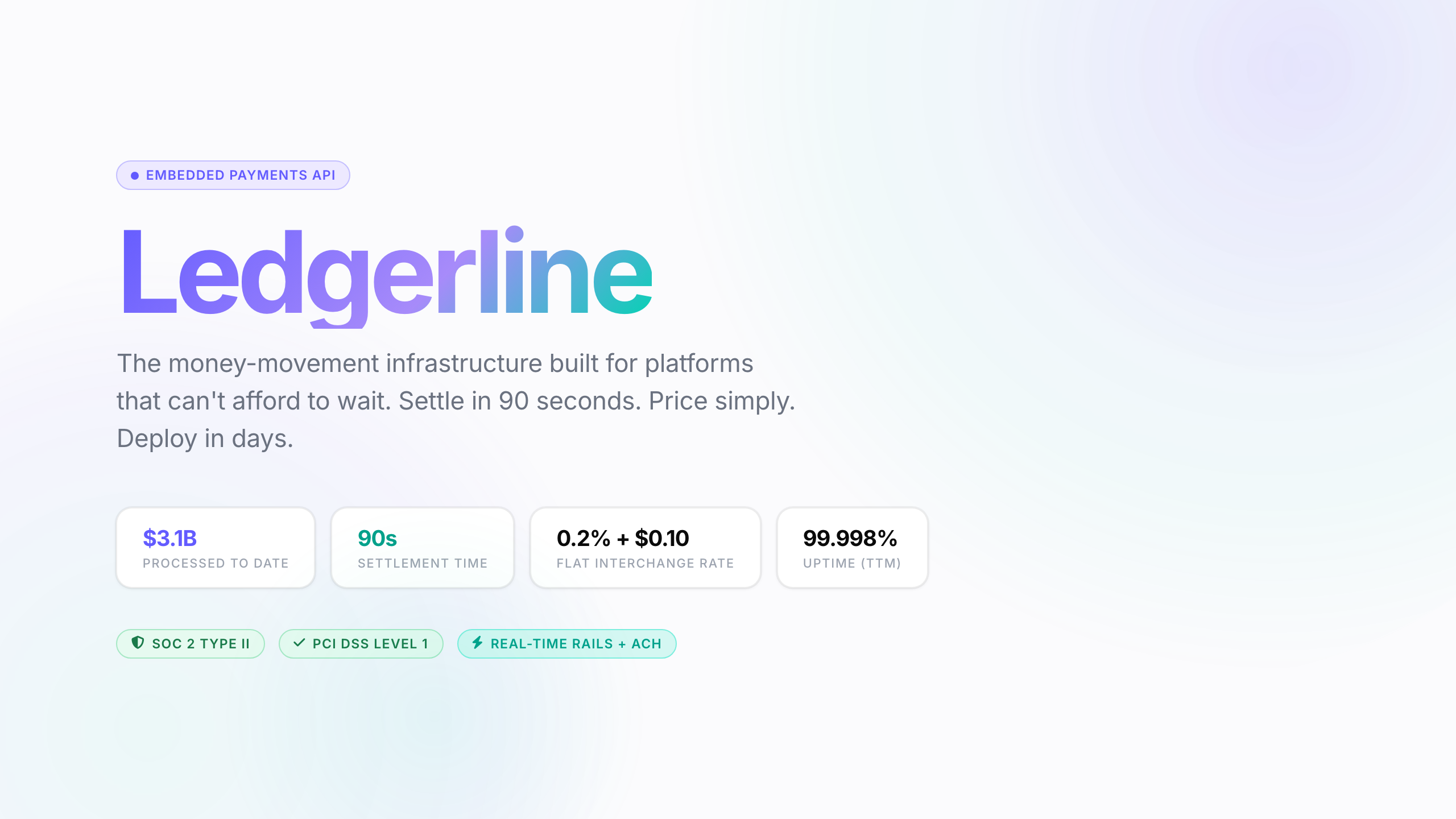
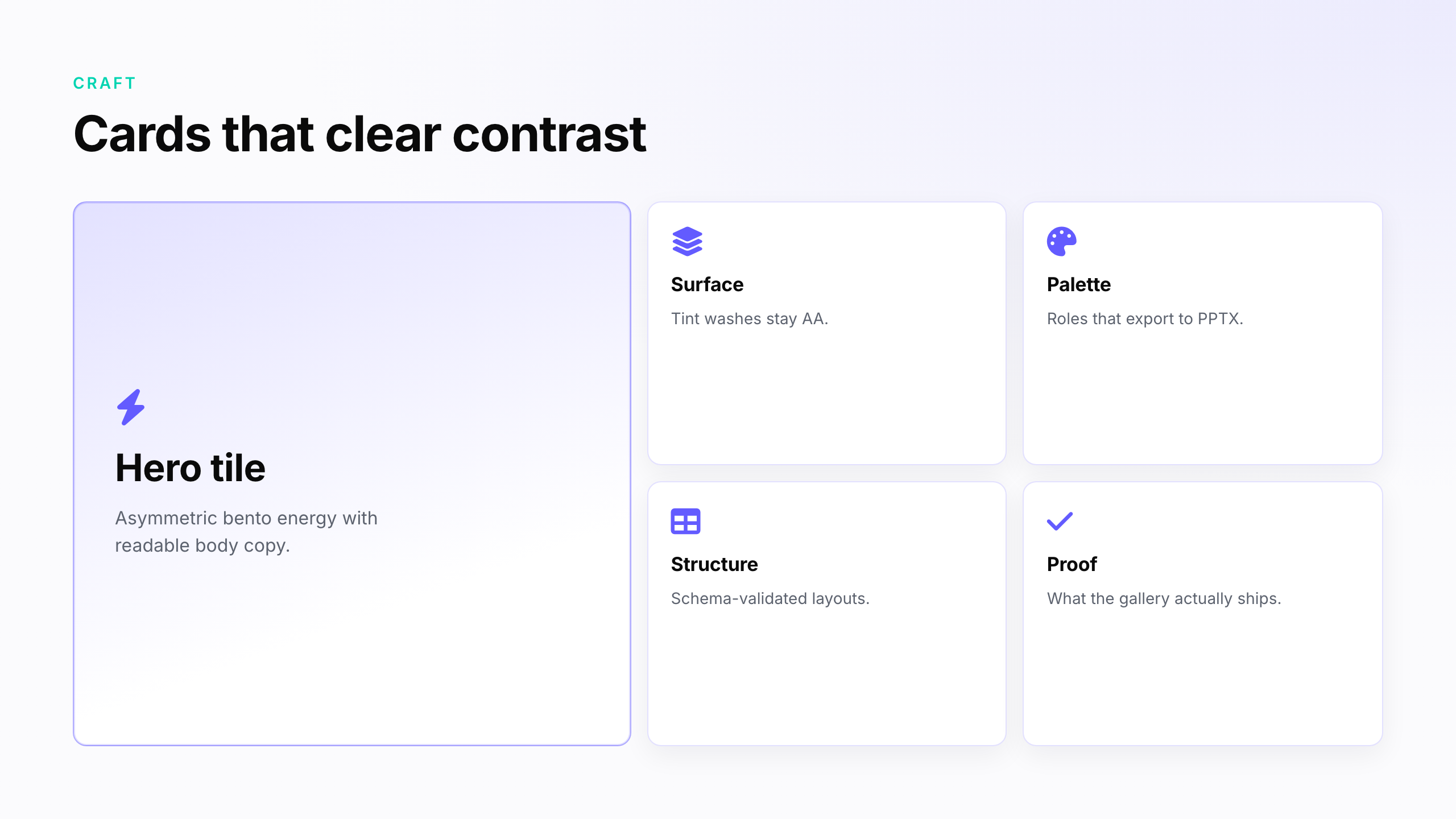
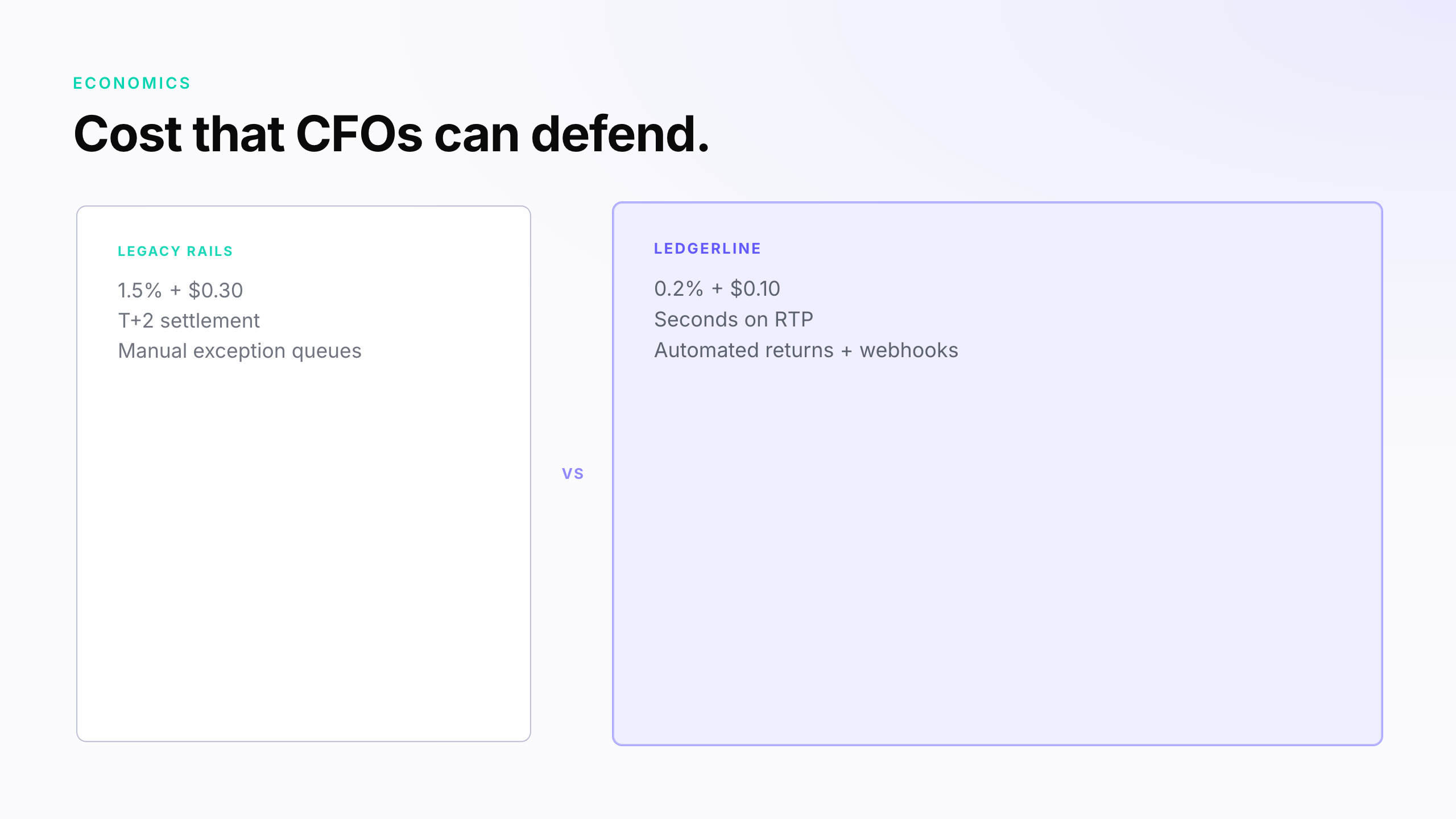
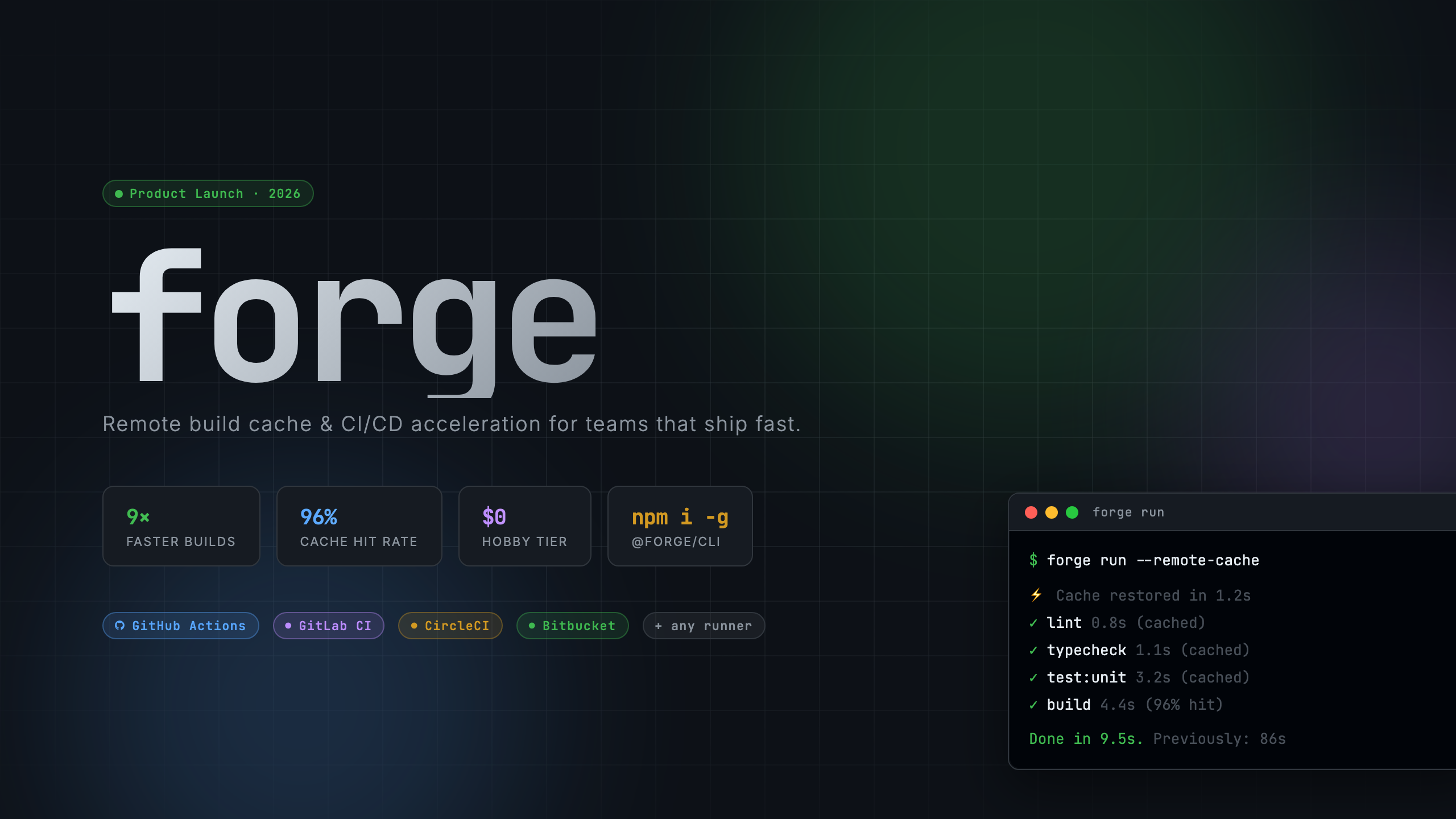
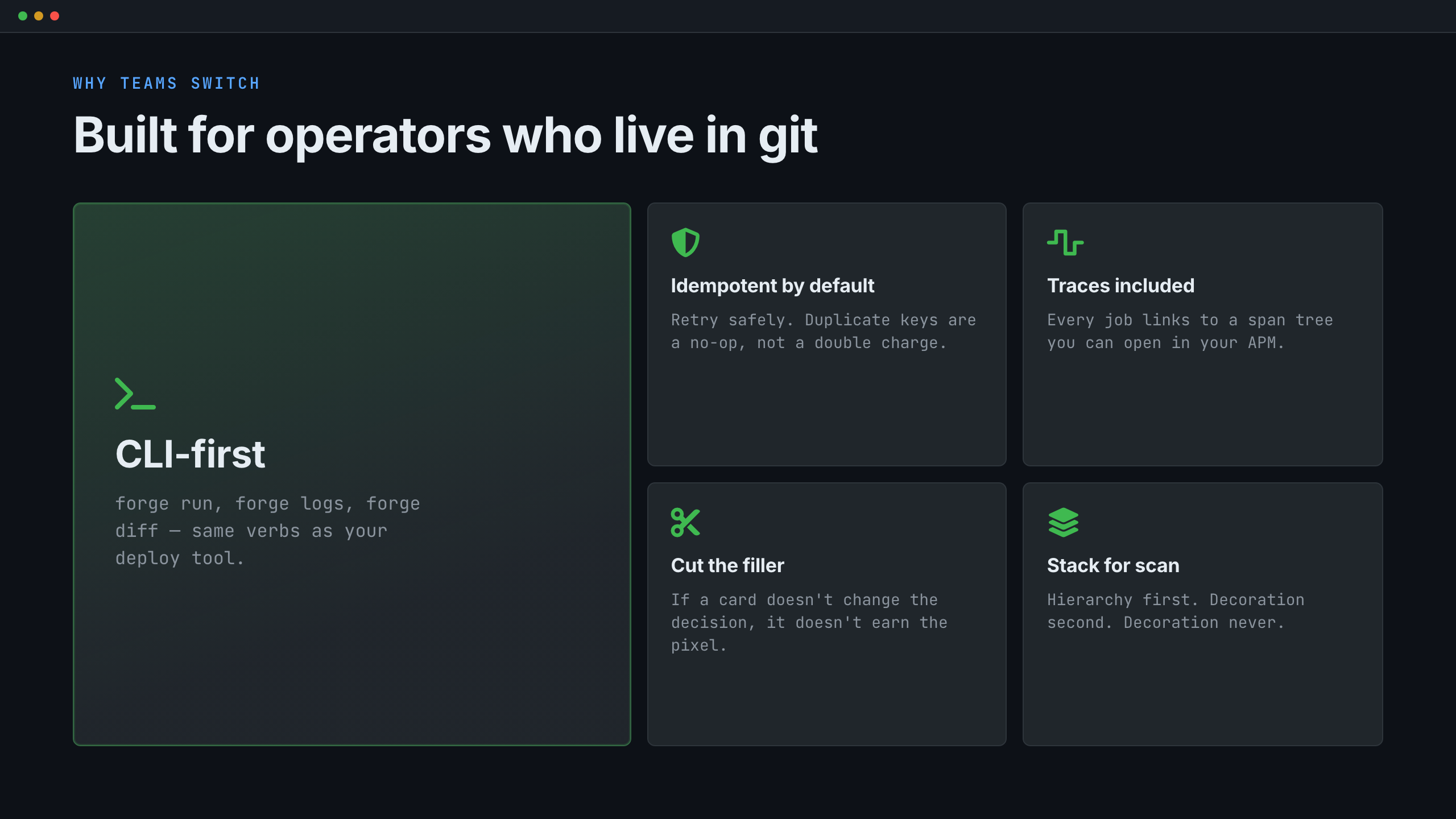
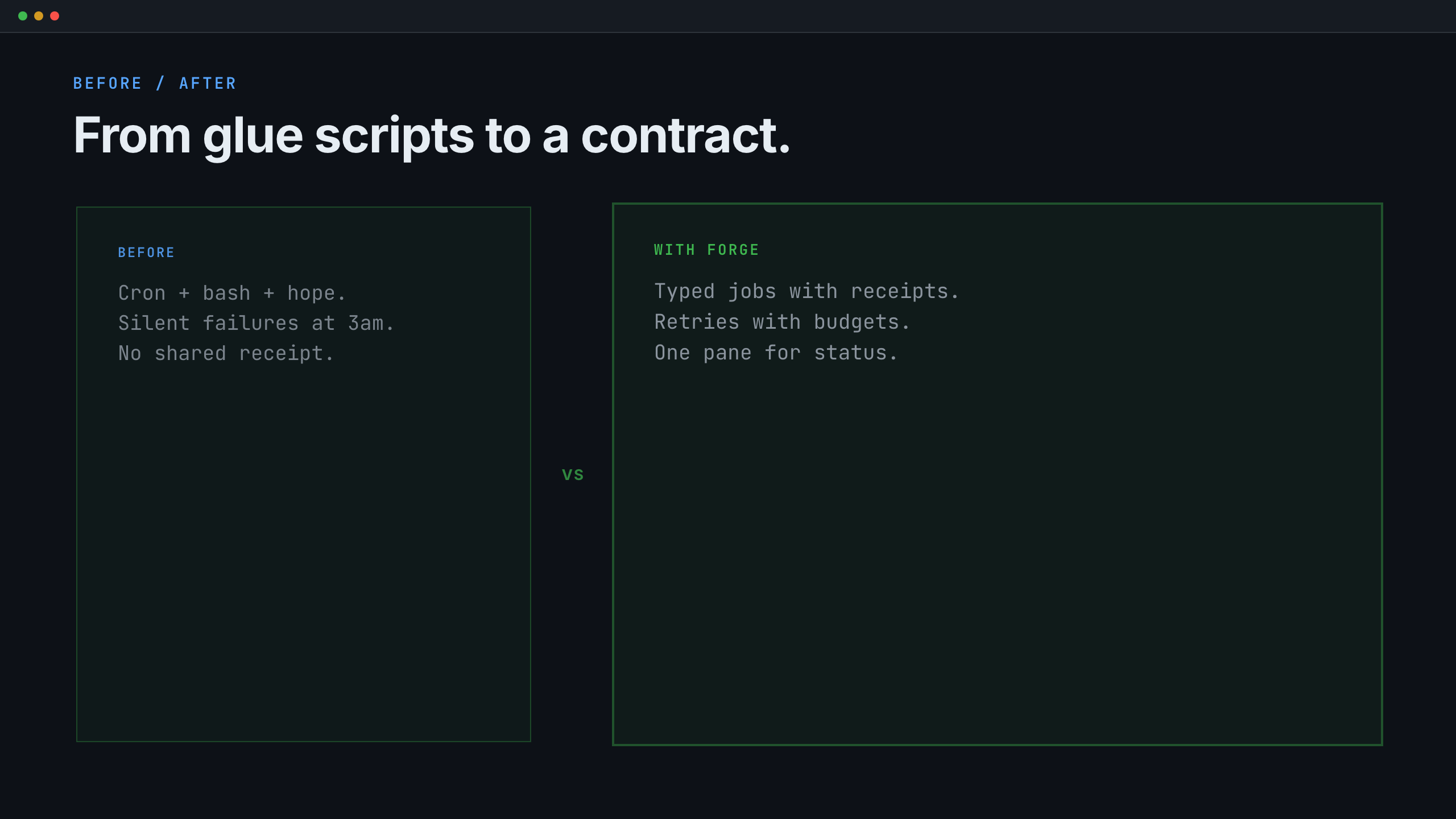
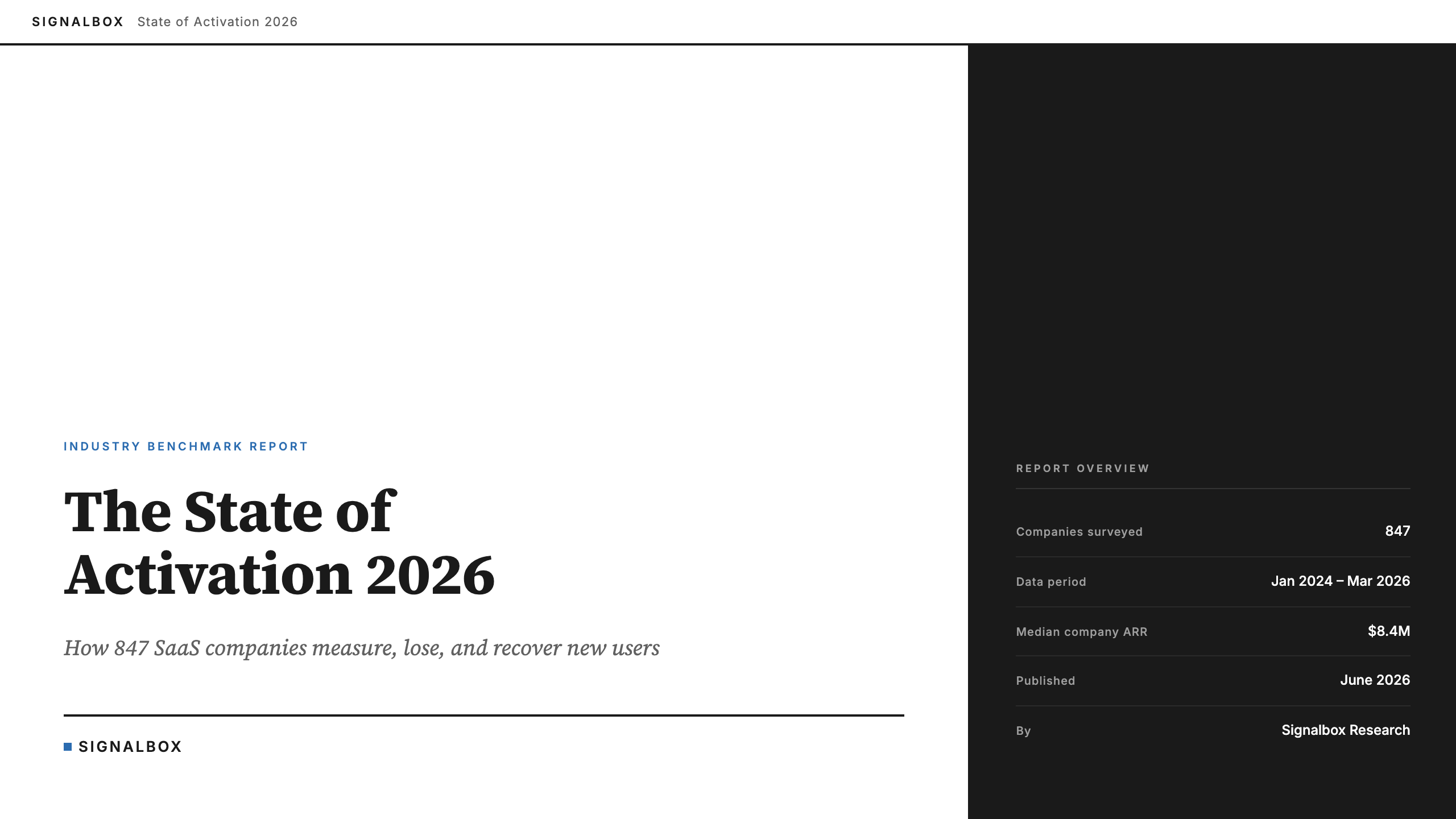
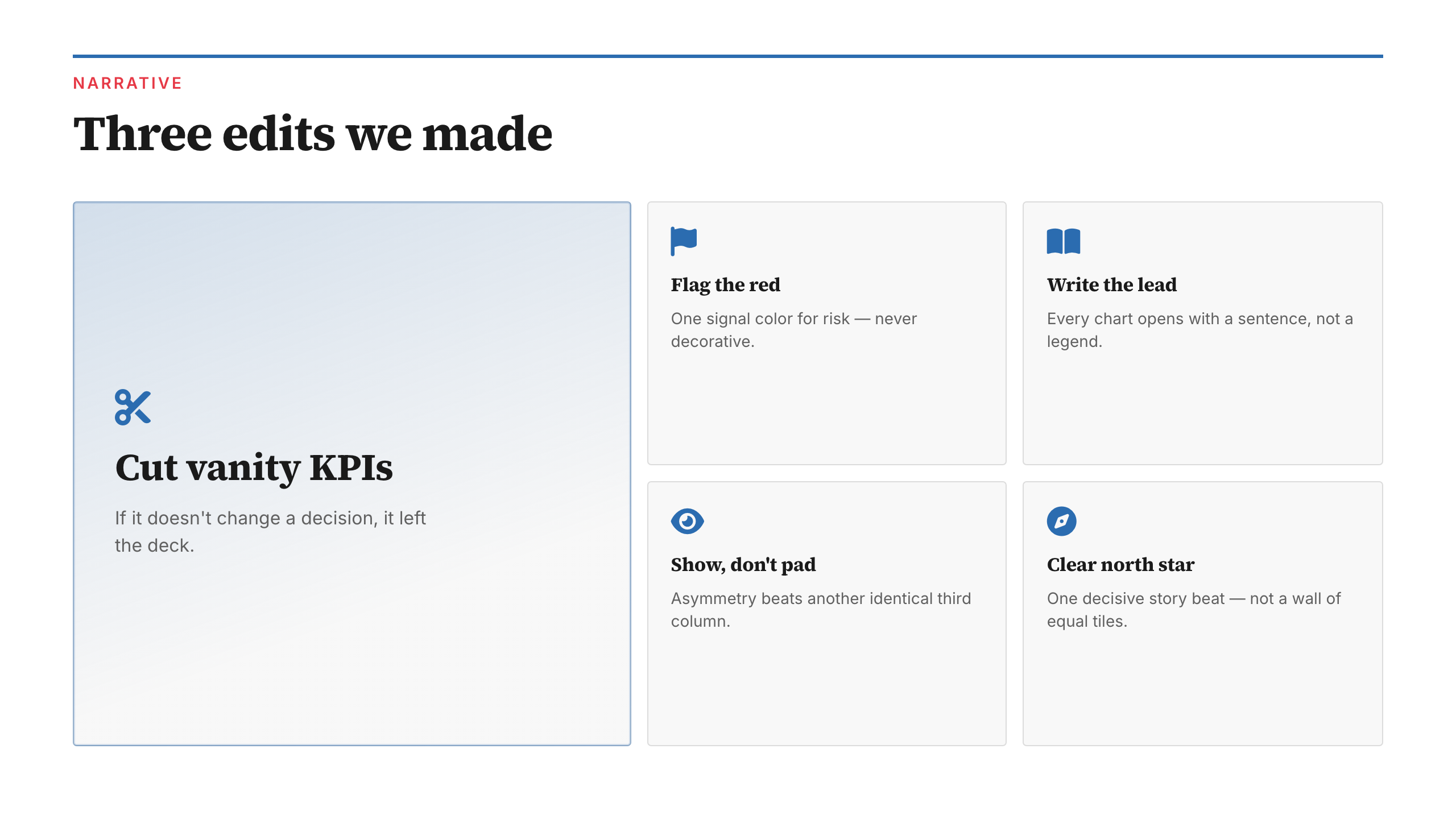
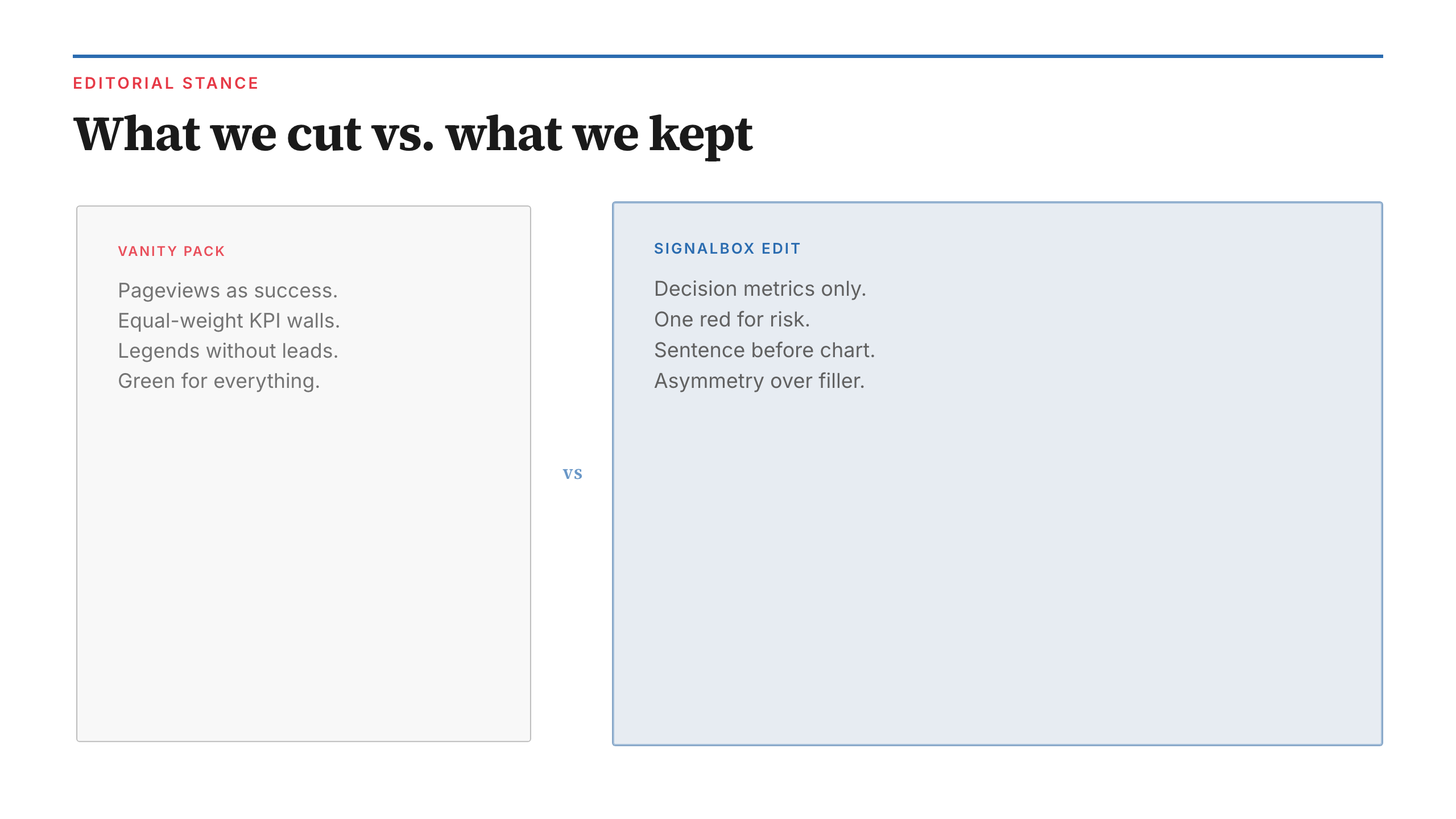
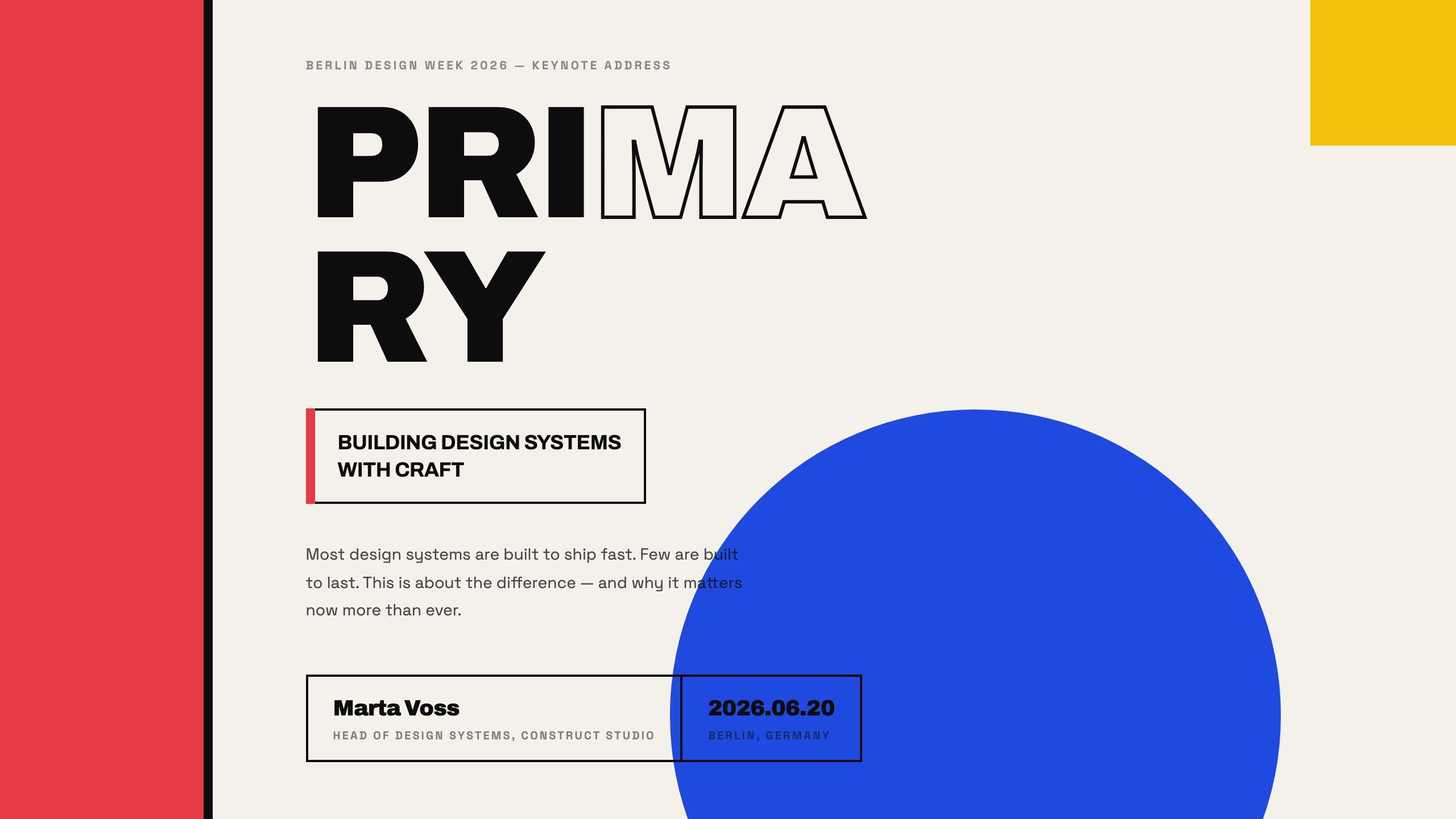
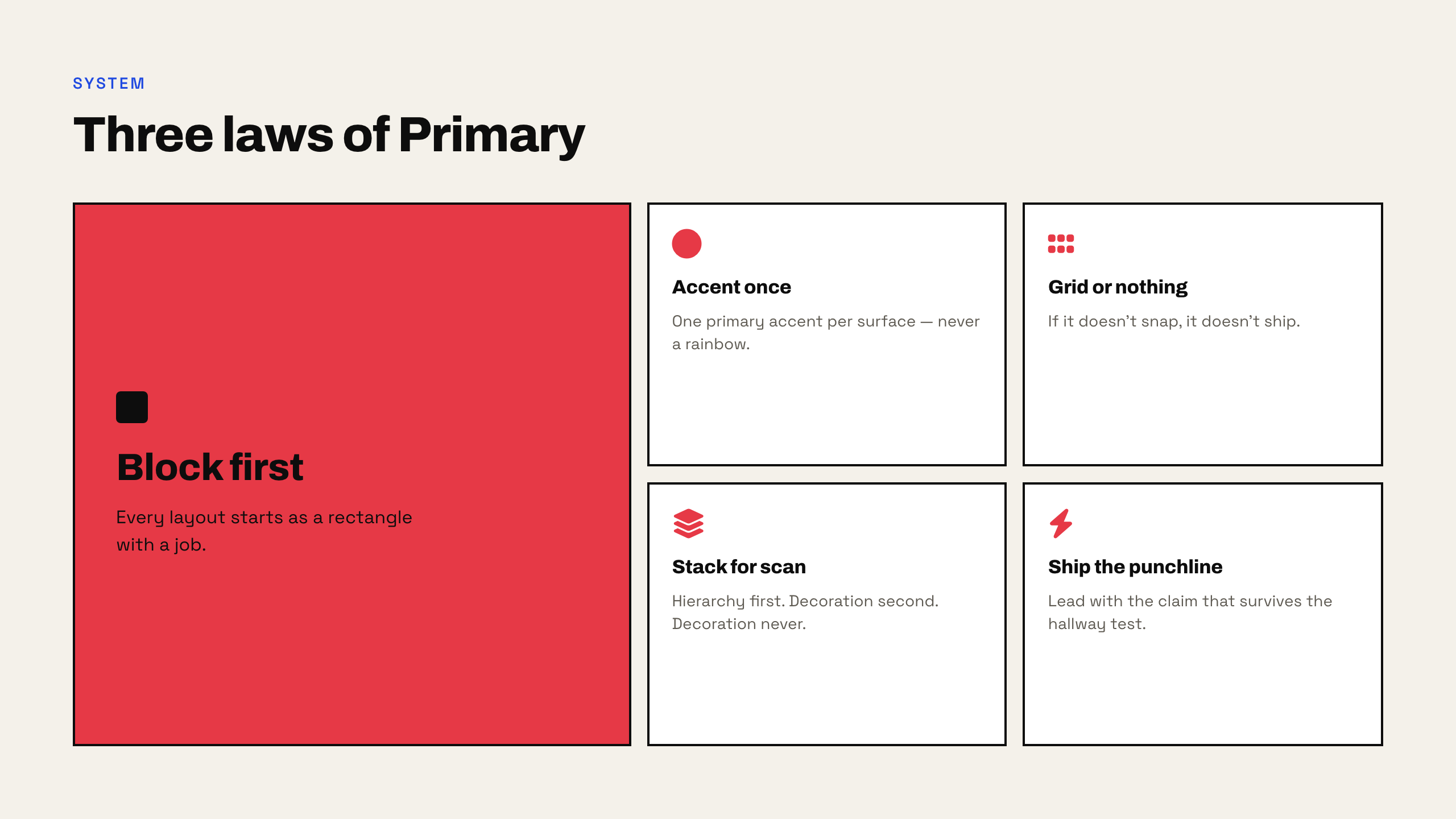
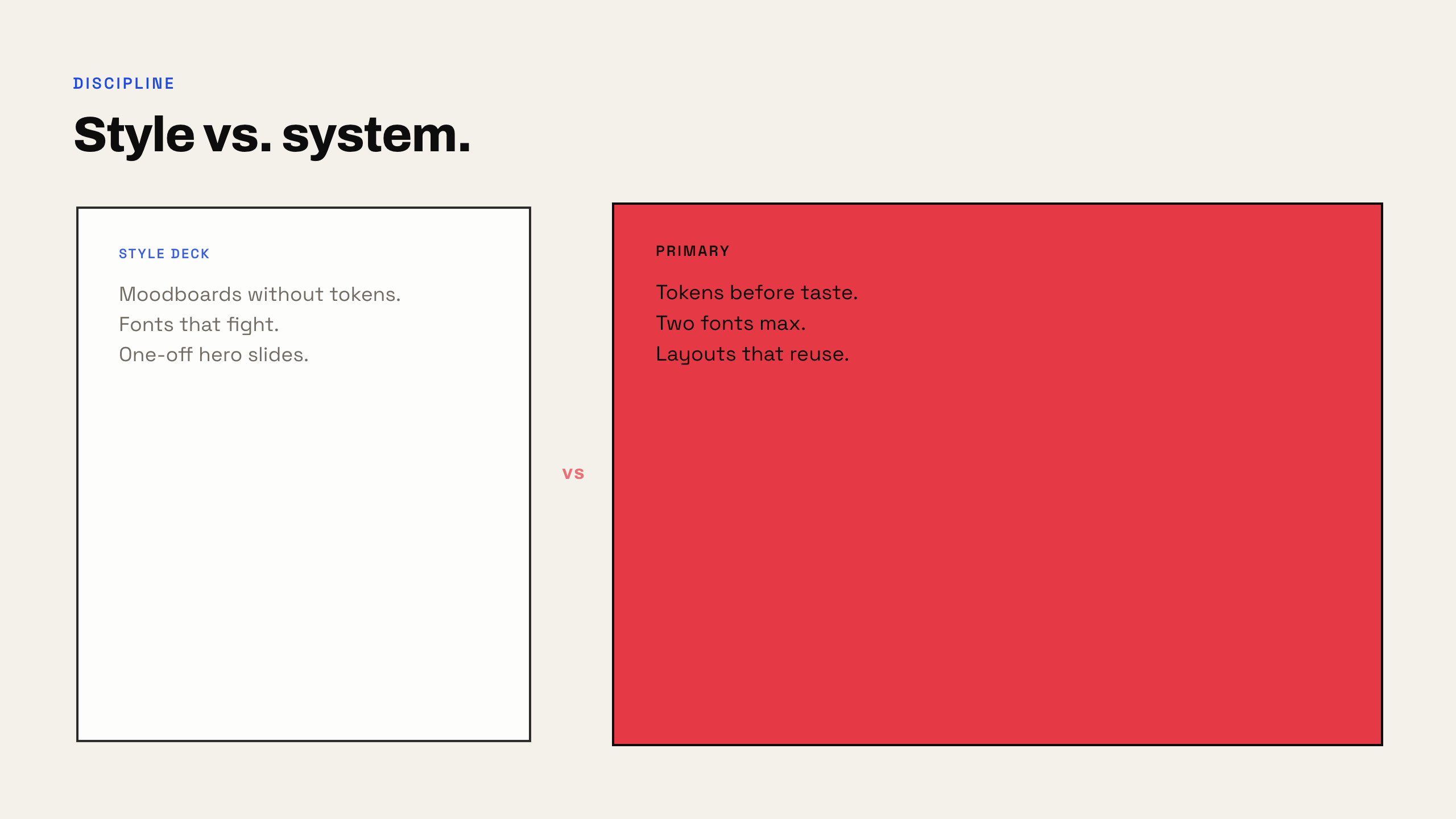
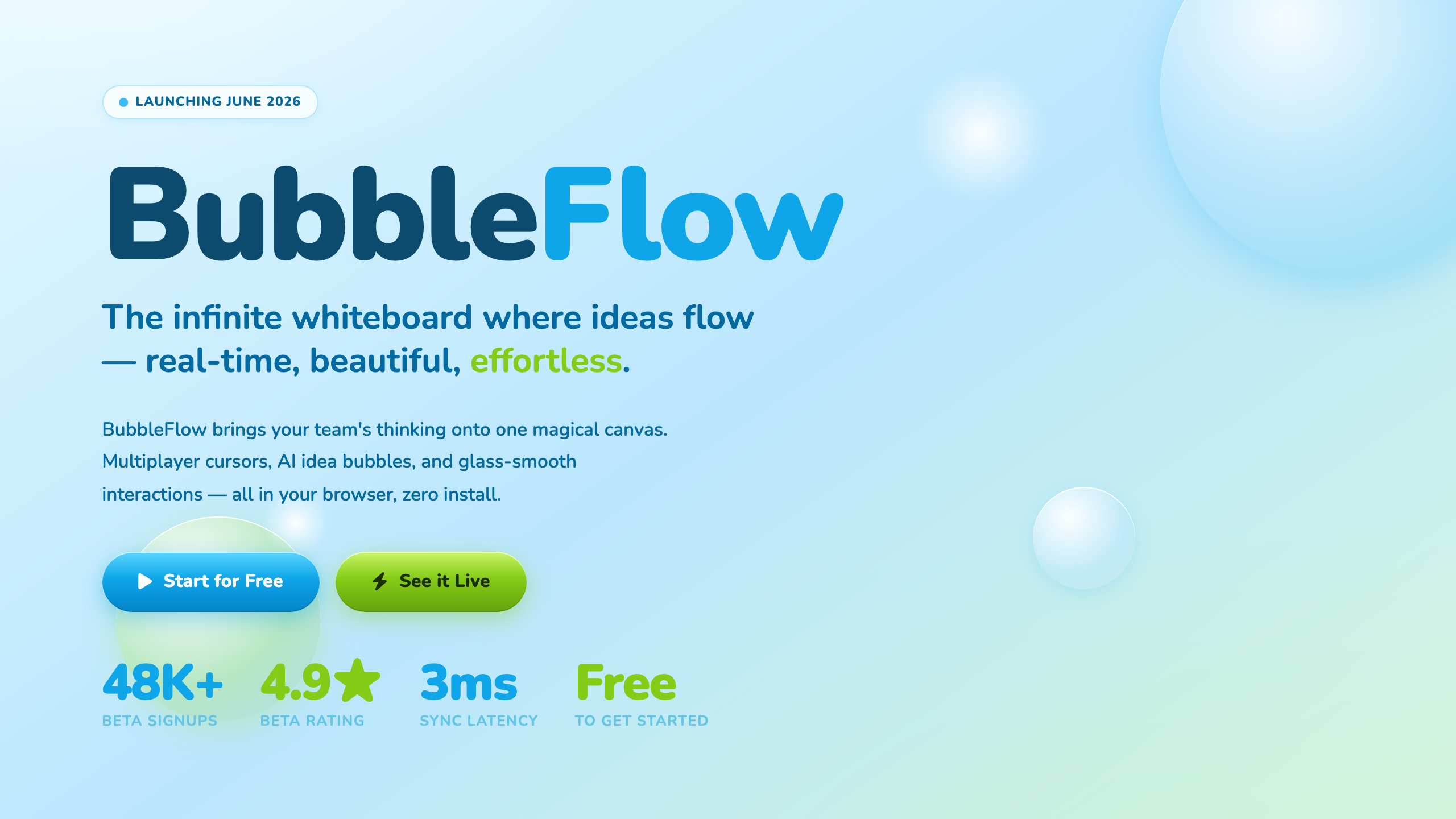
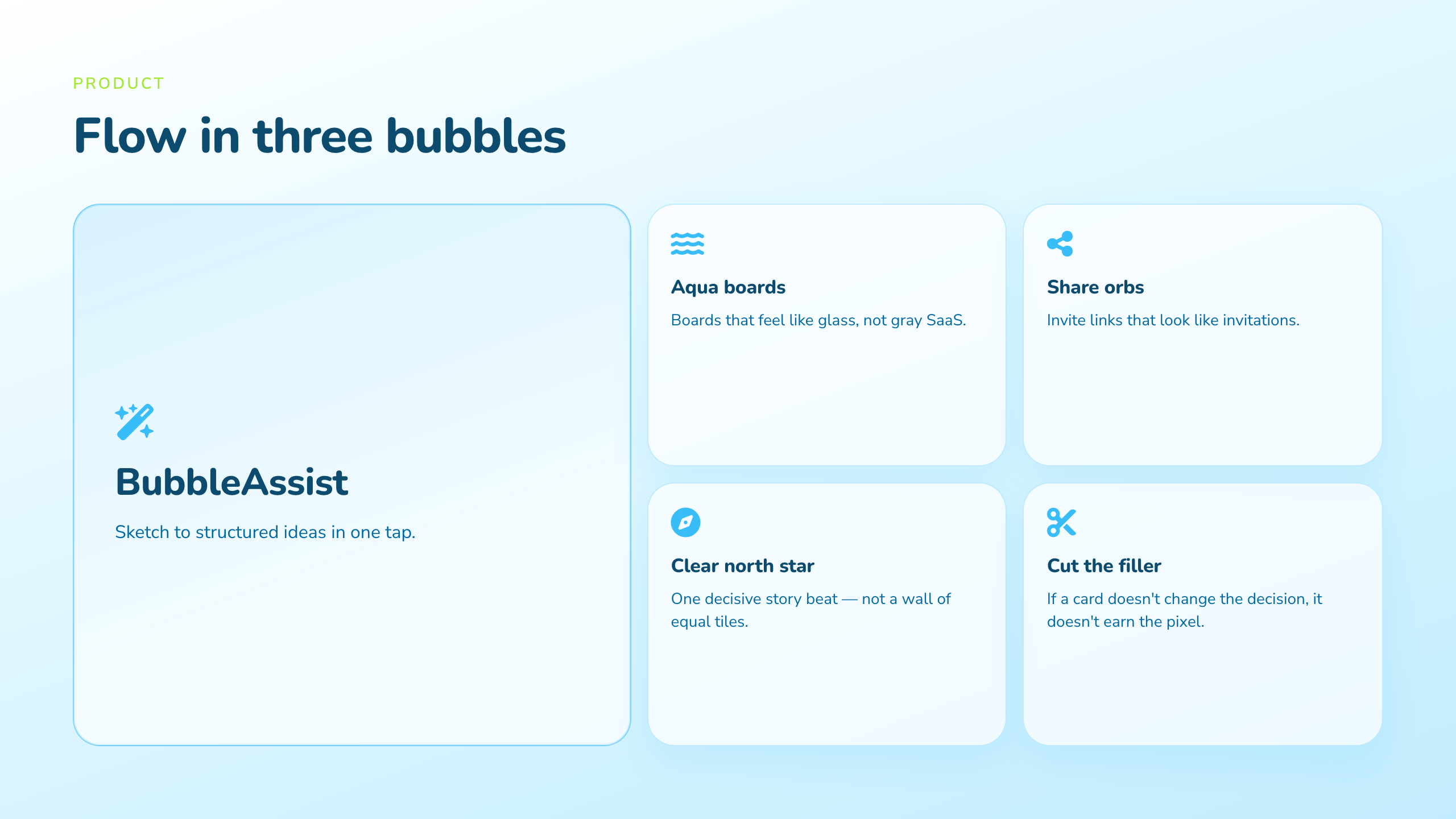
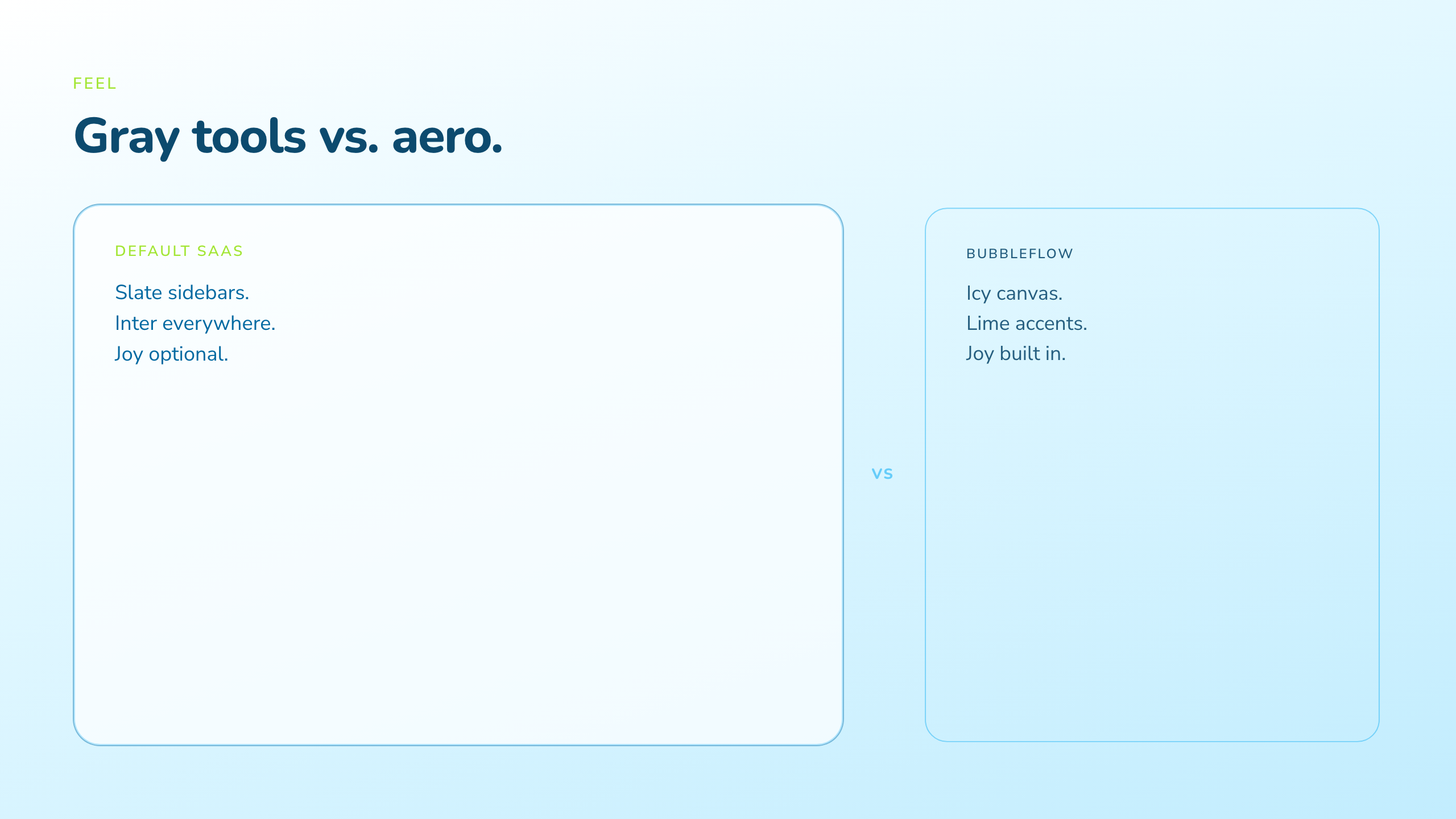
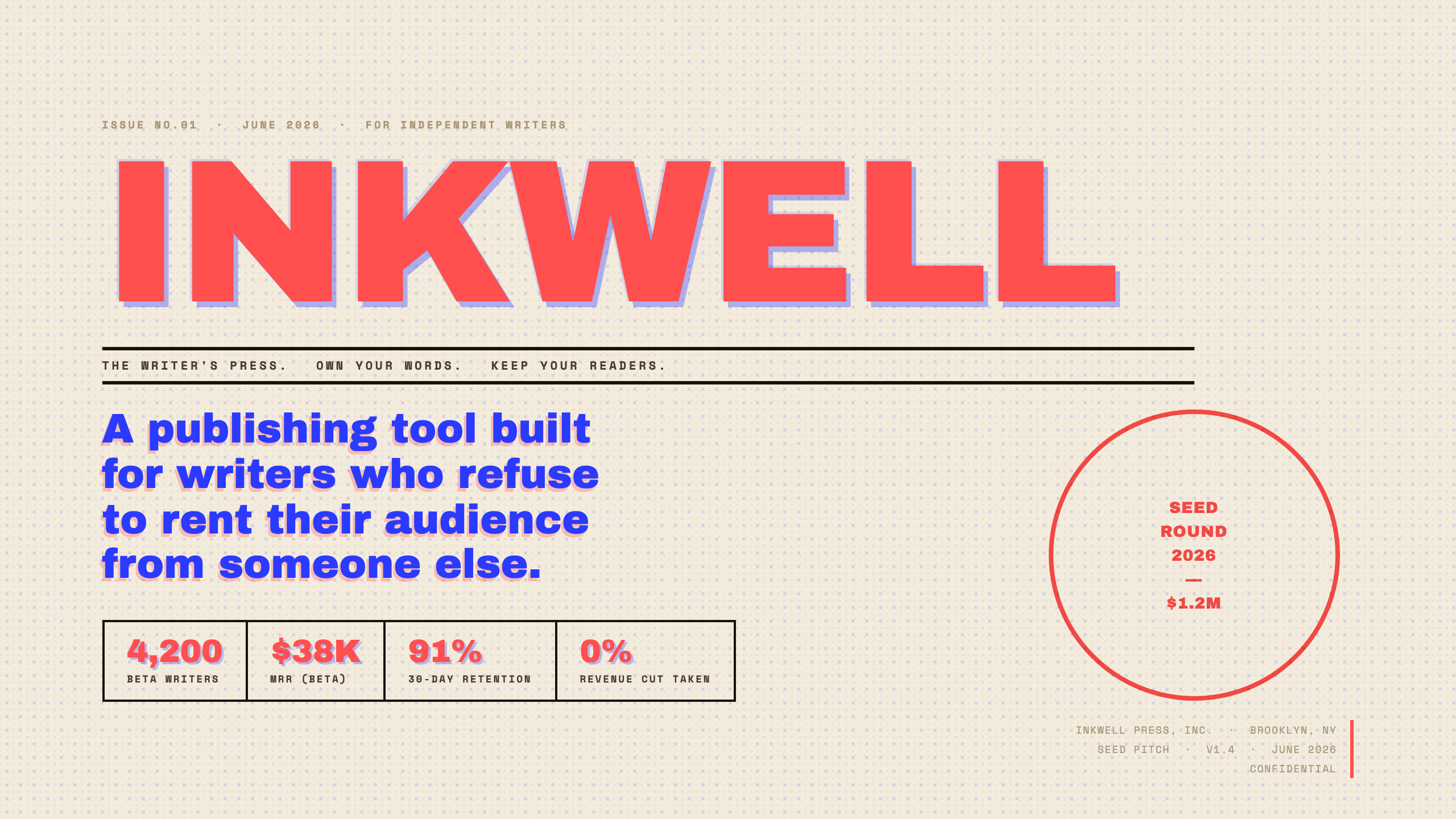
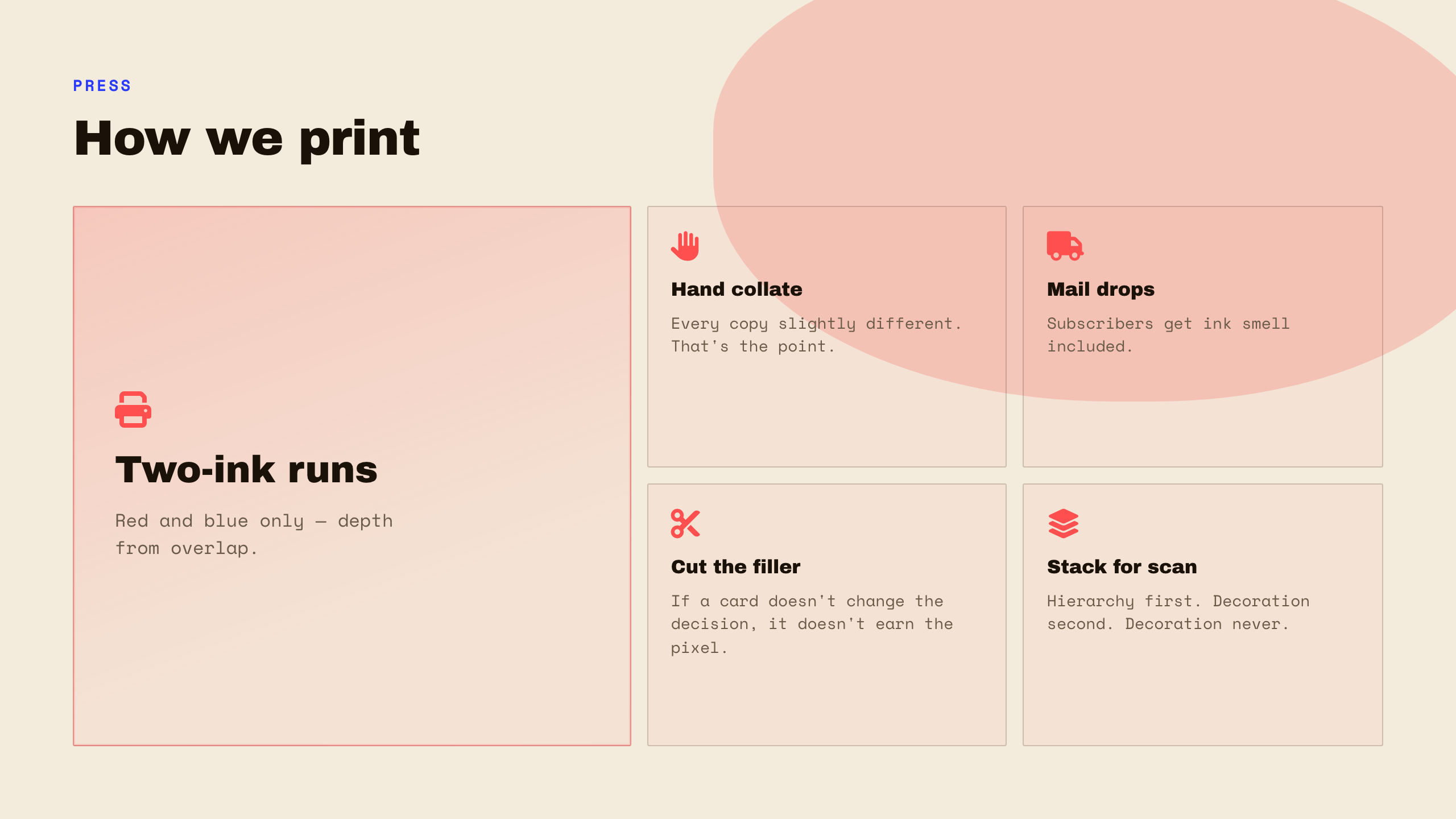
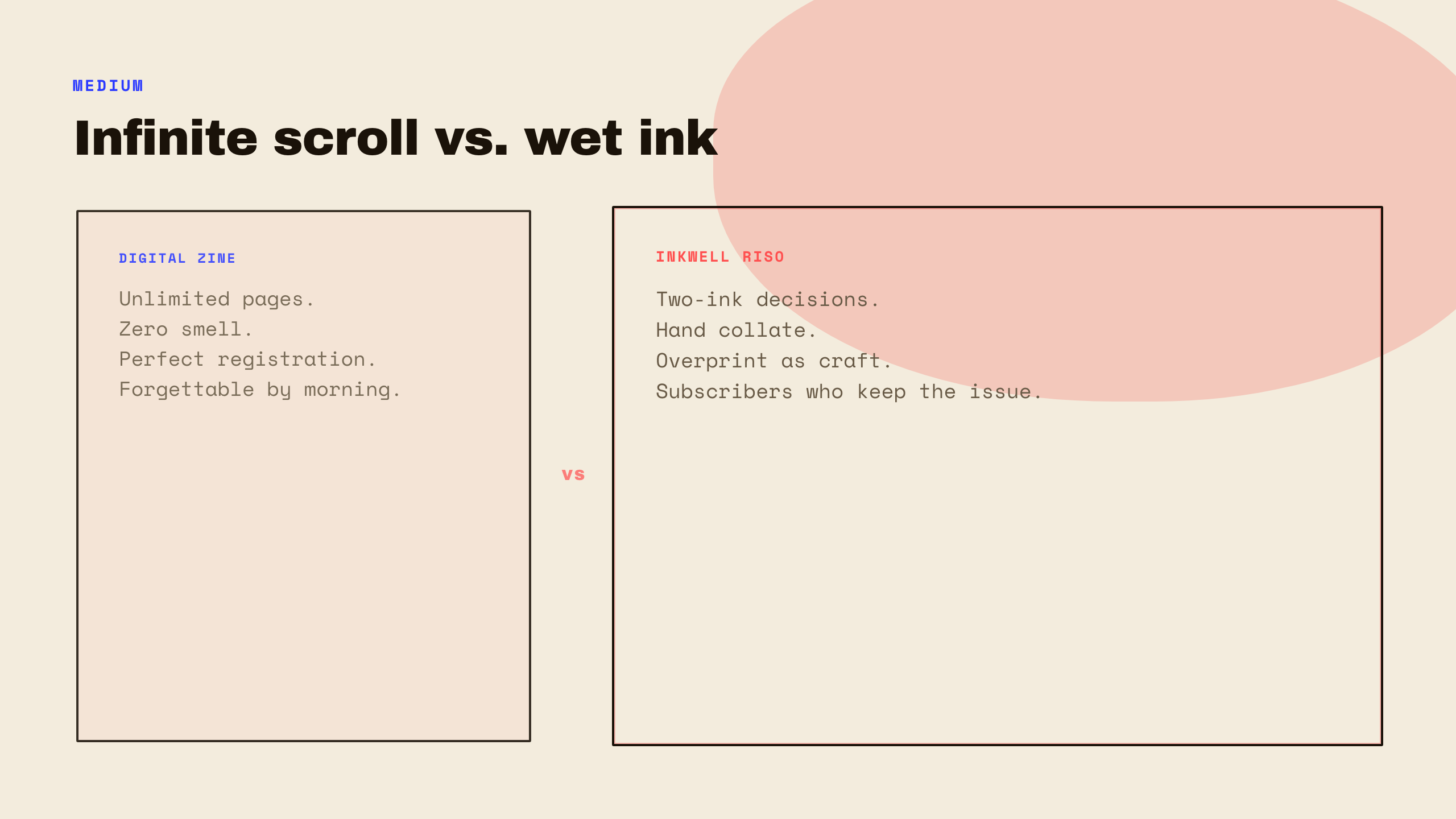
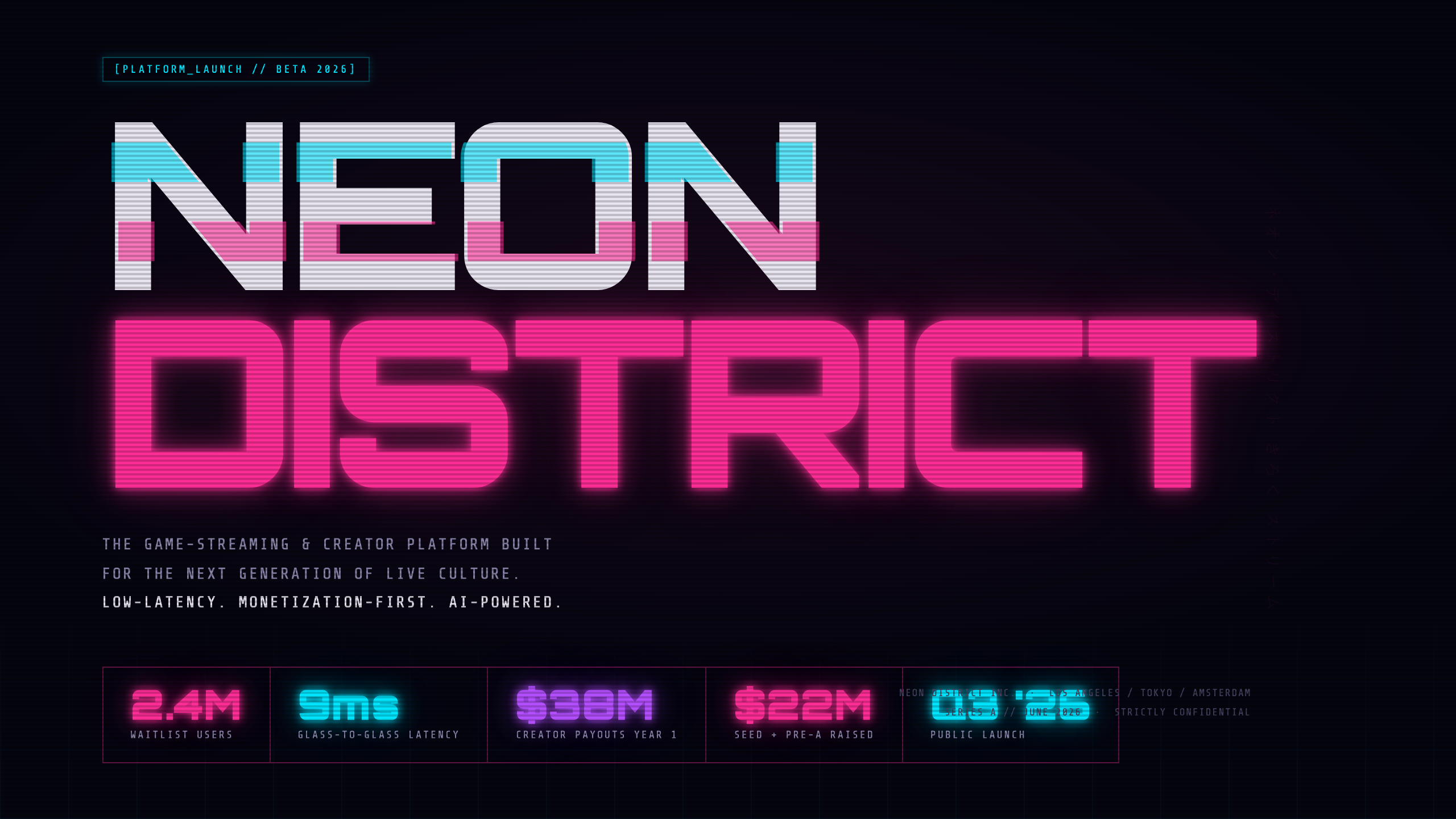
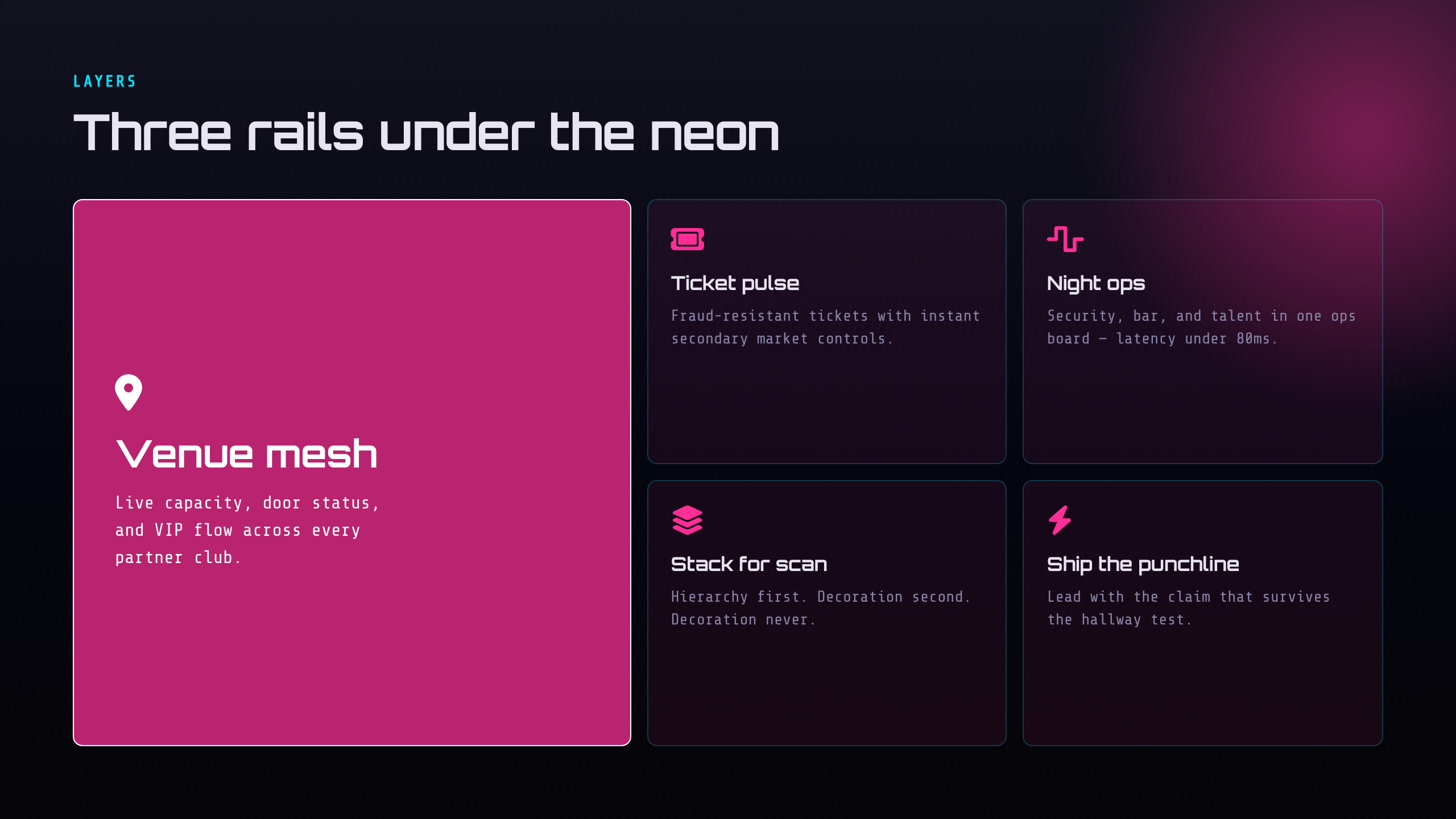
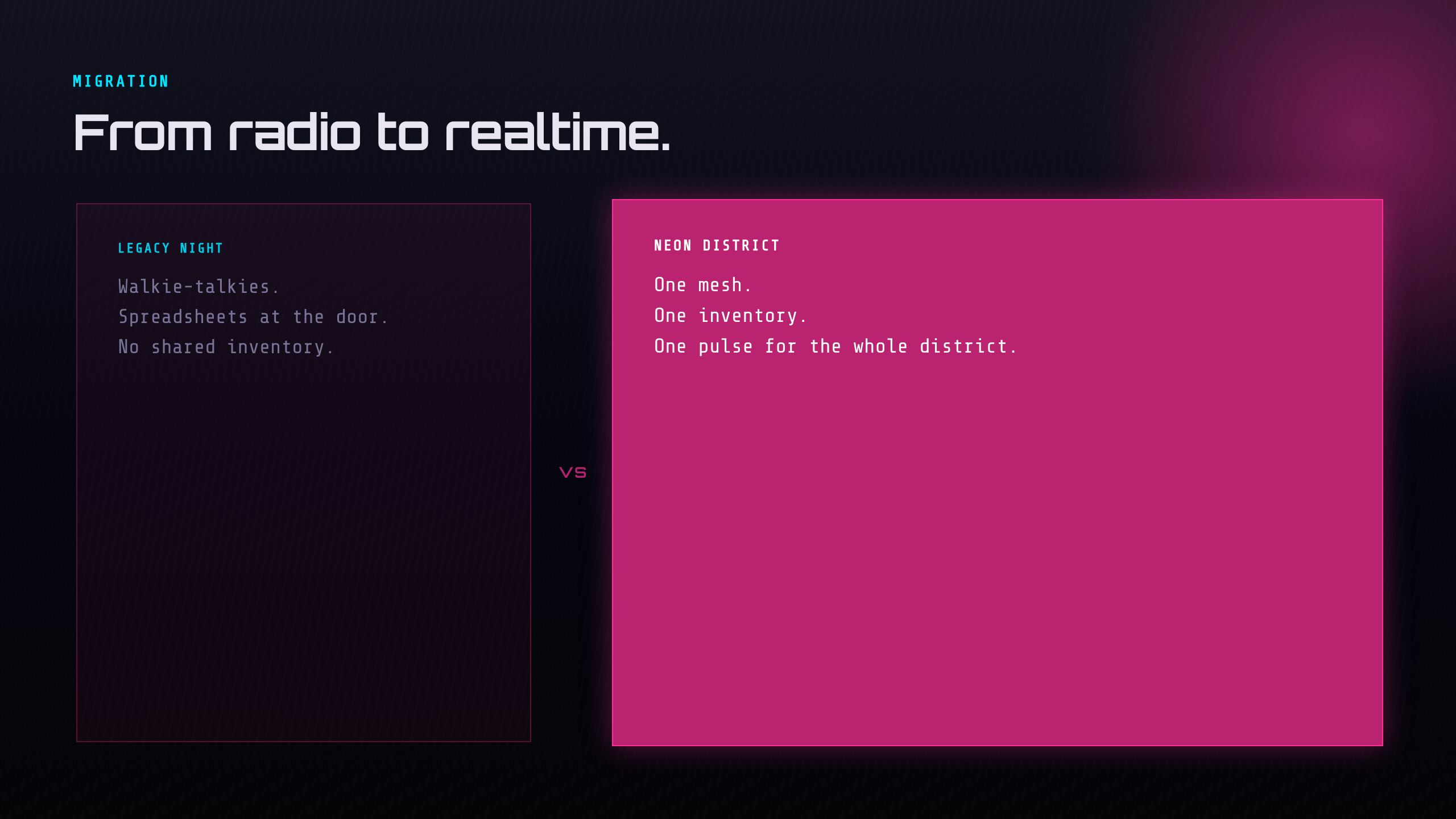
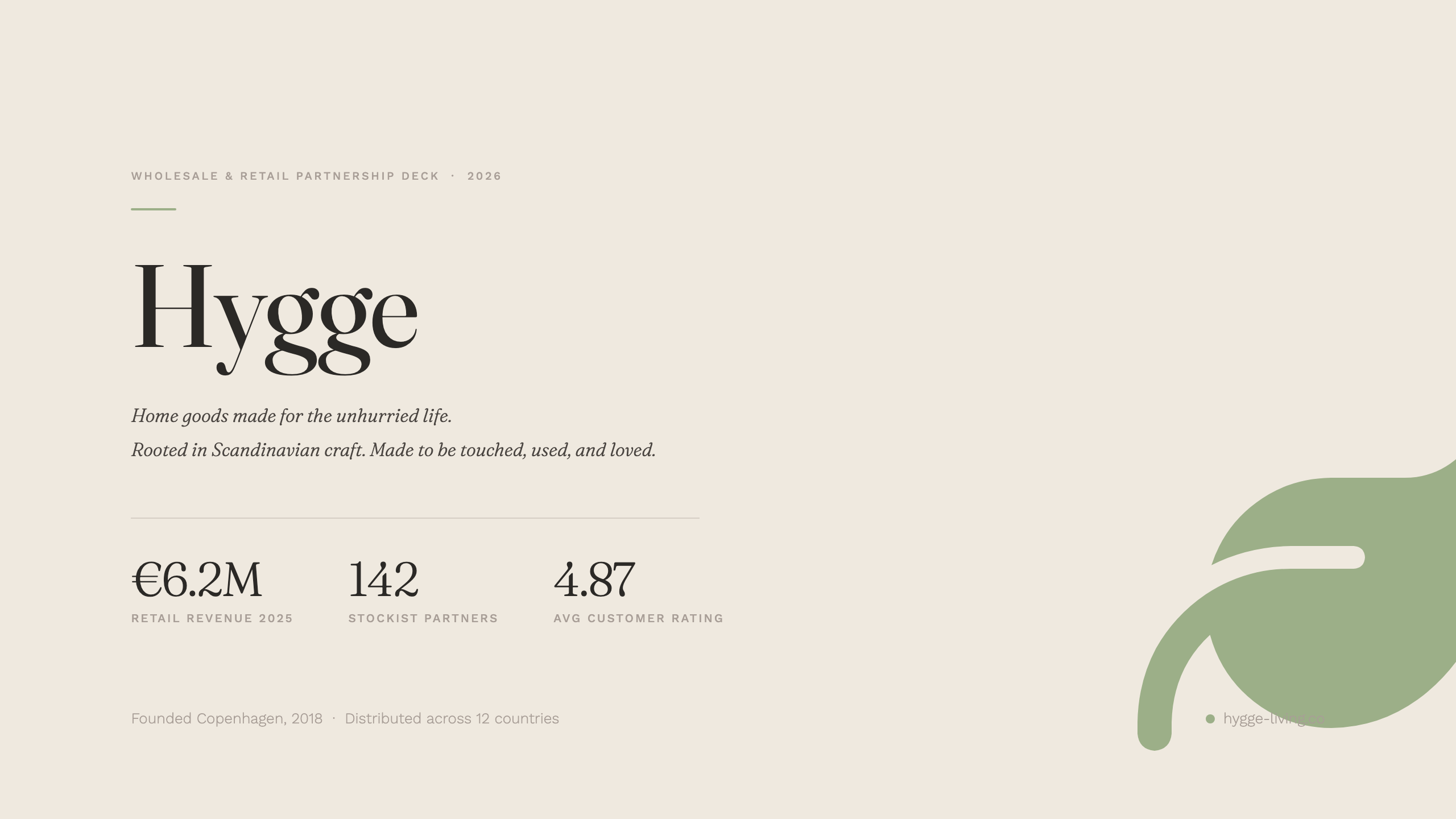
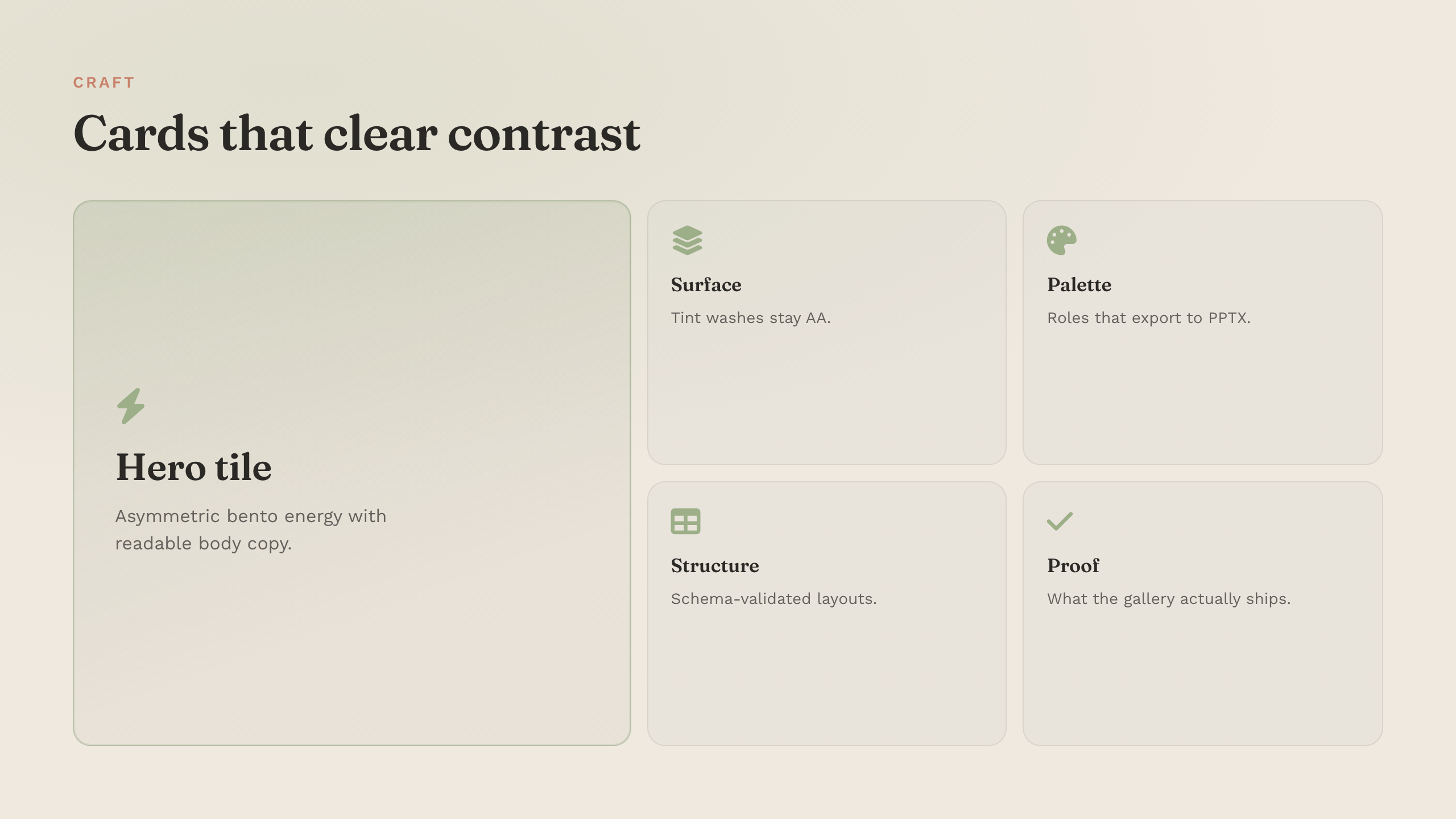
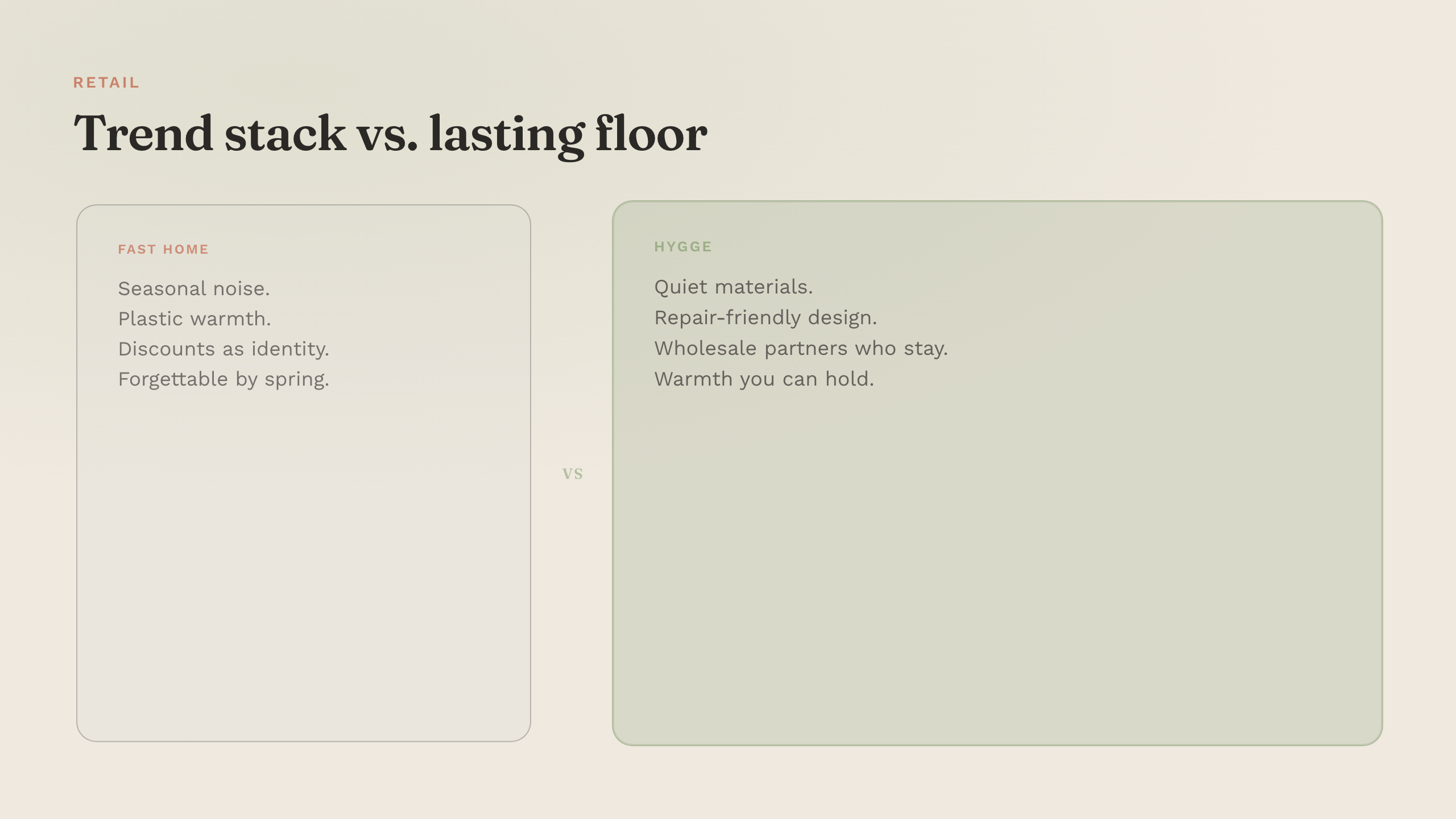
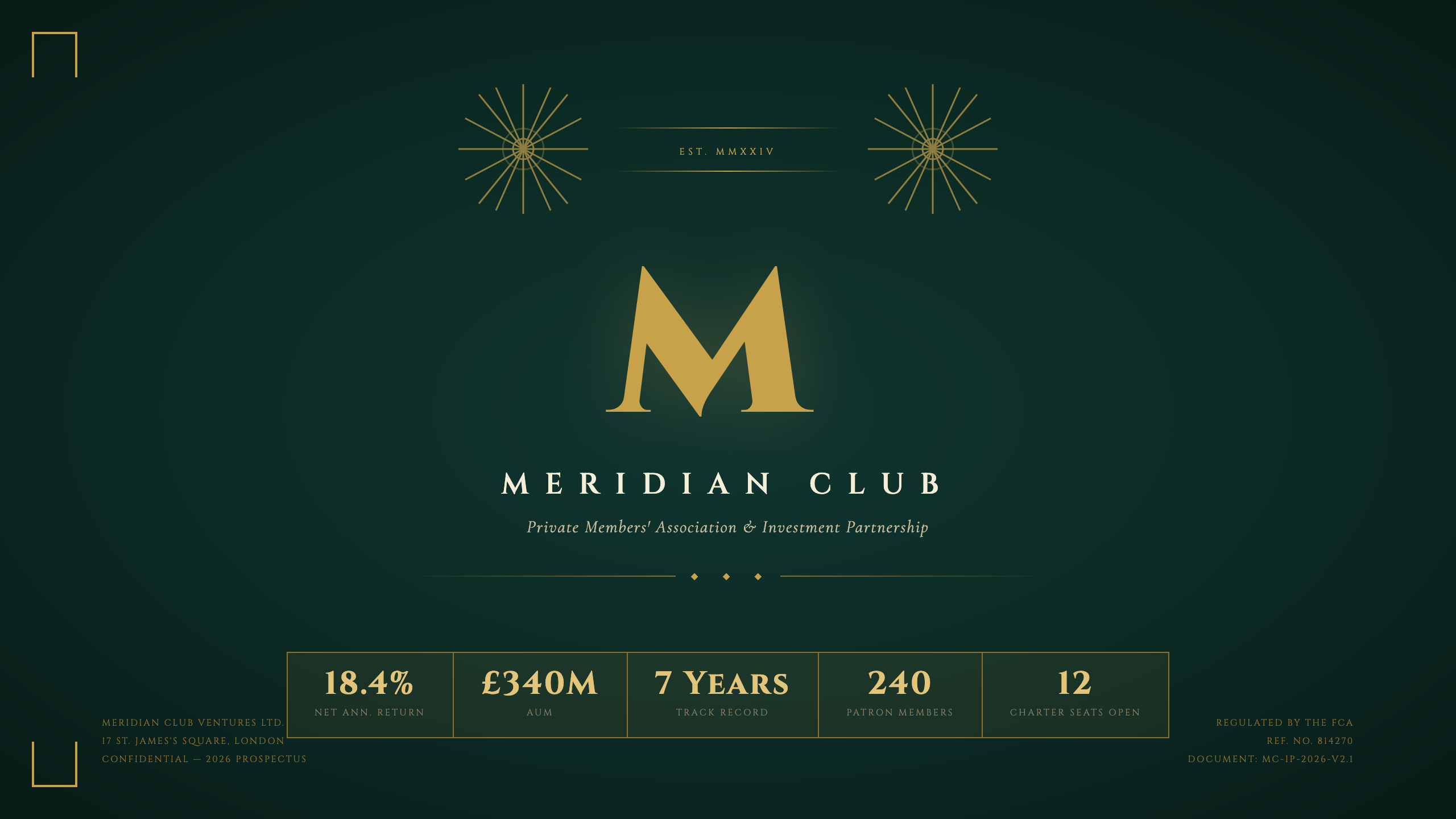
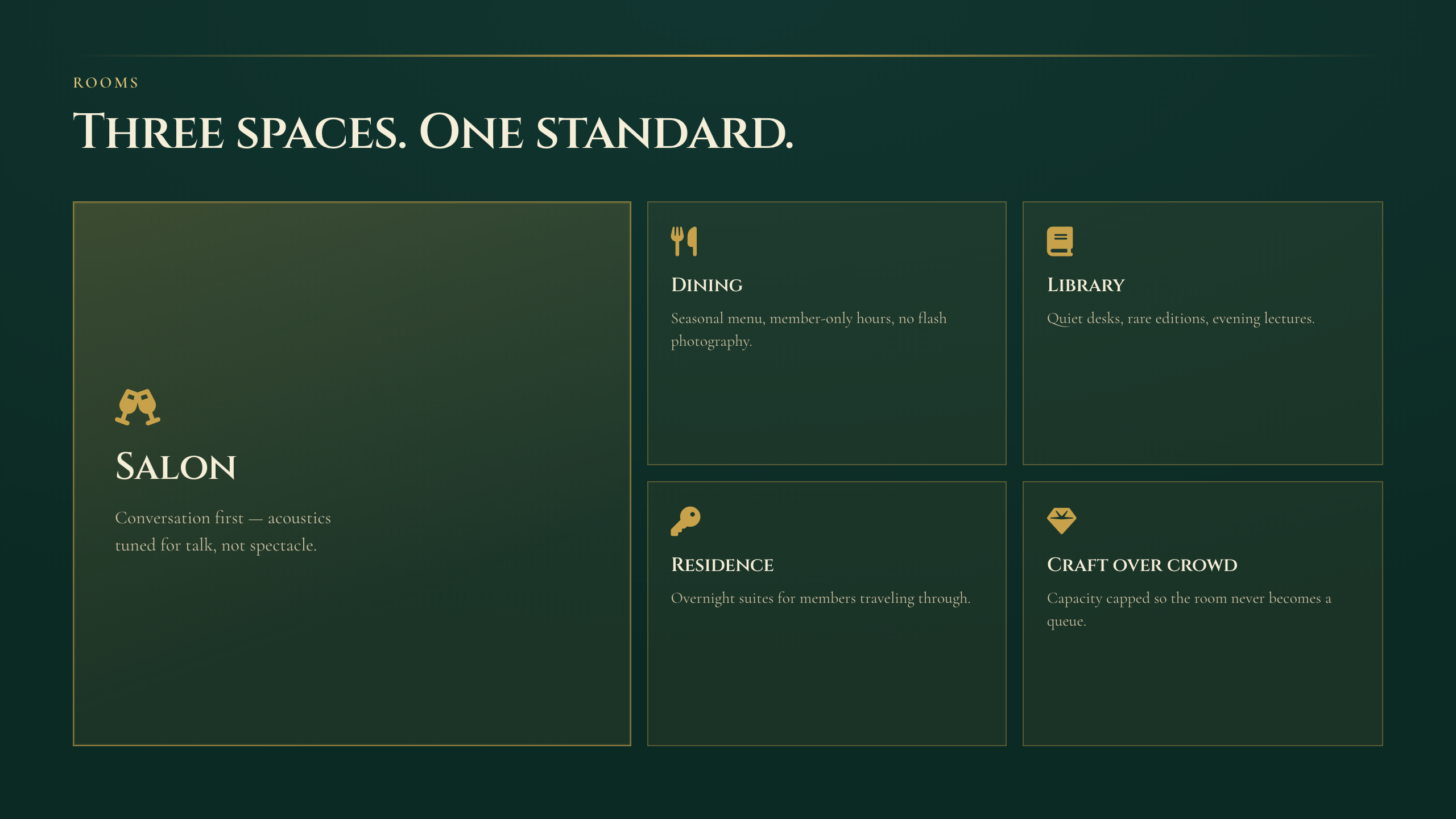
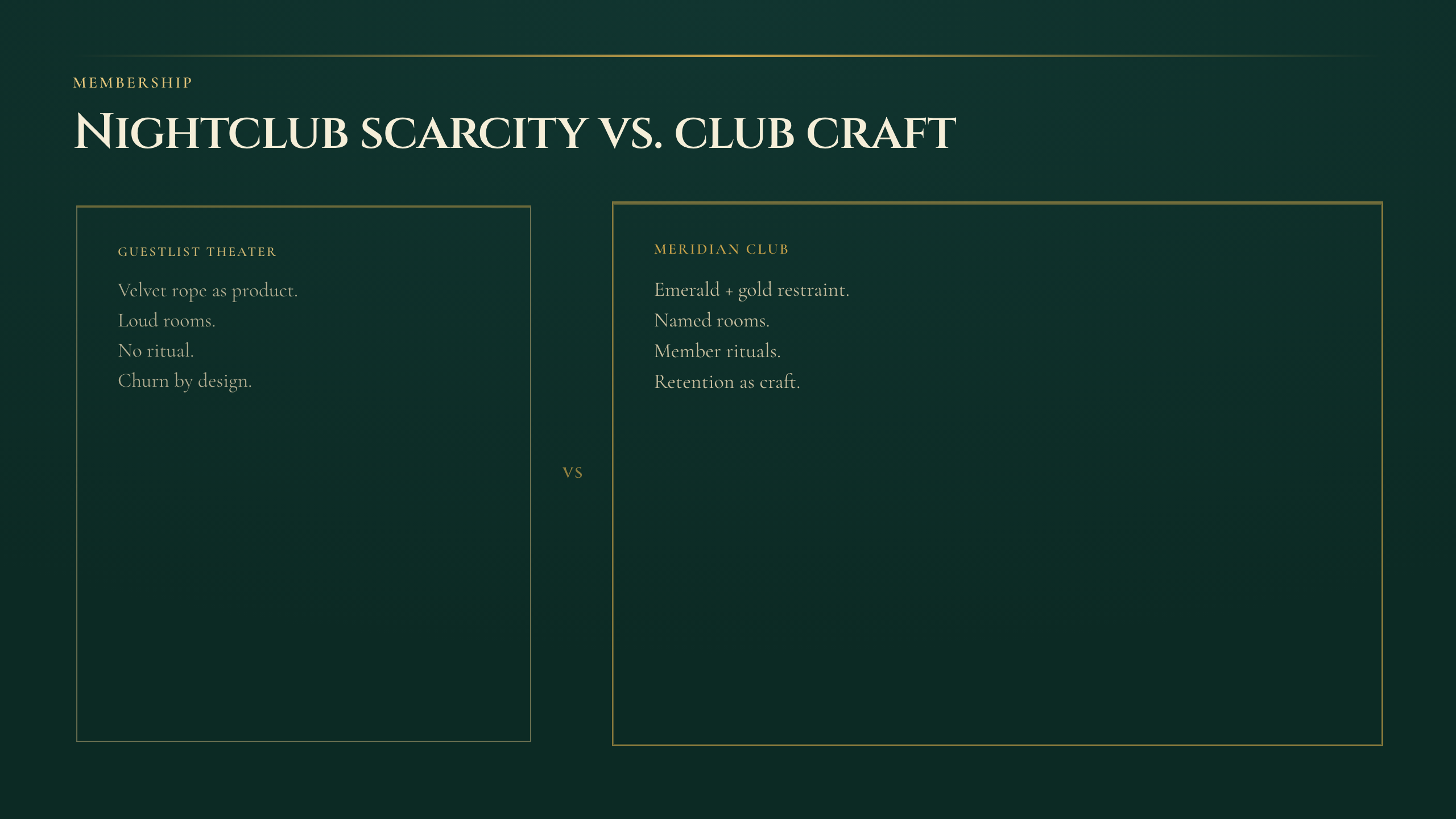
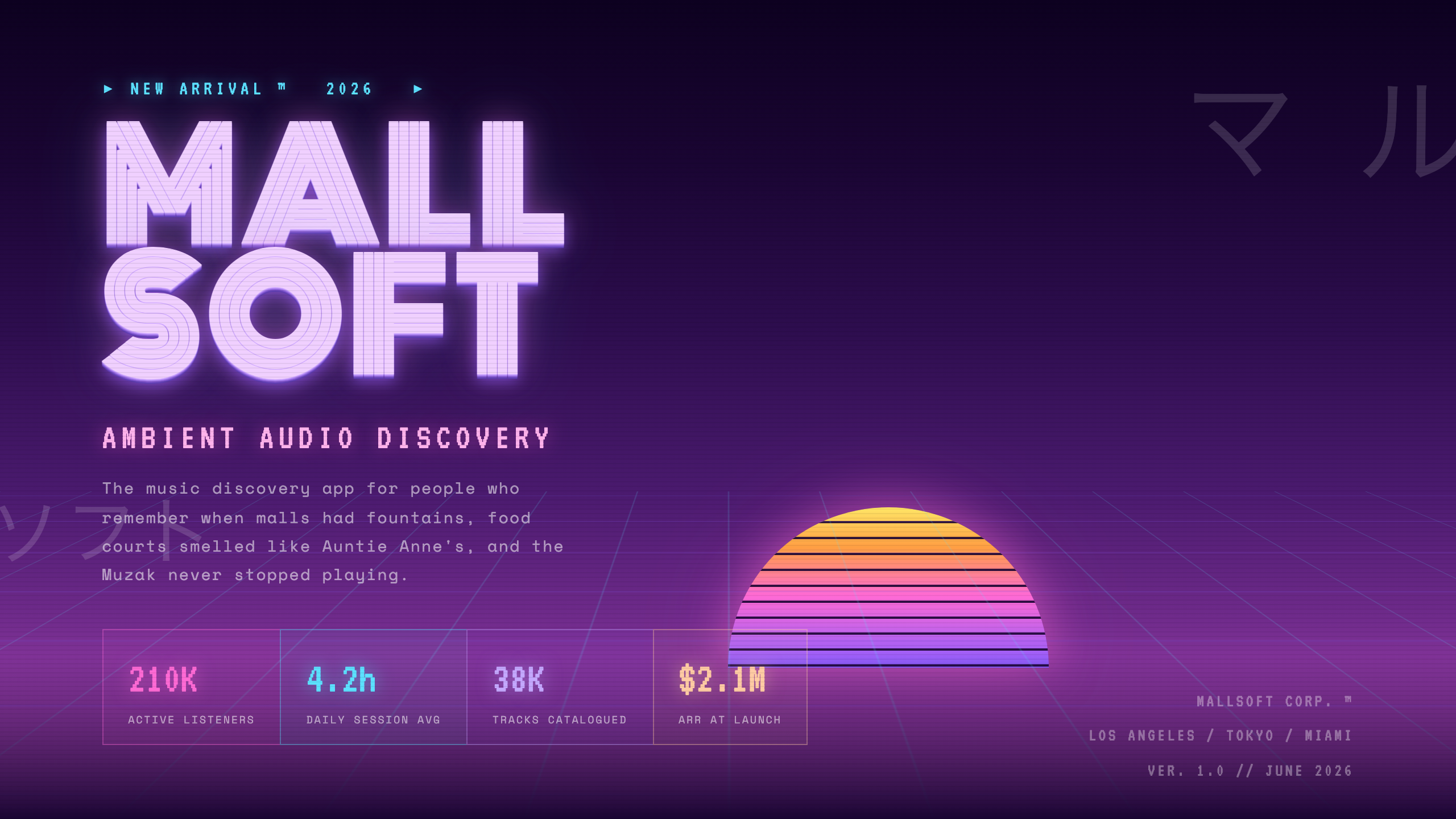
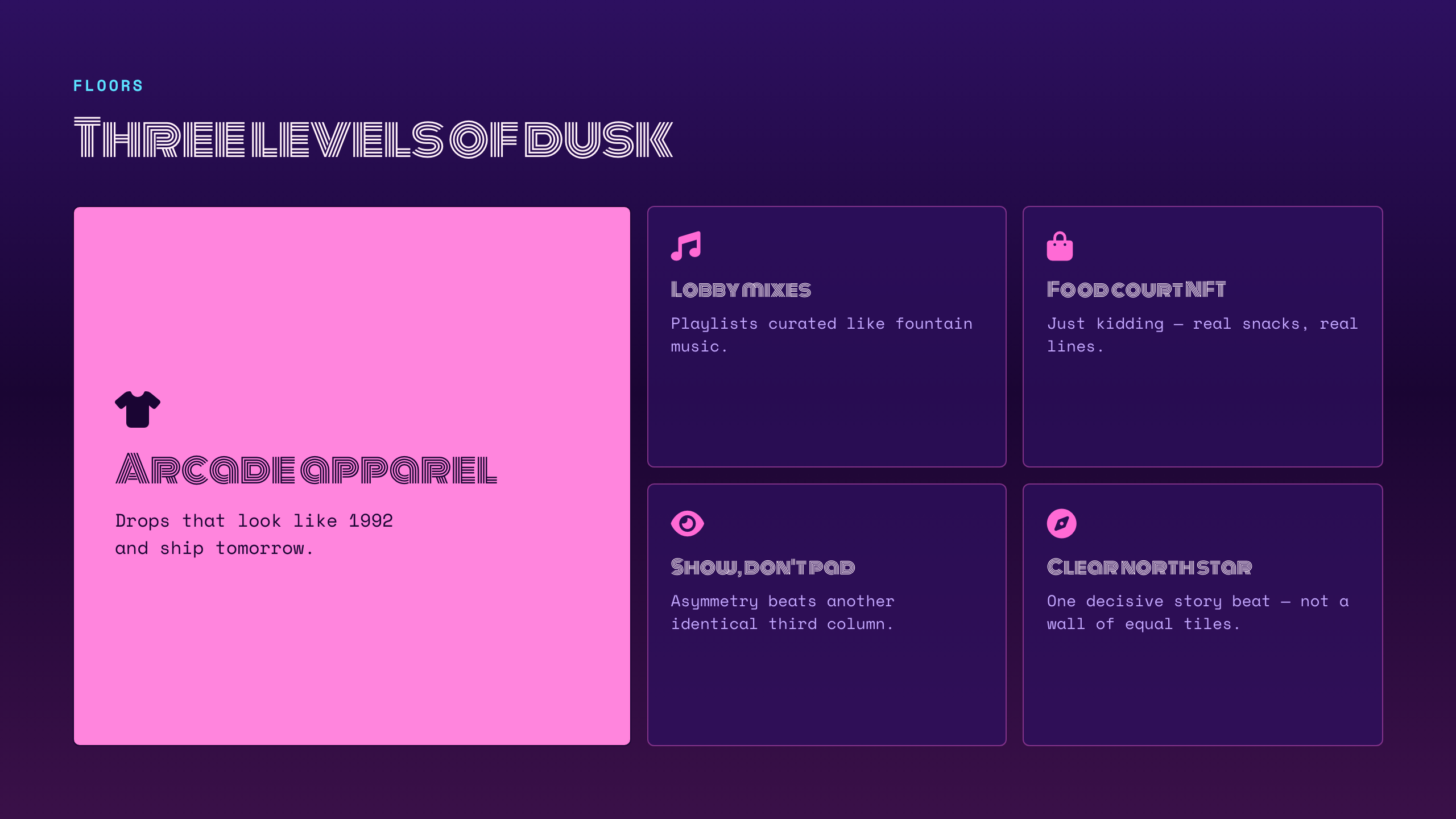
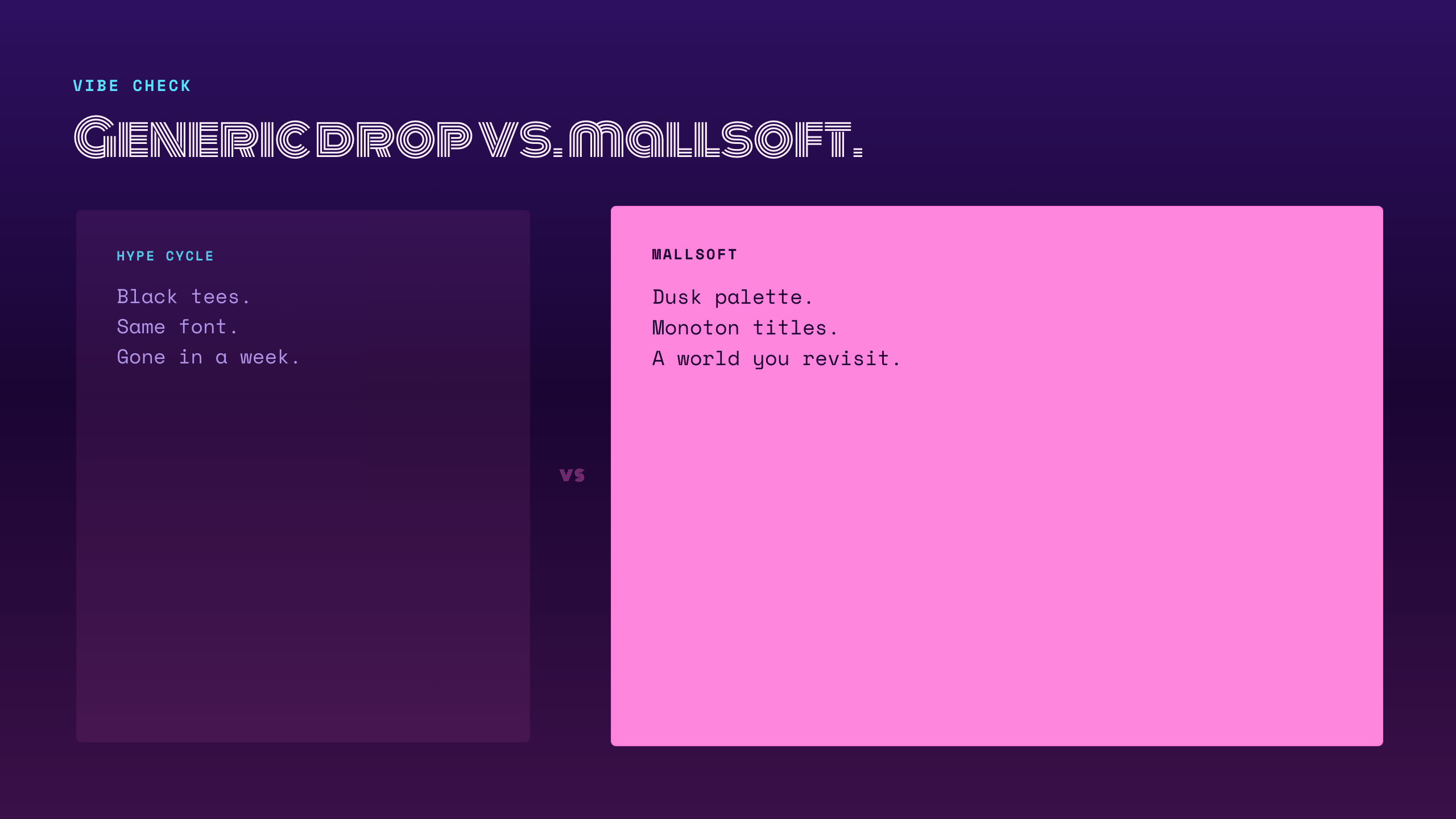
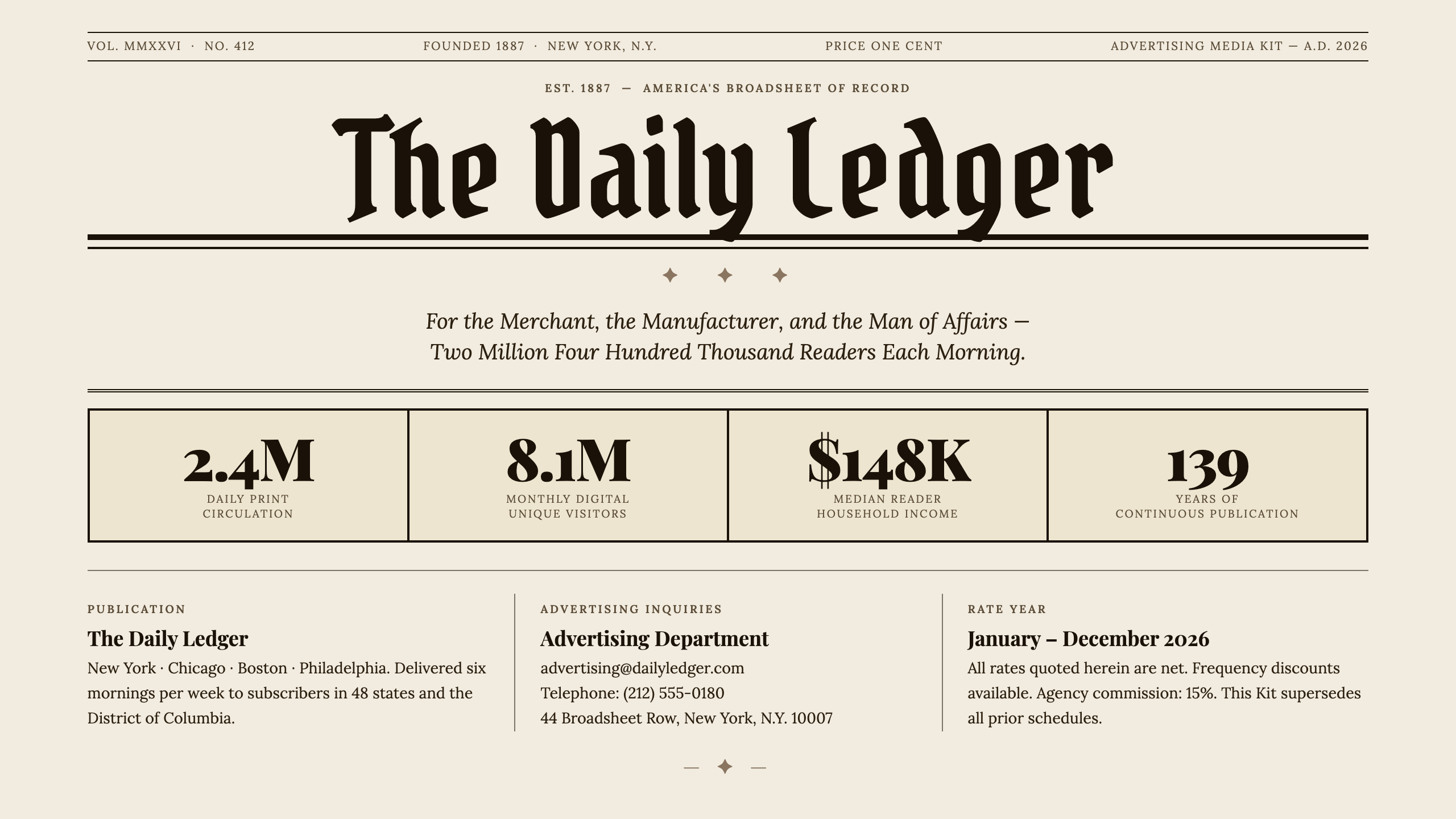
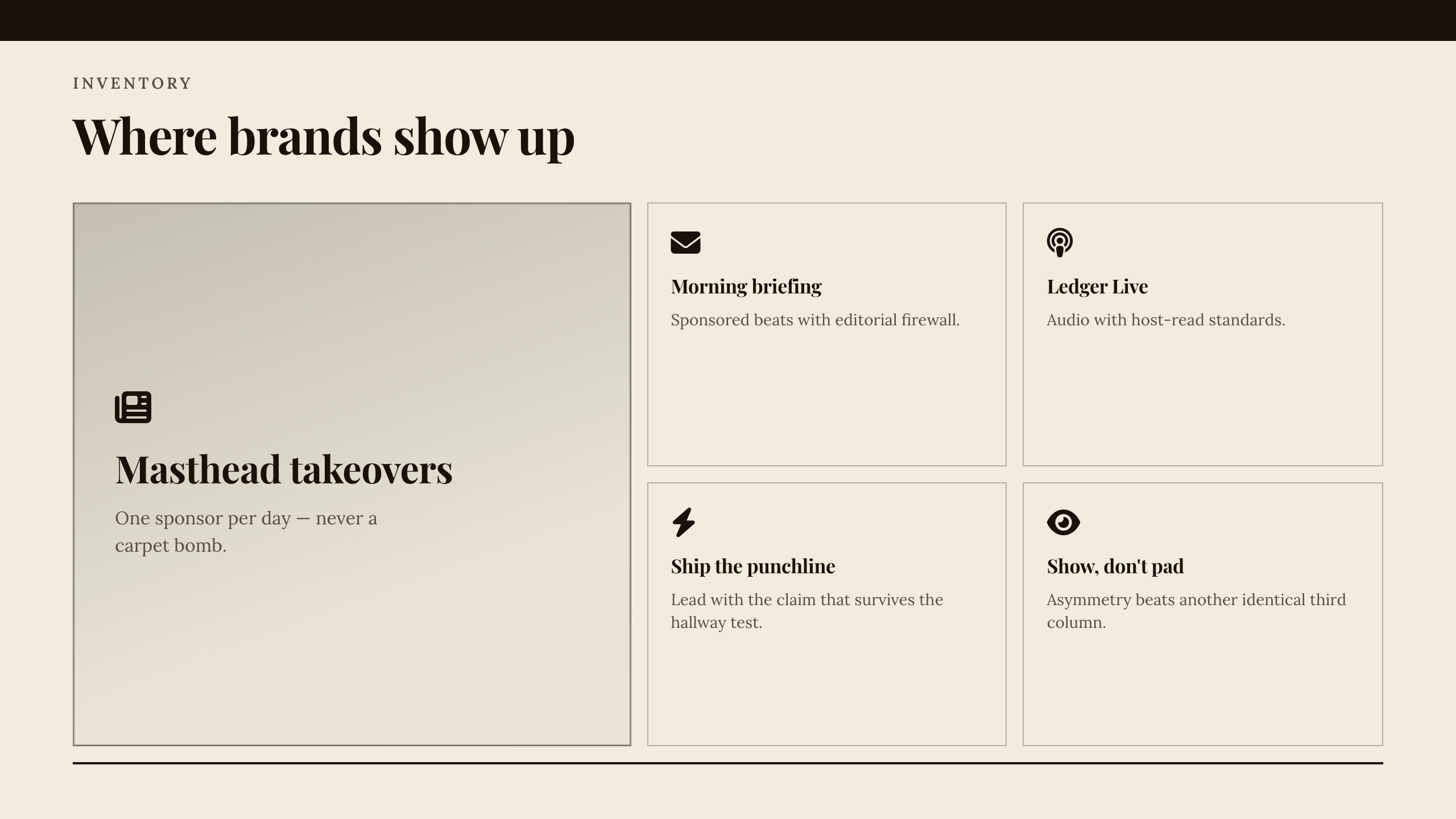
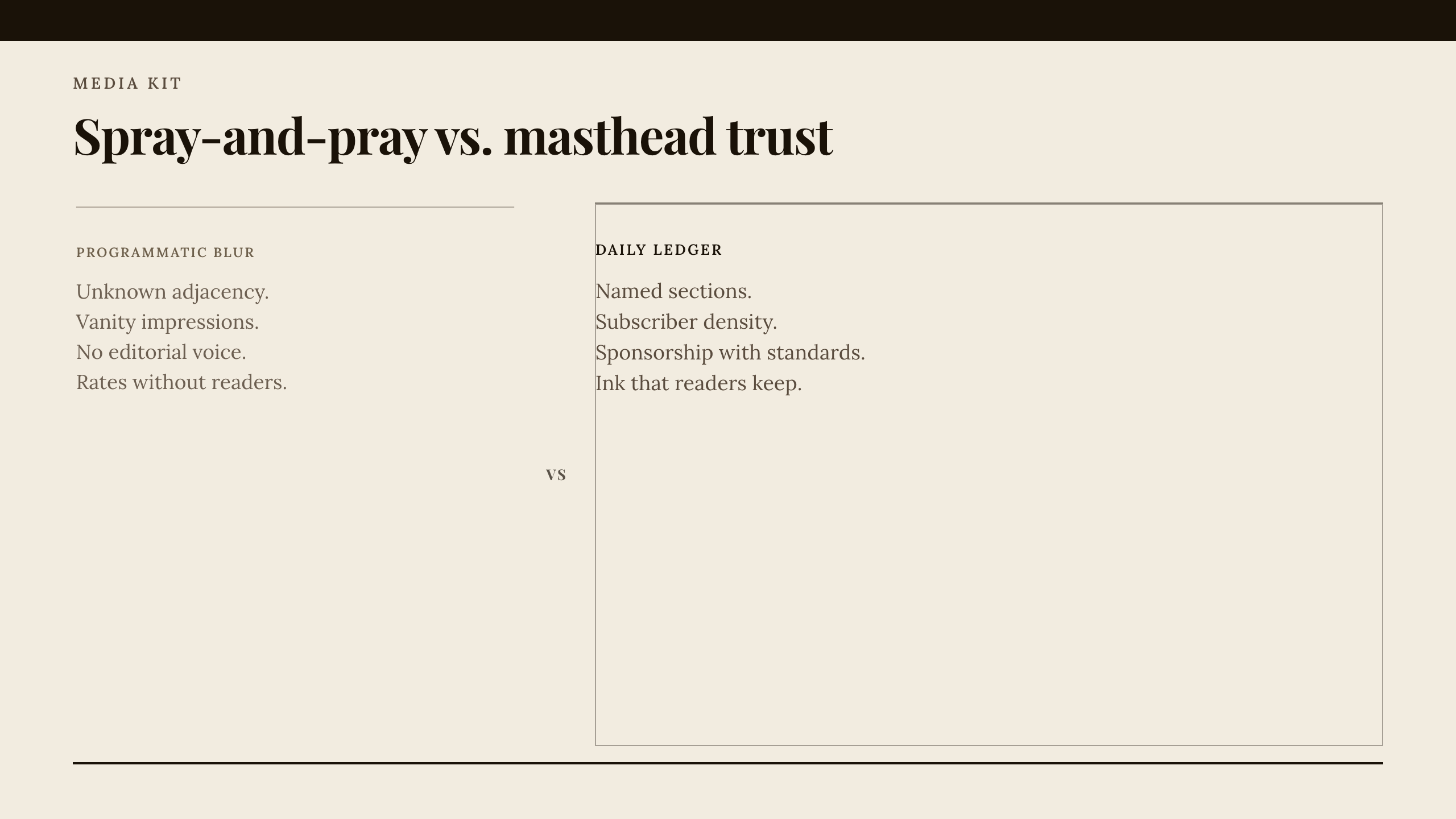
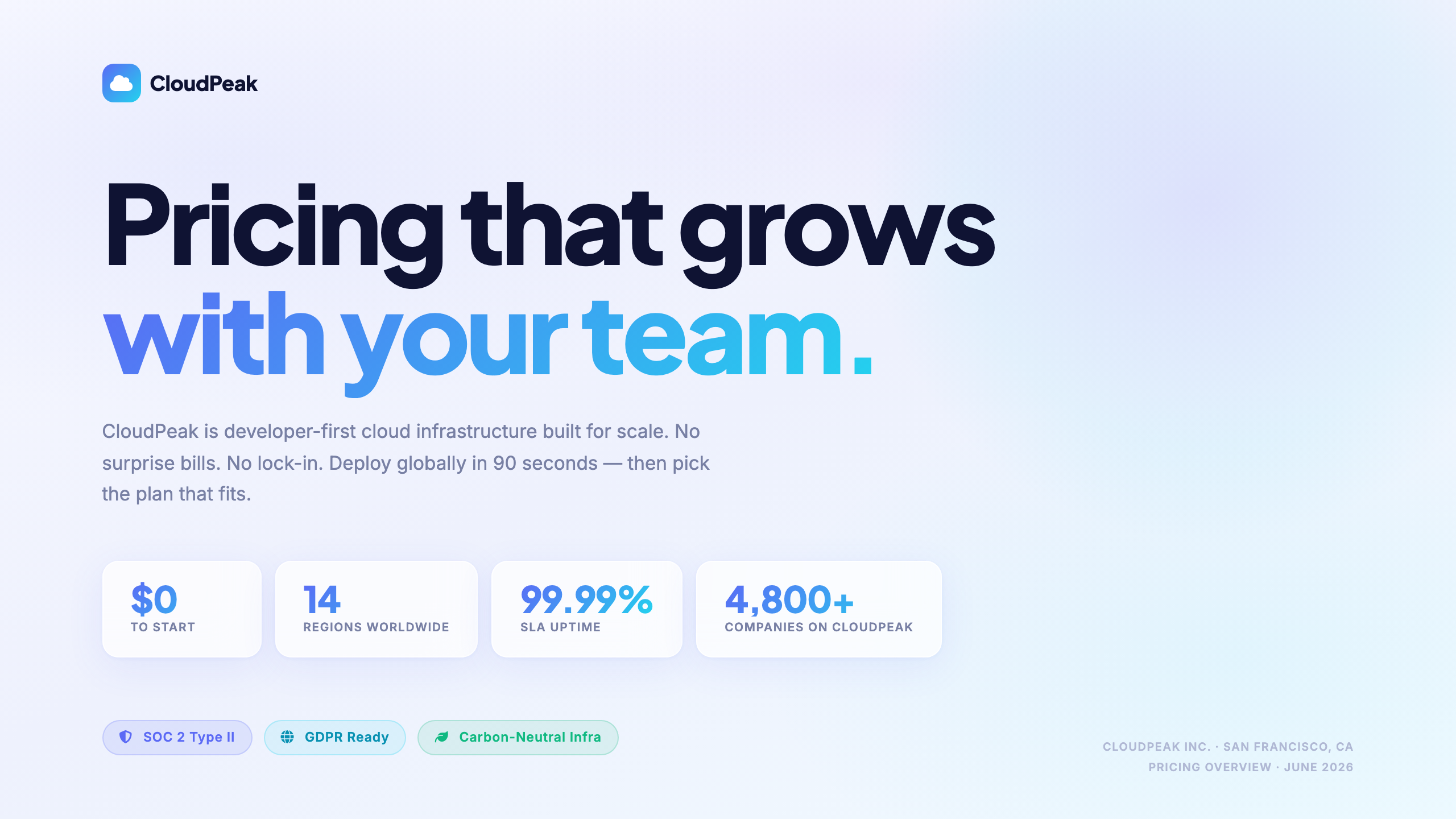
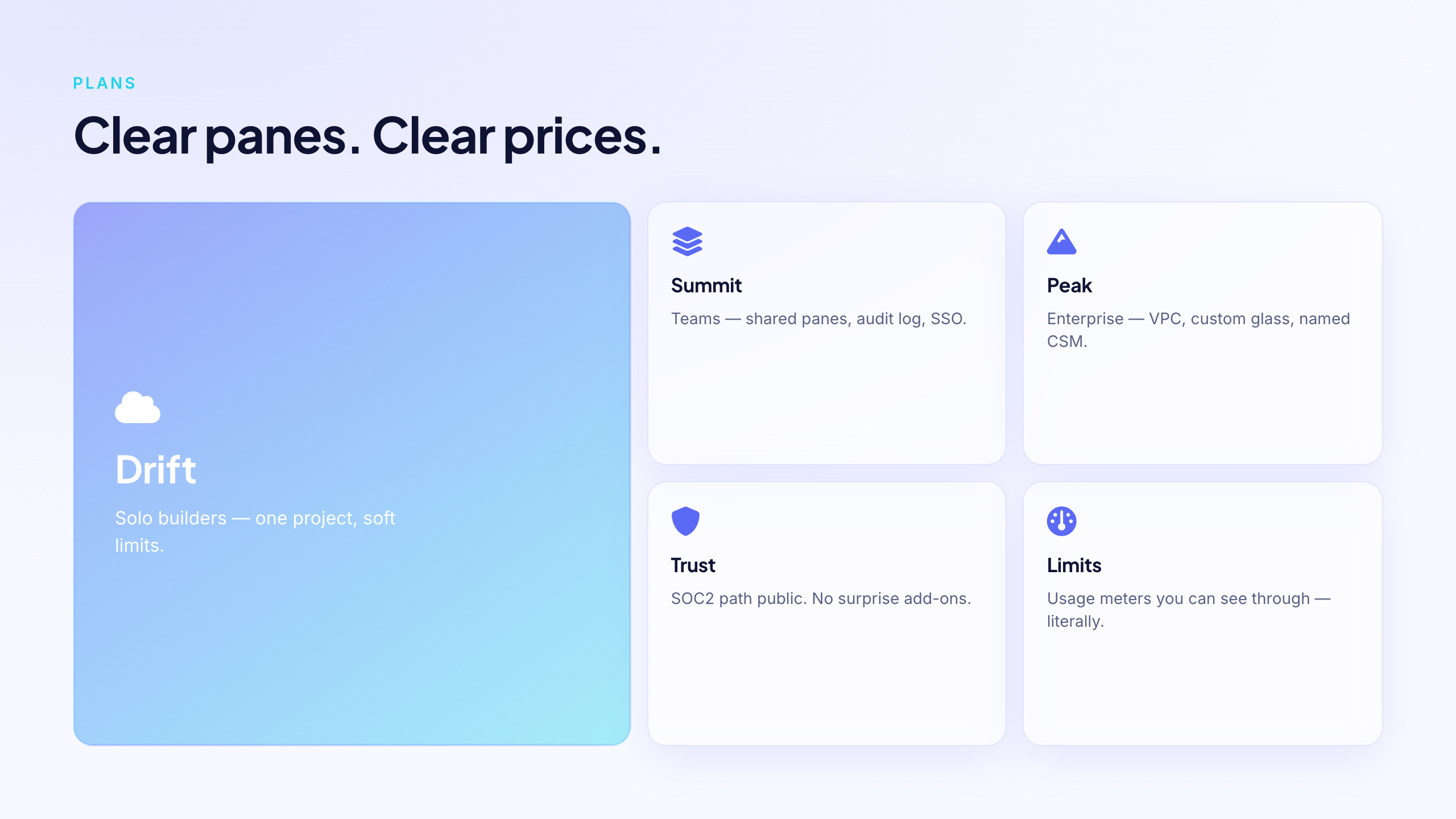
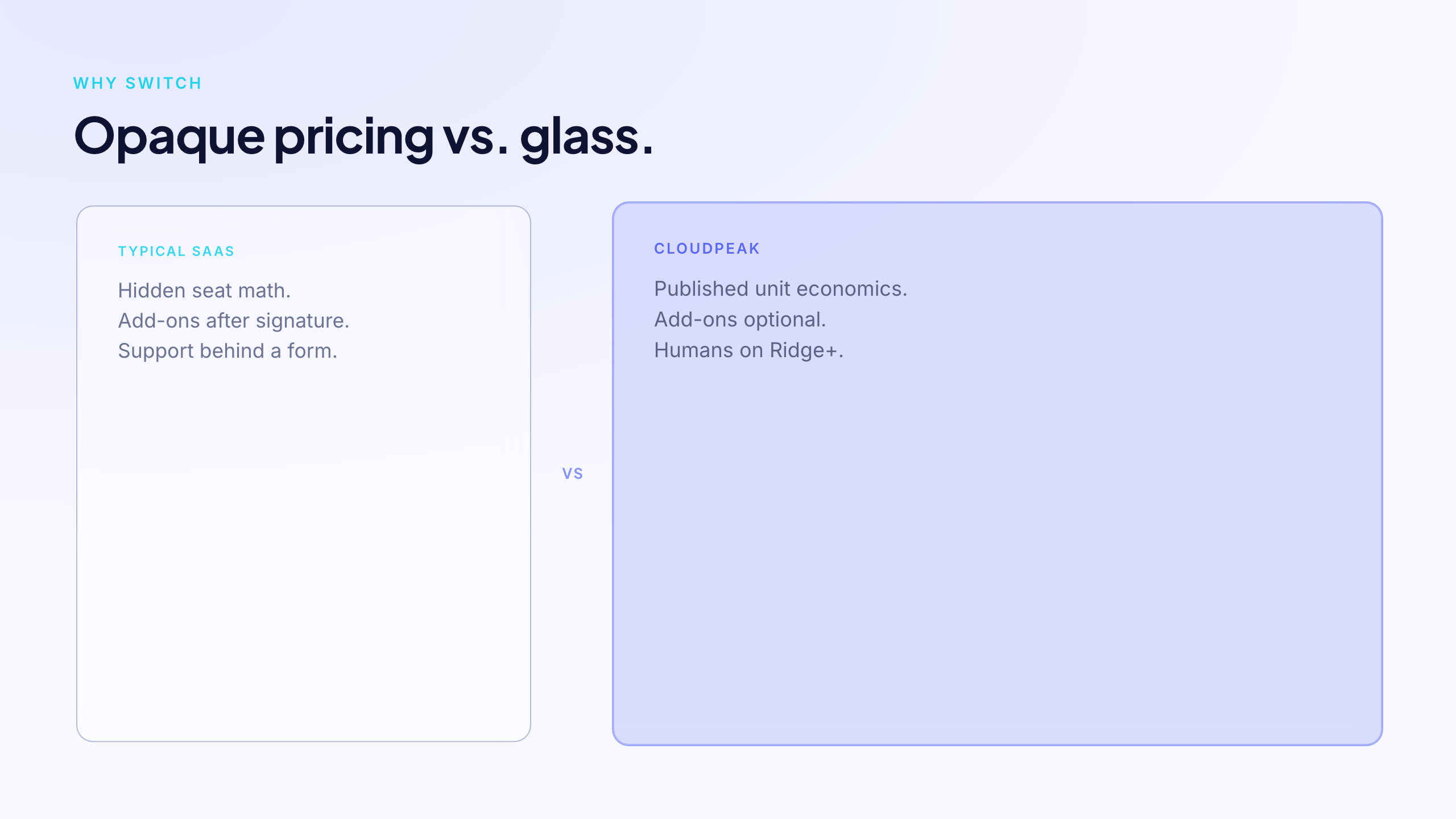
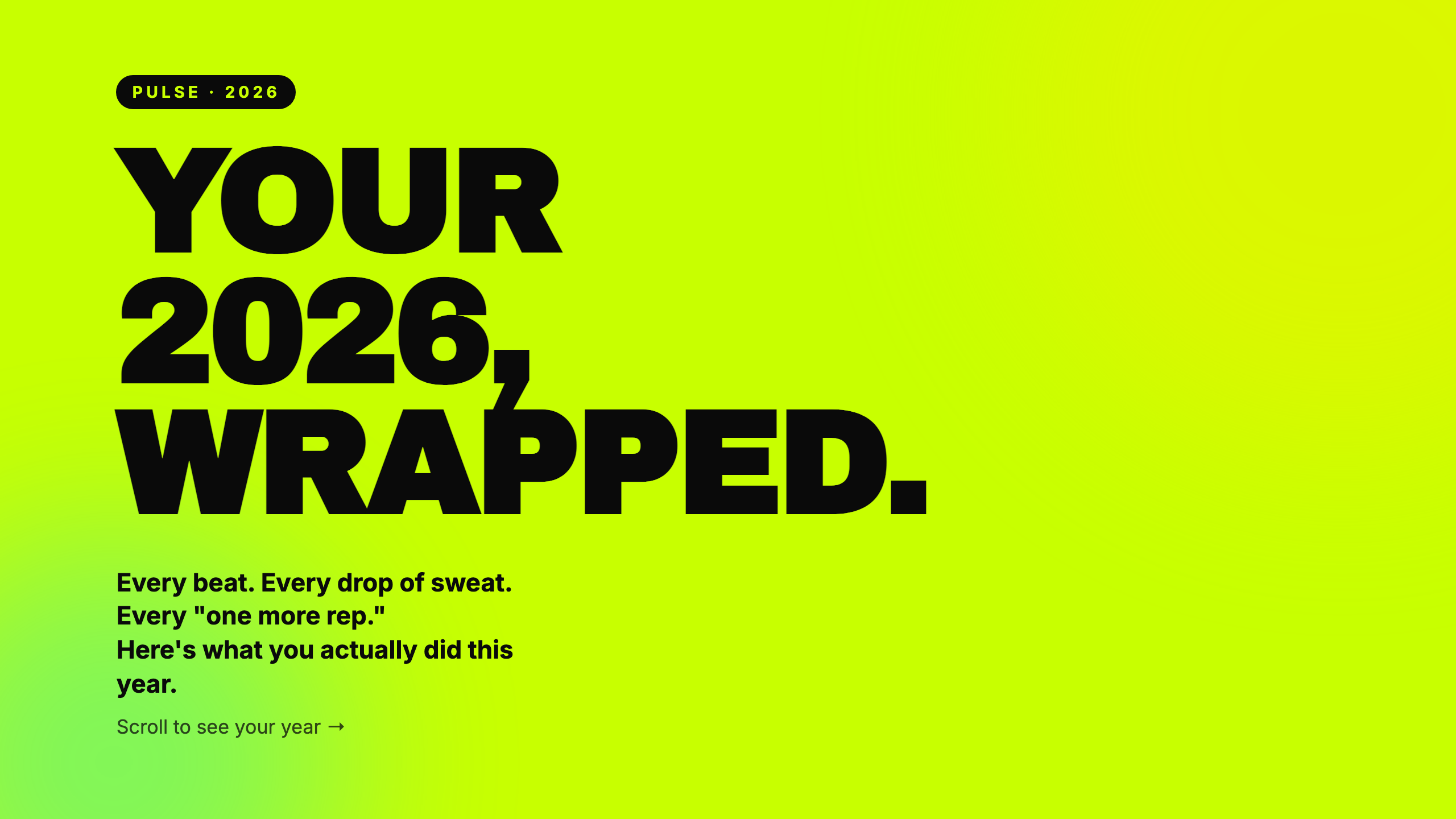
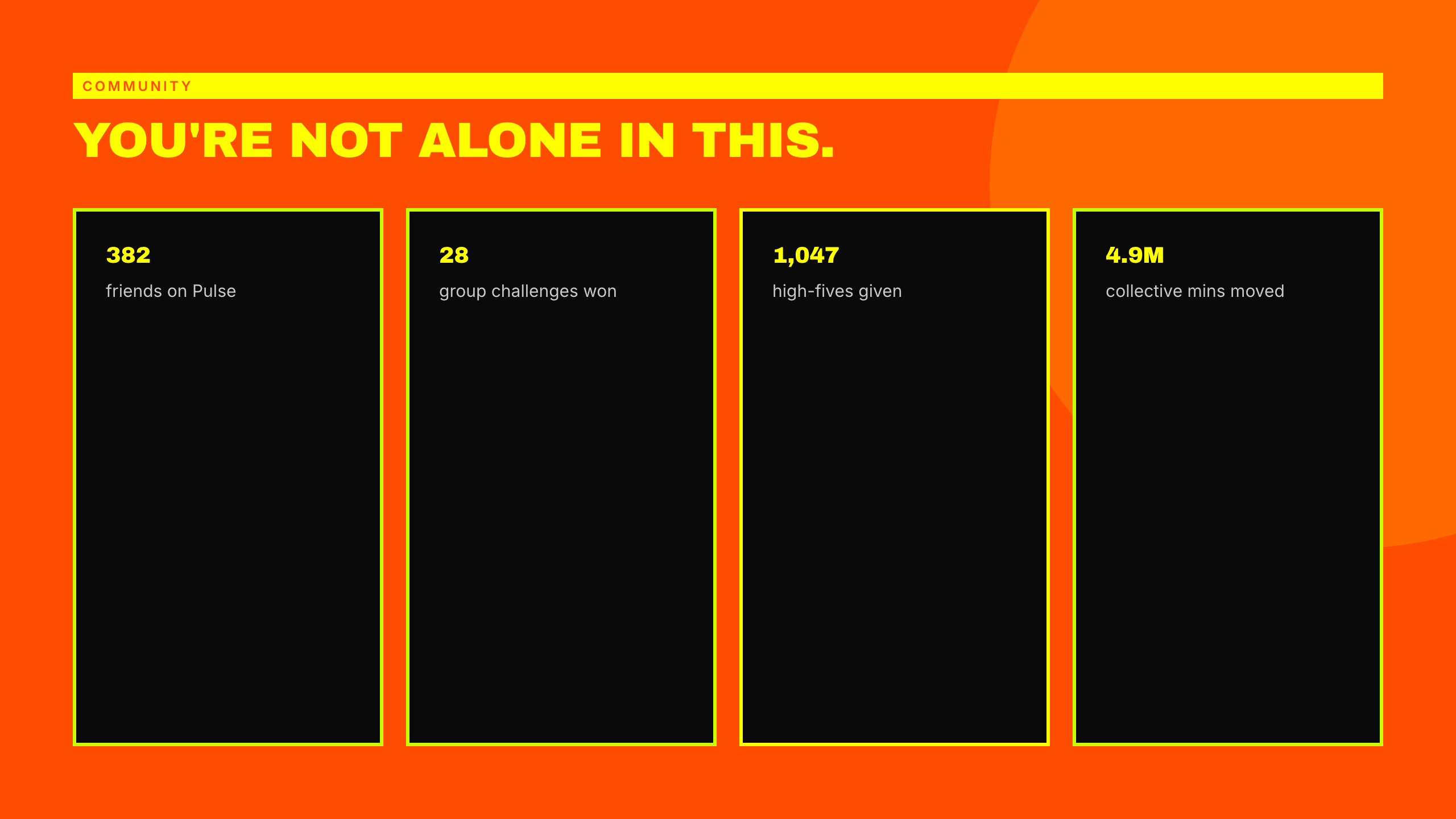
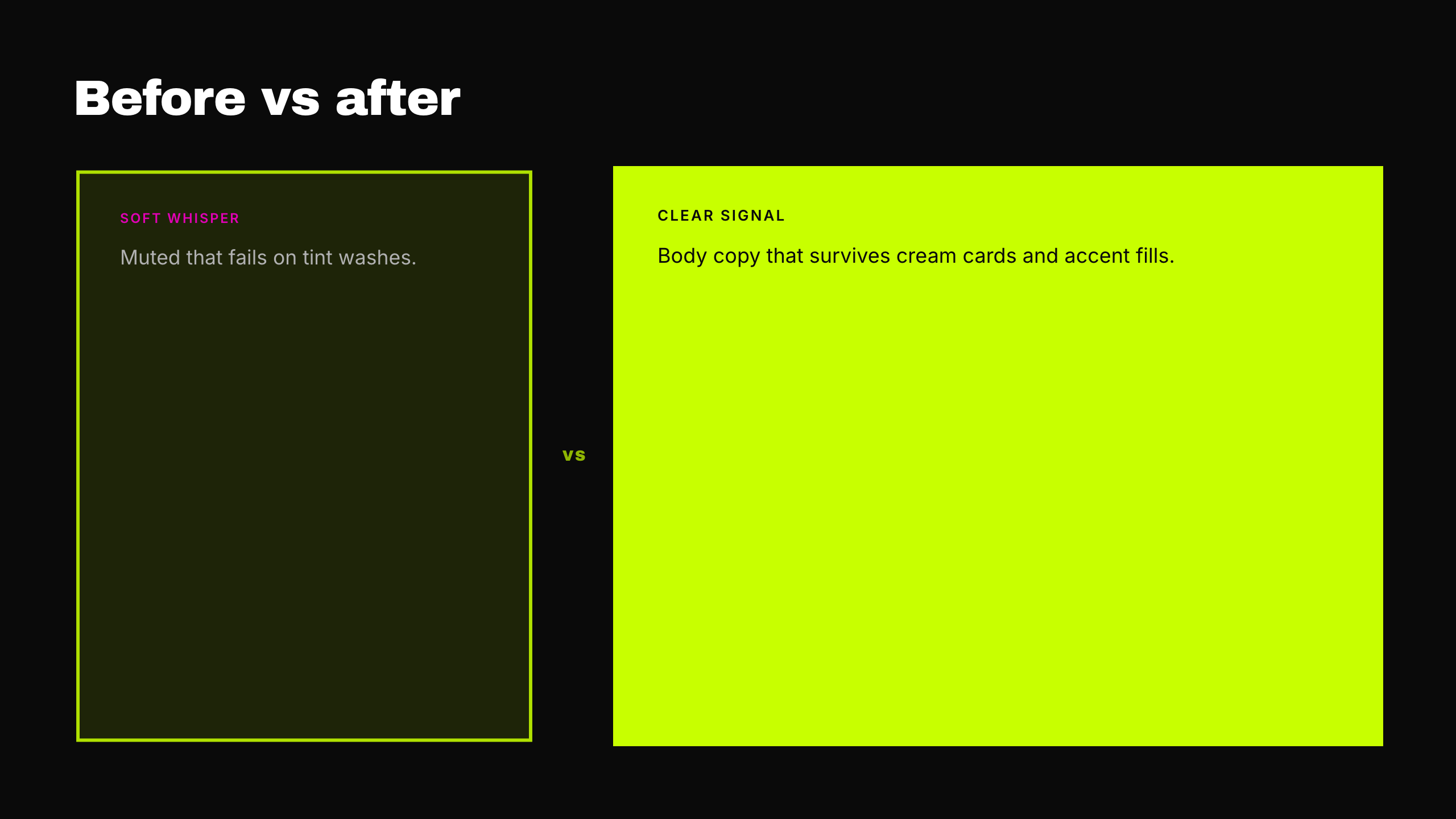
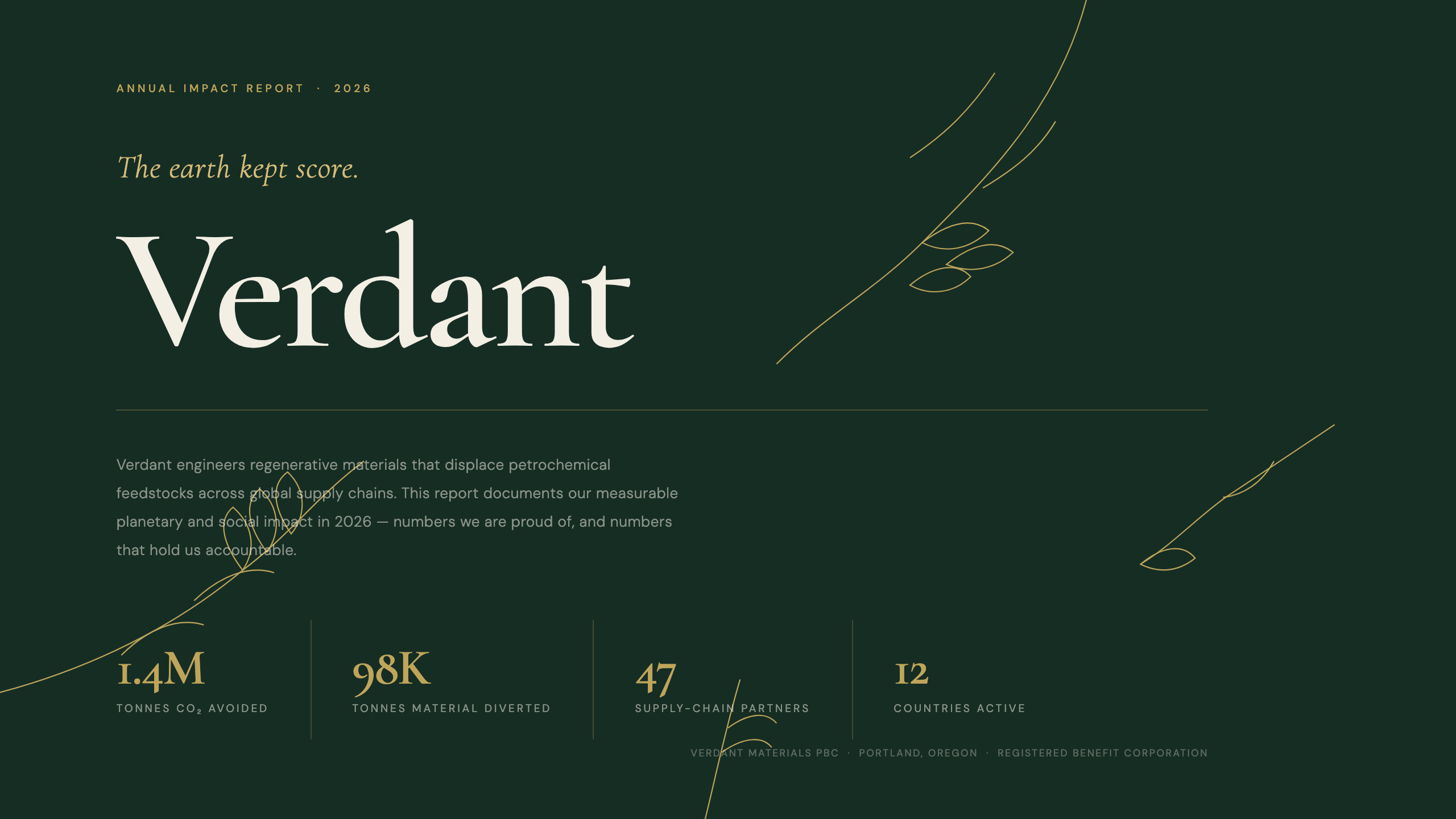
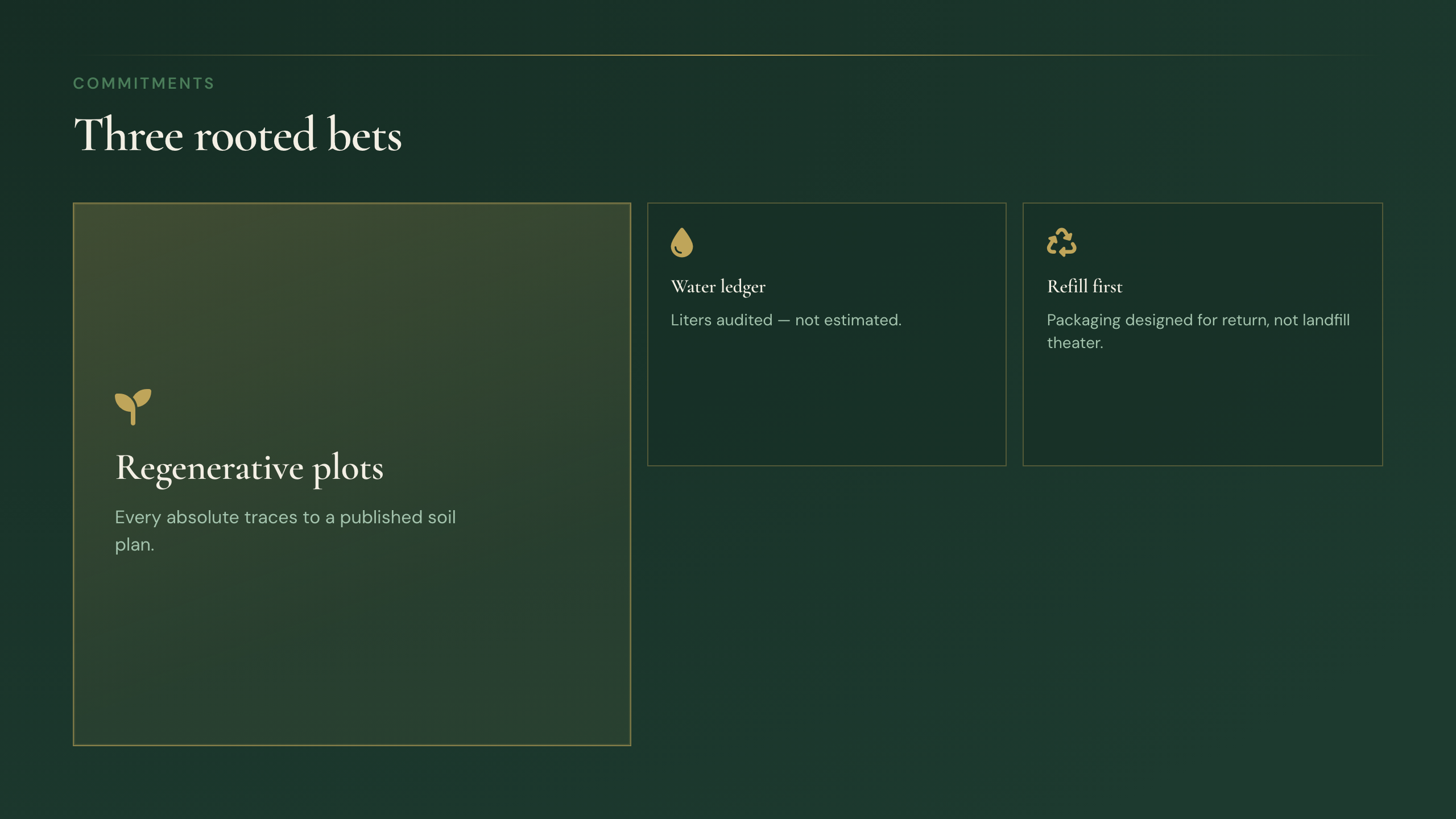
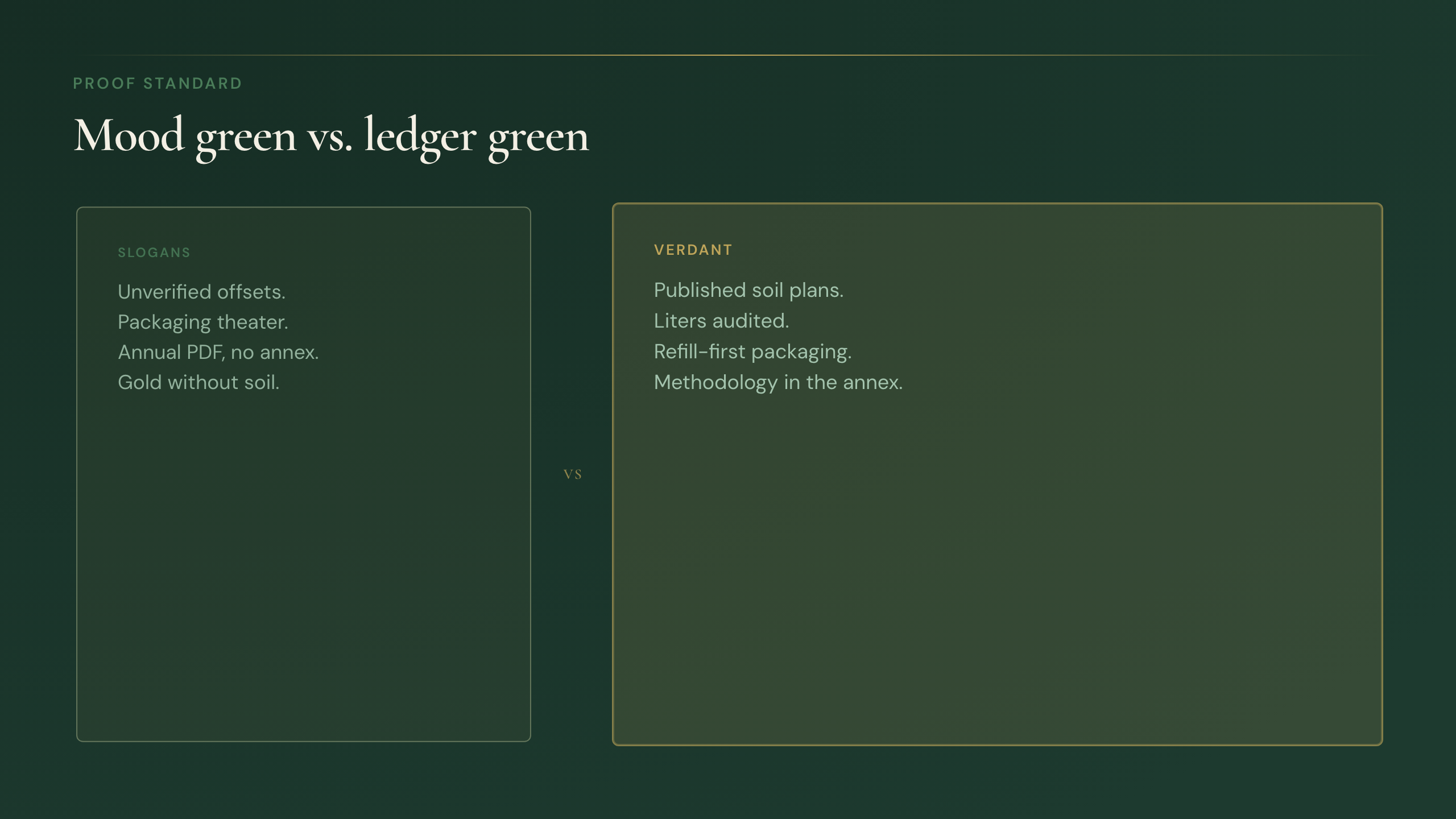
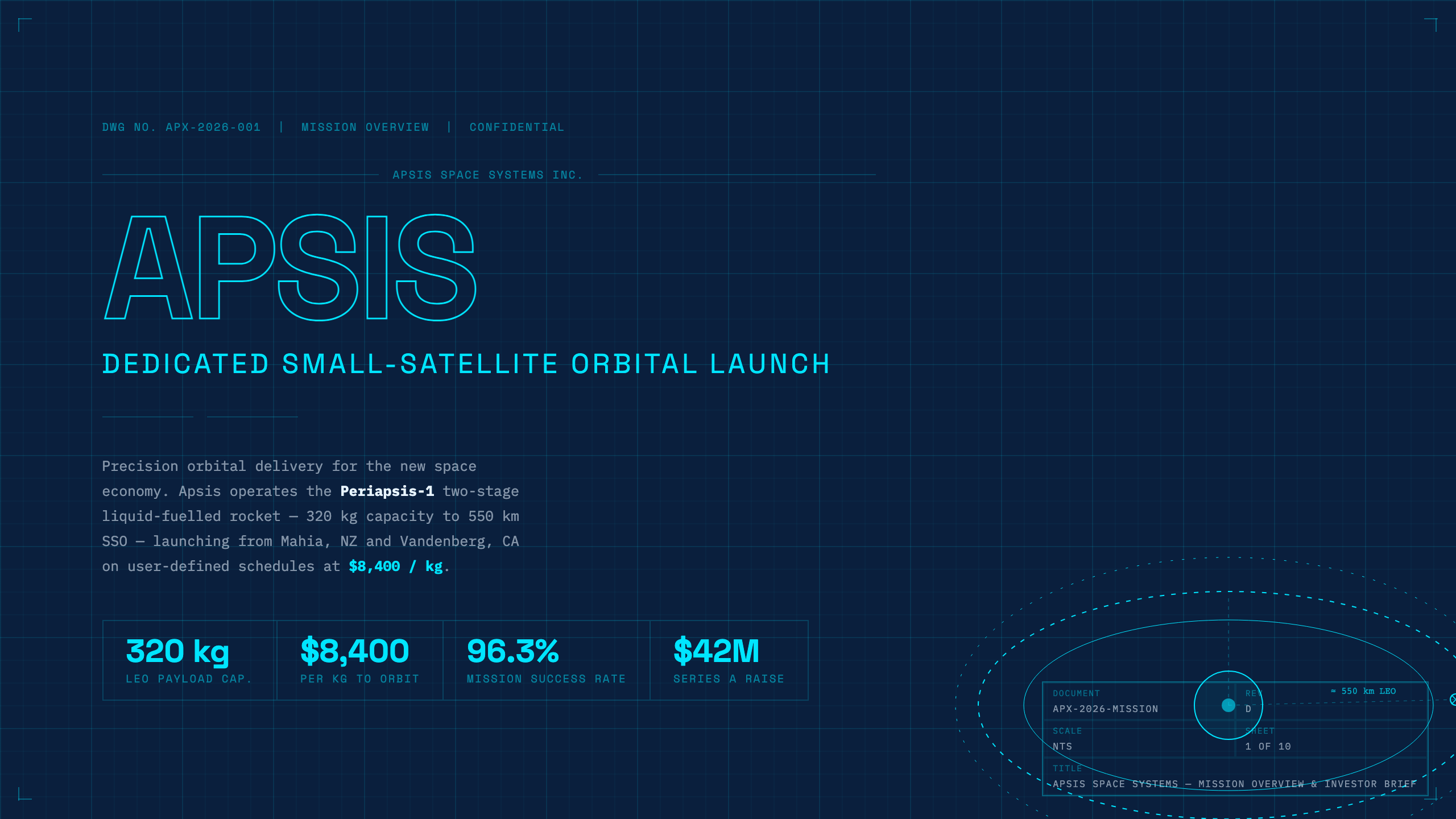
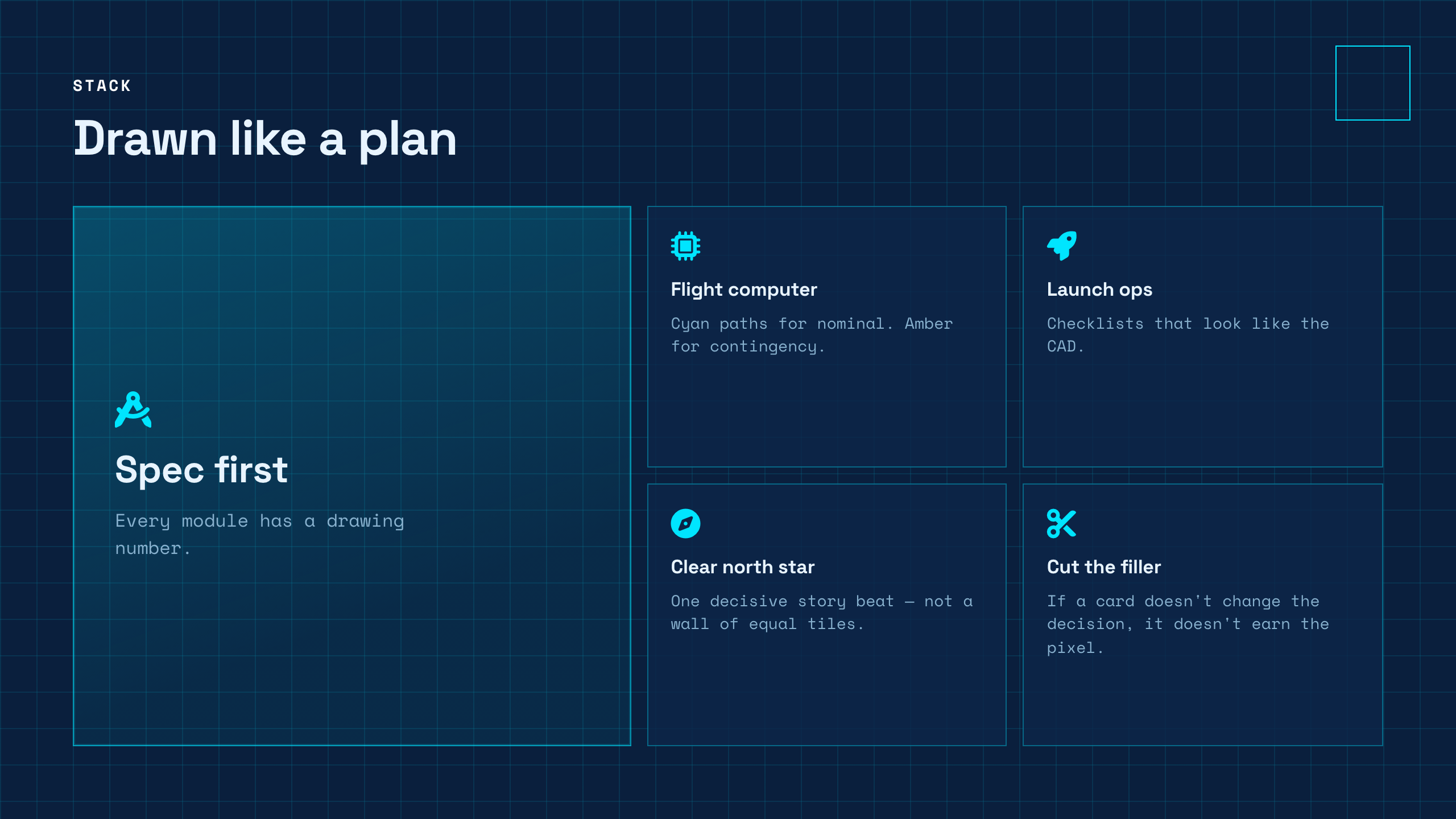
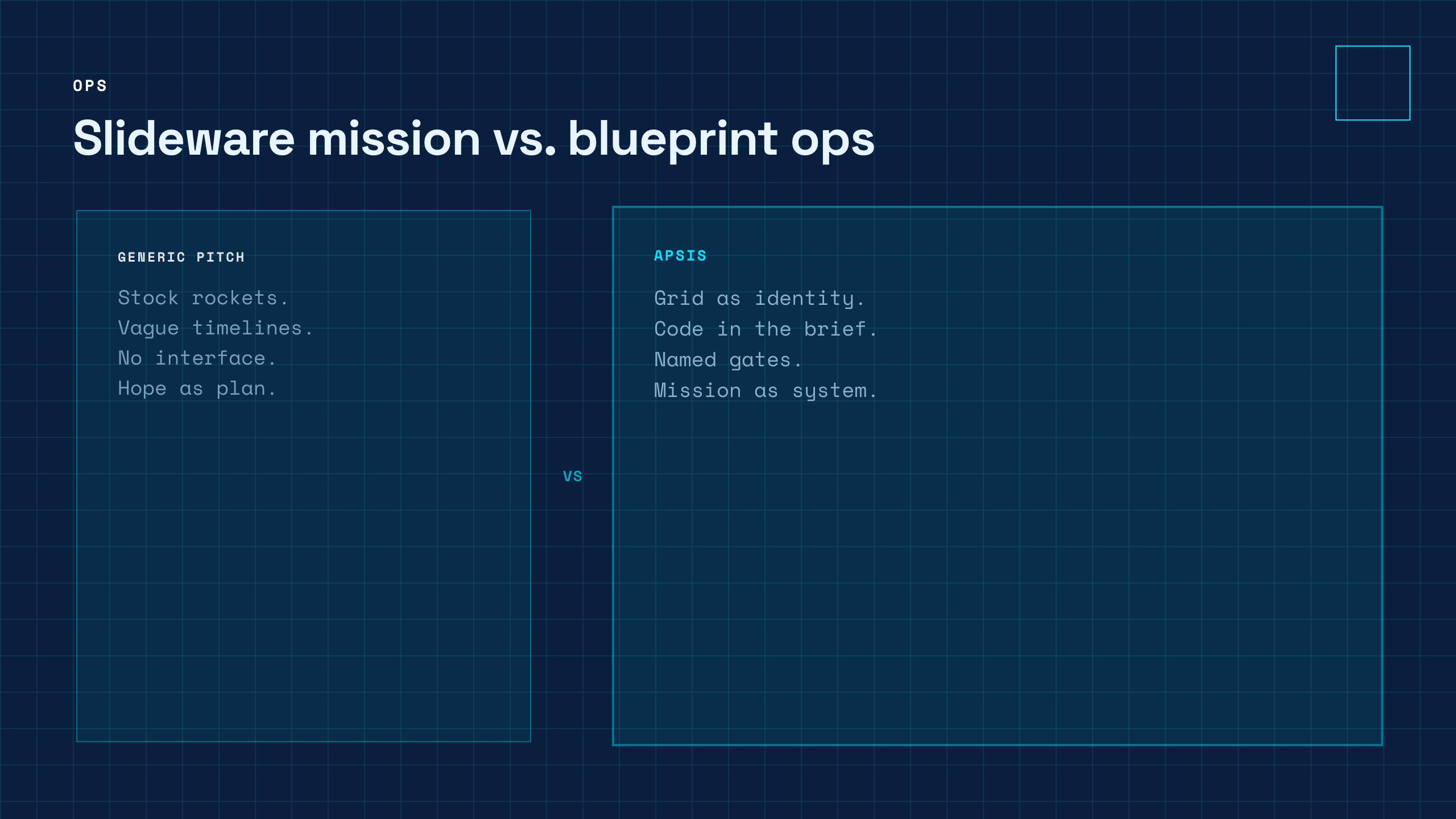
Real screenshots first — the same energy as a bold template wall. Open any proof in Studio, restyle with one theme swap, export PPTX when the room needs Office.
Click a plate → live Studio. Same deck JSON under the hood; you never have to touch it for a first win.
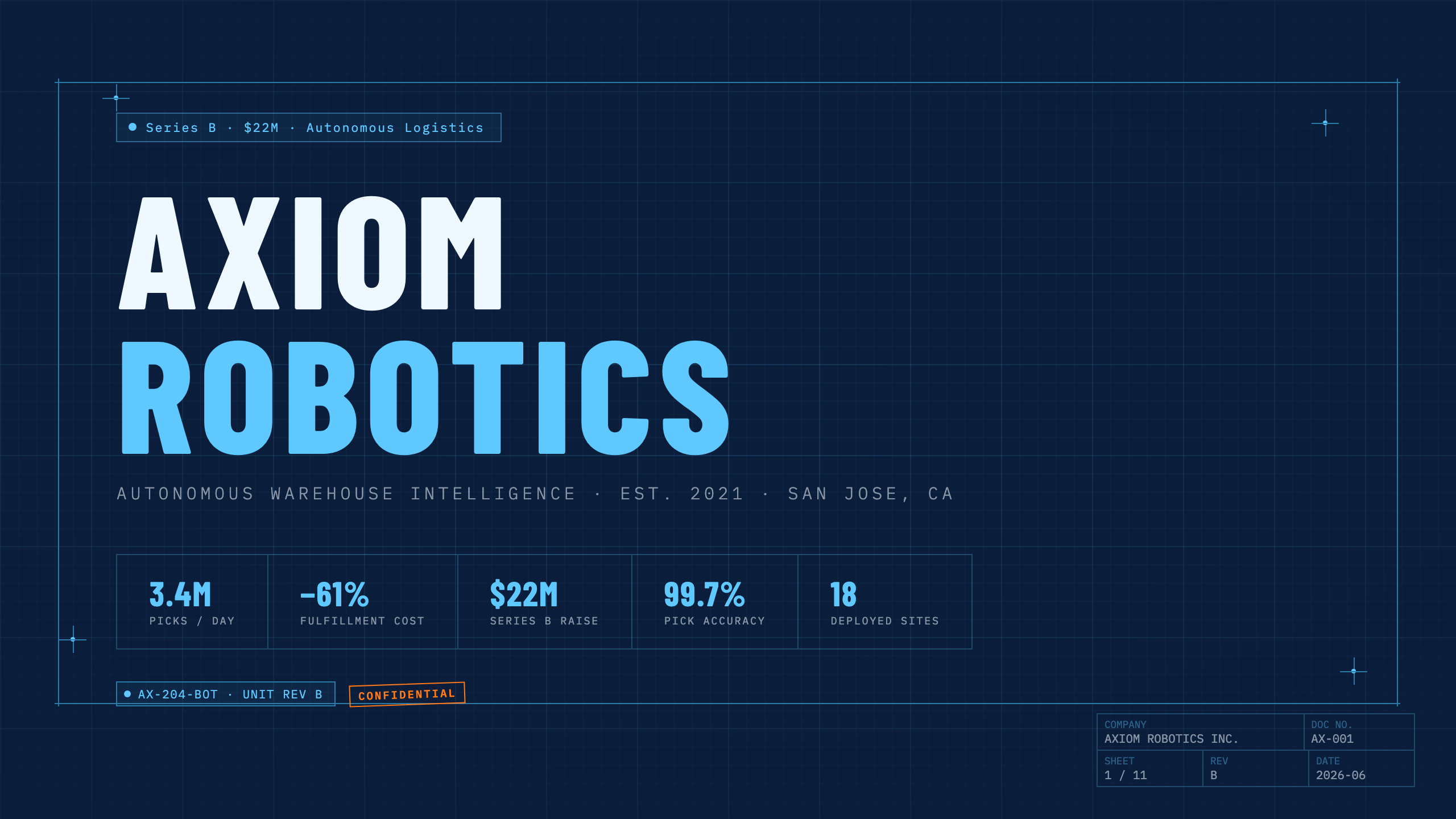
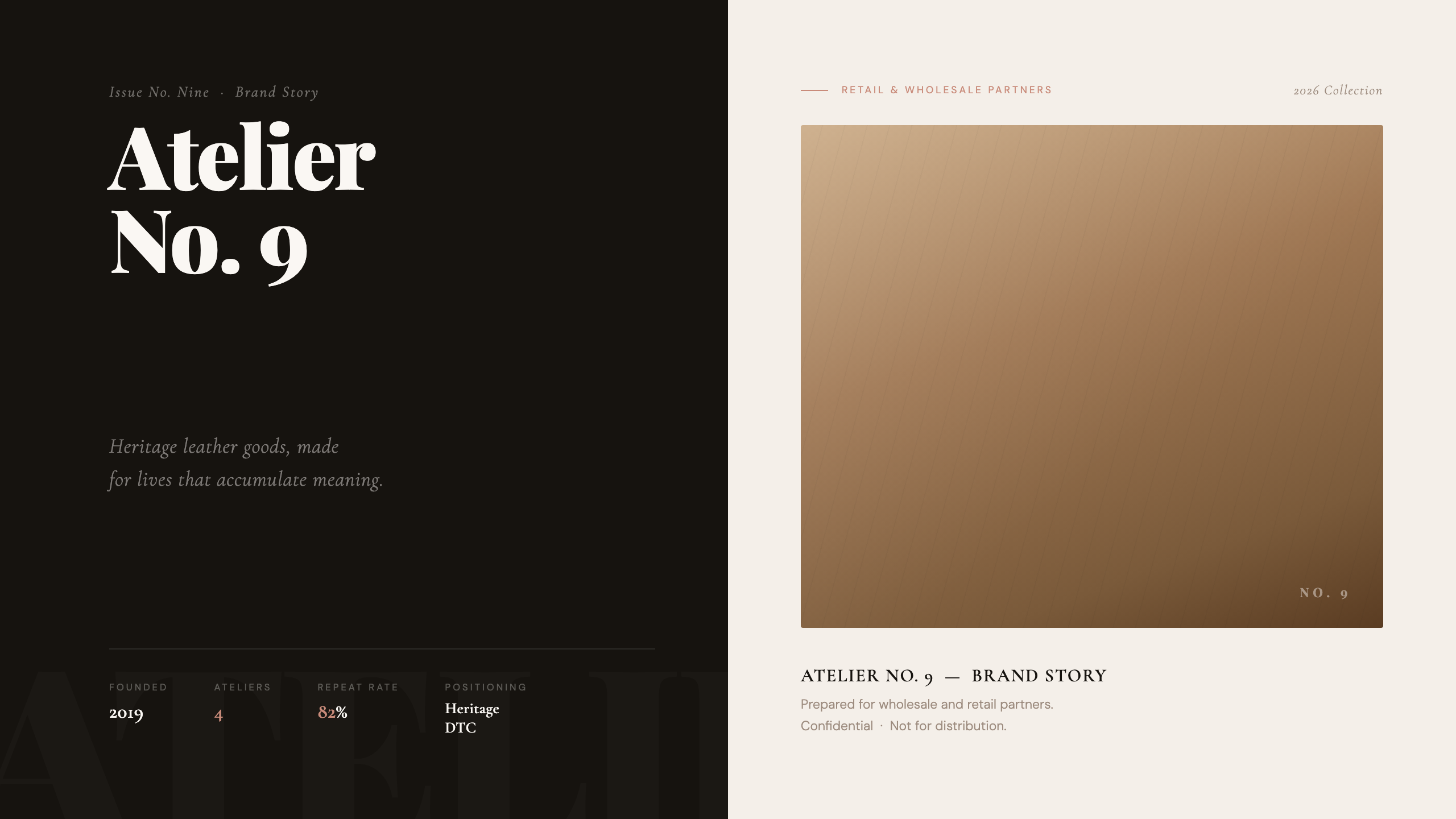
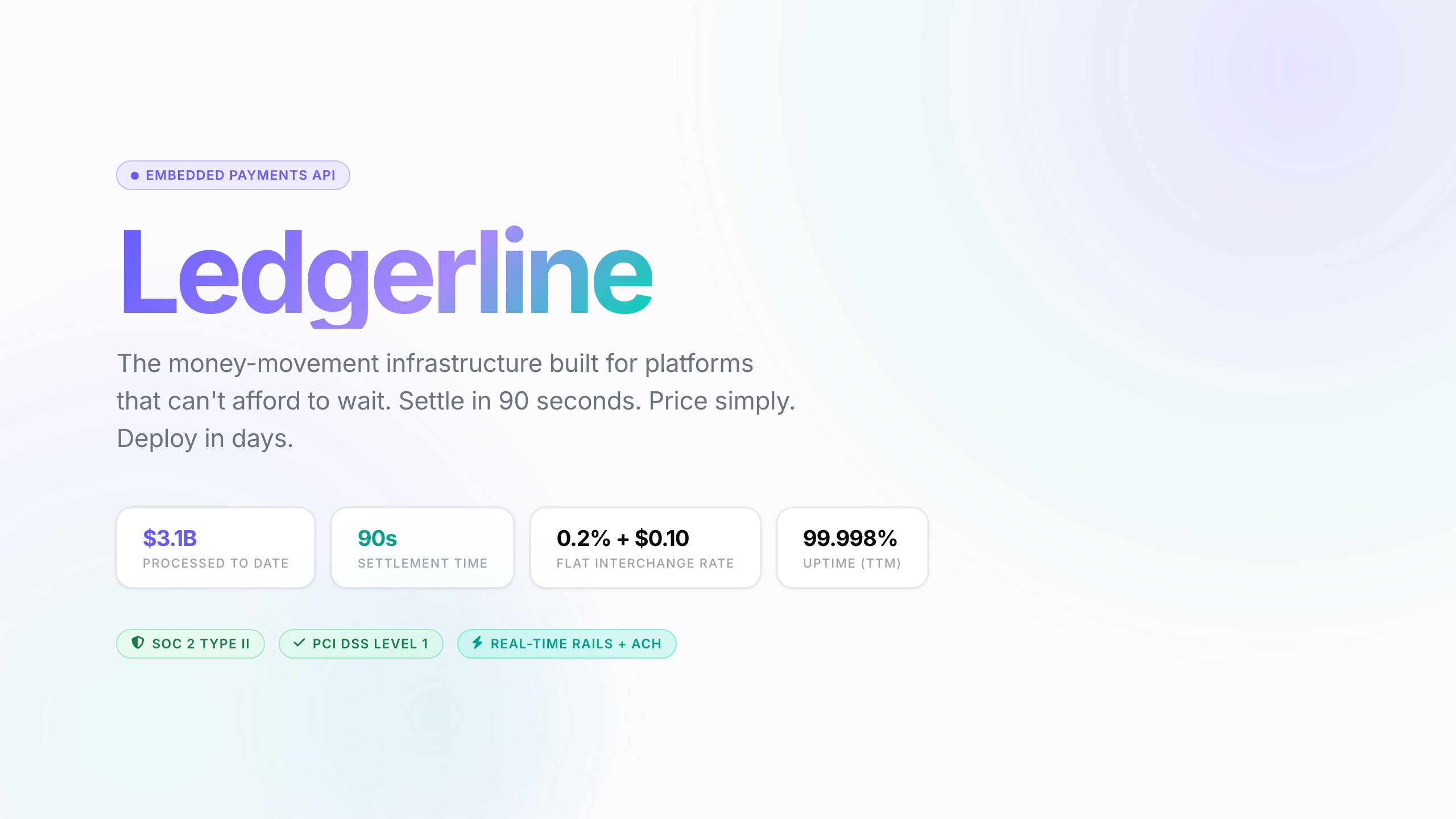
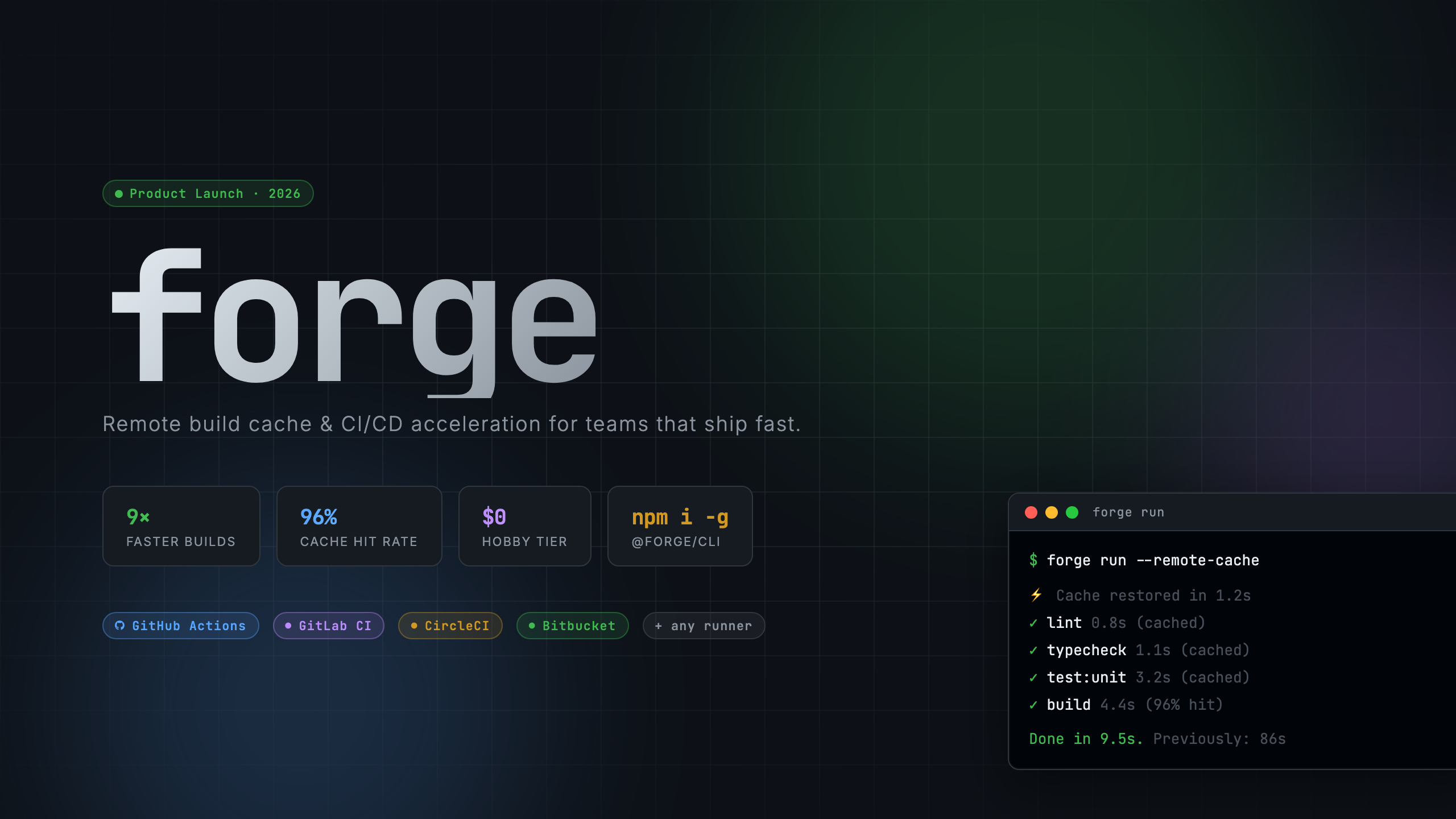
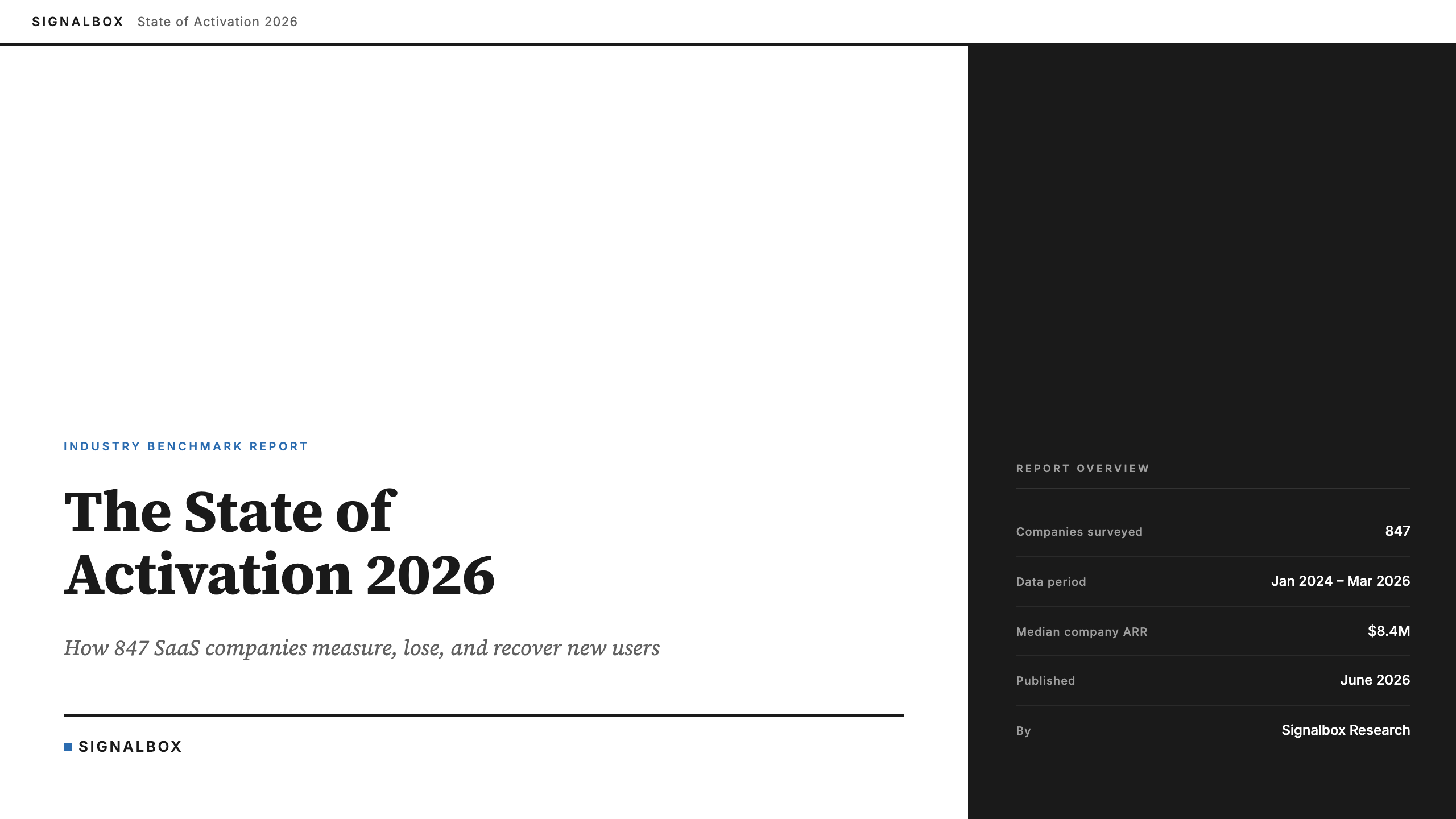
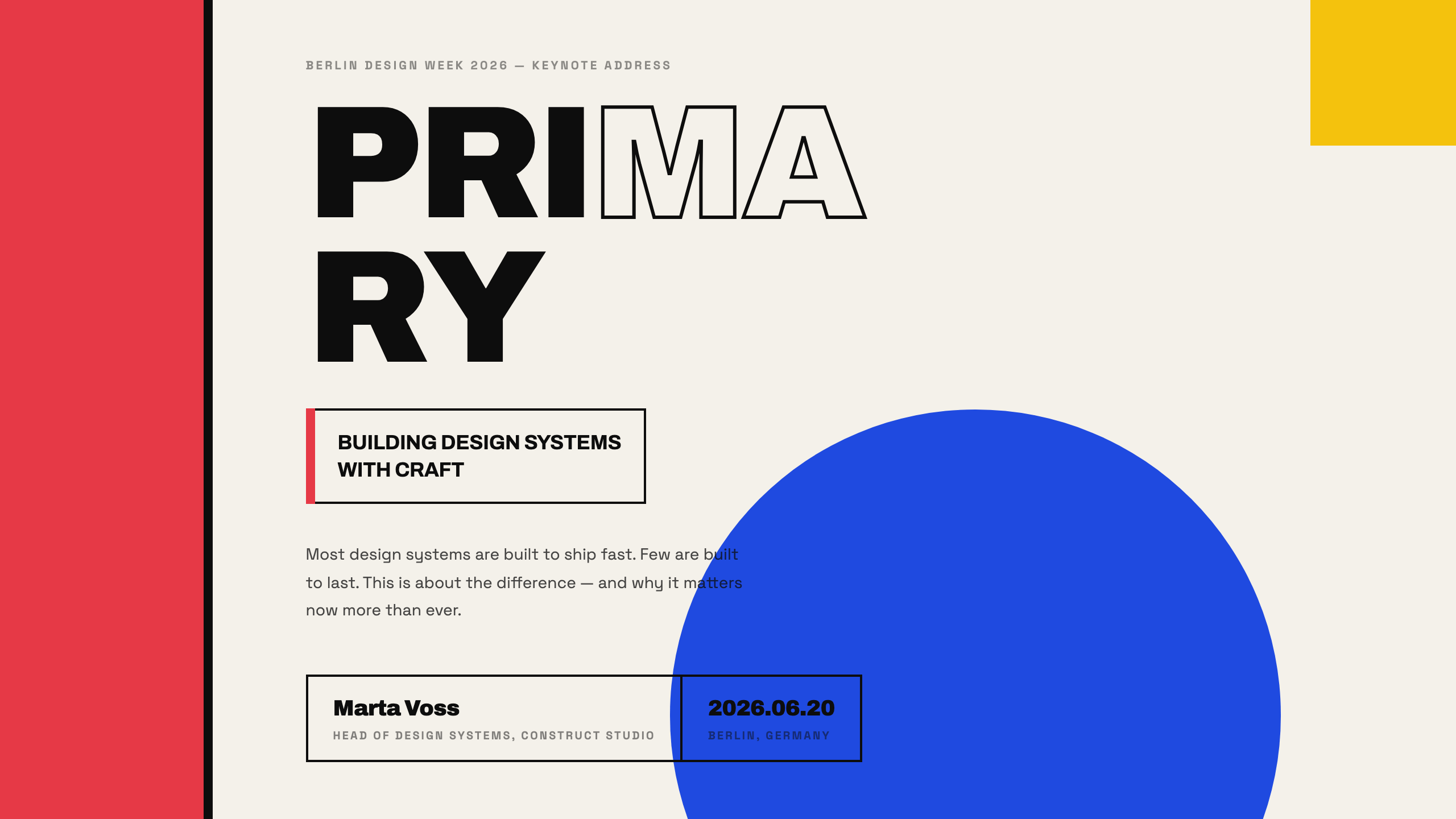
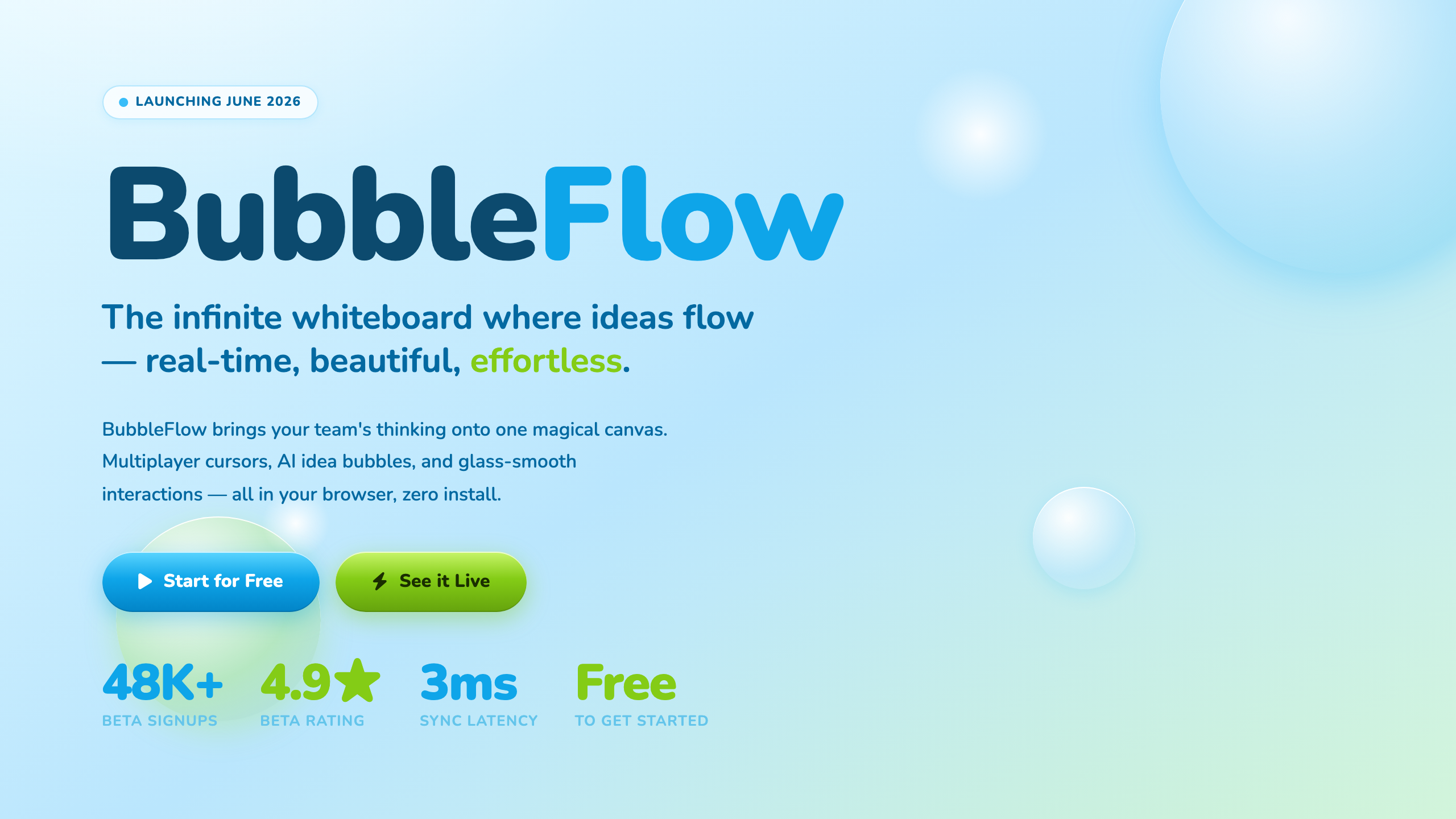
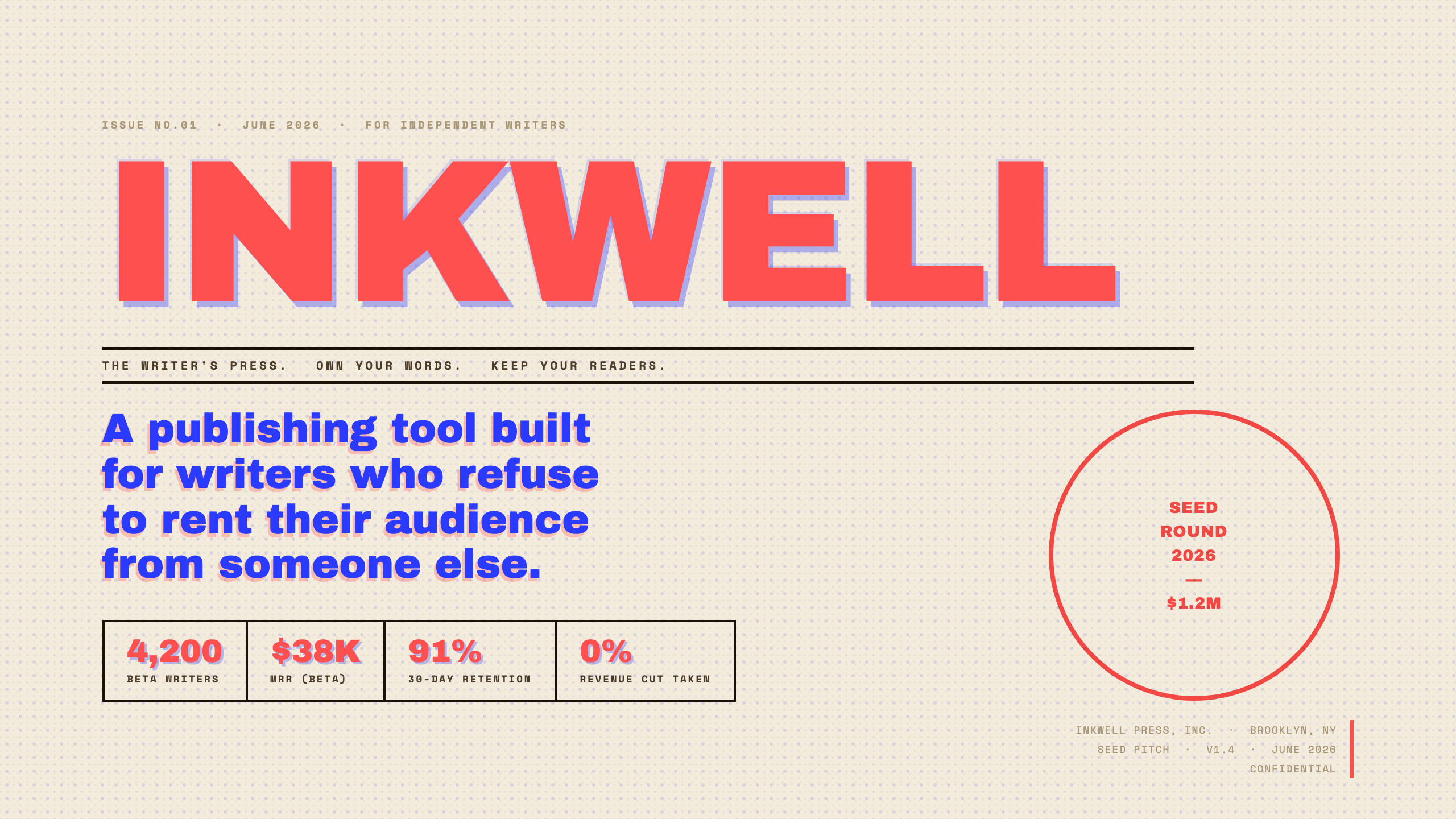
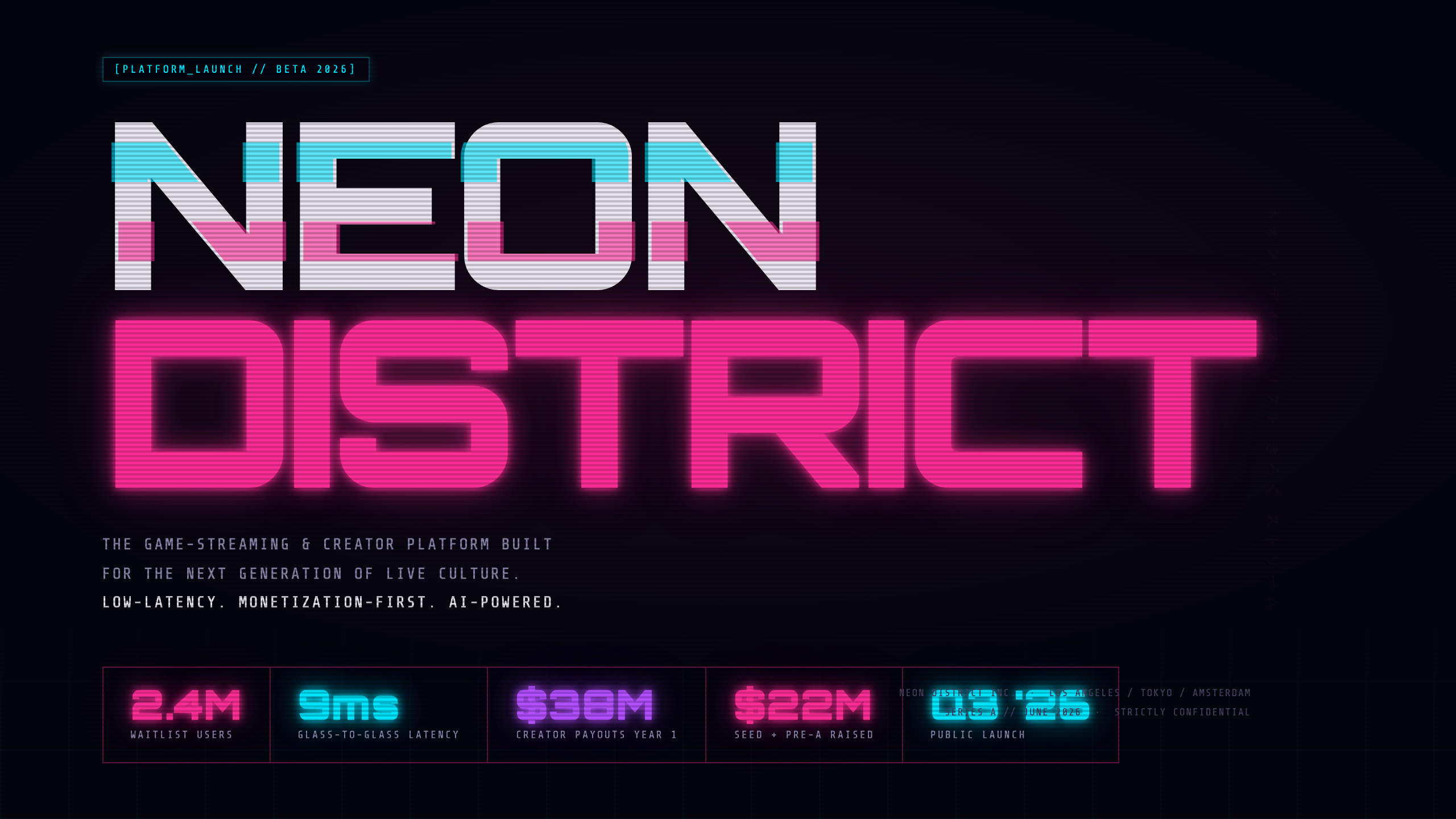
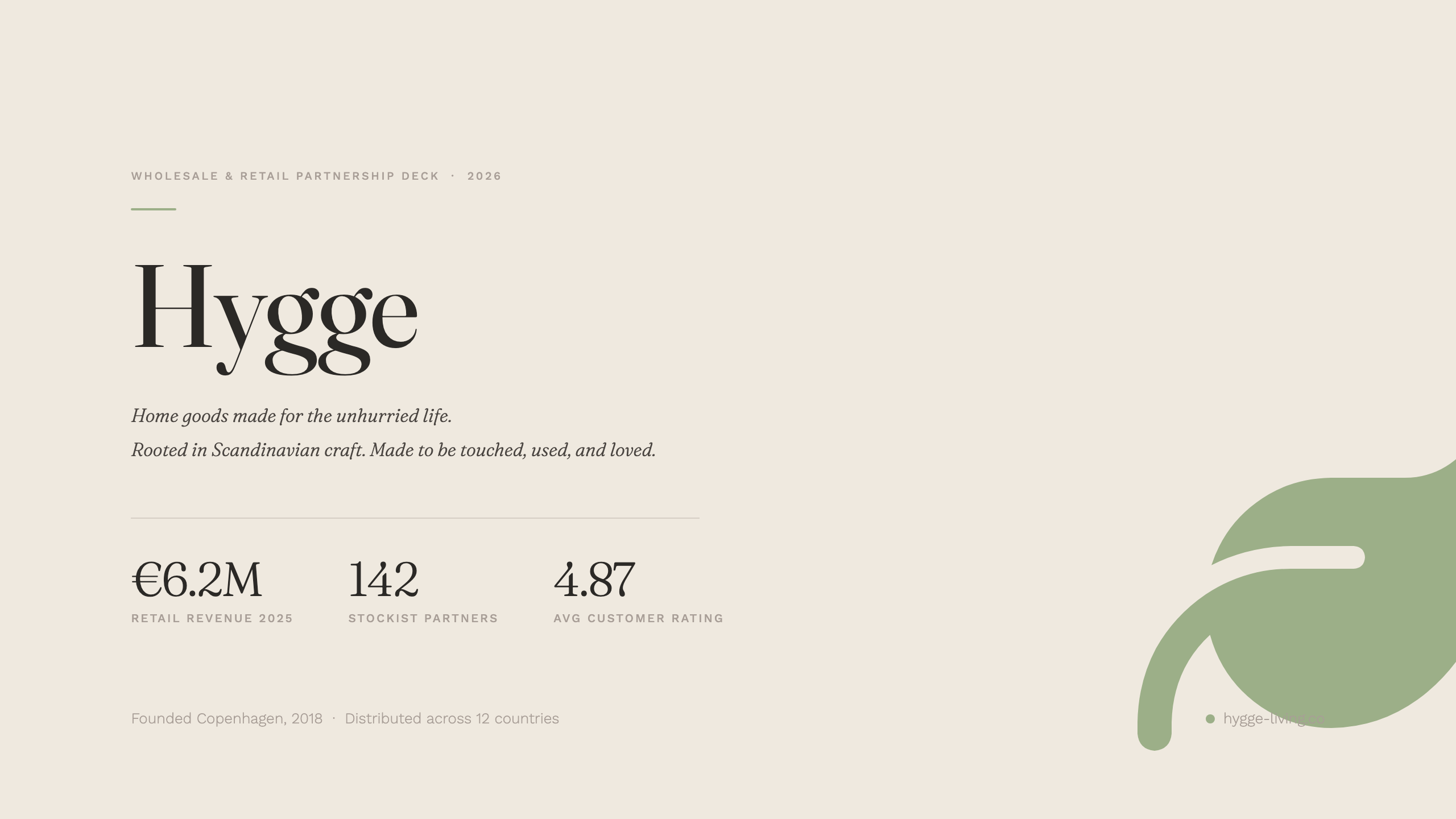
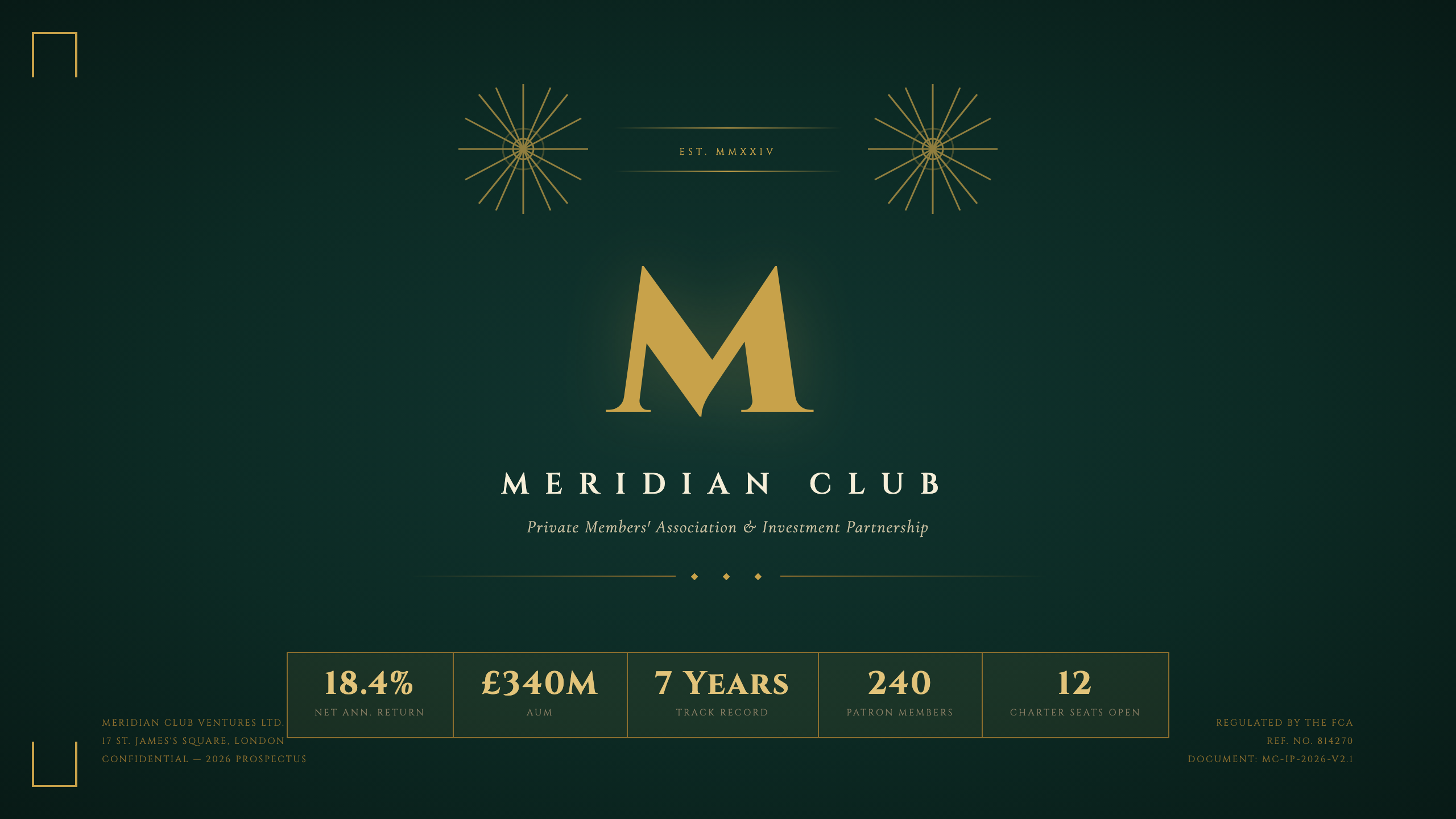
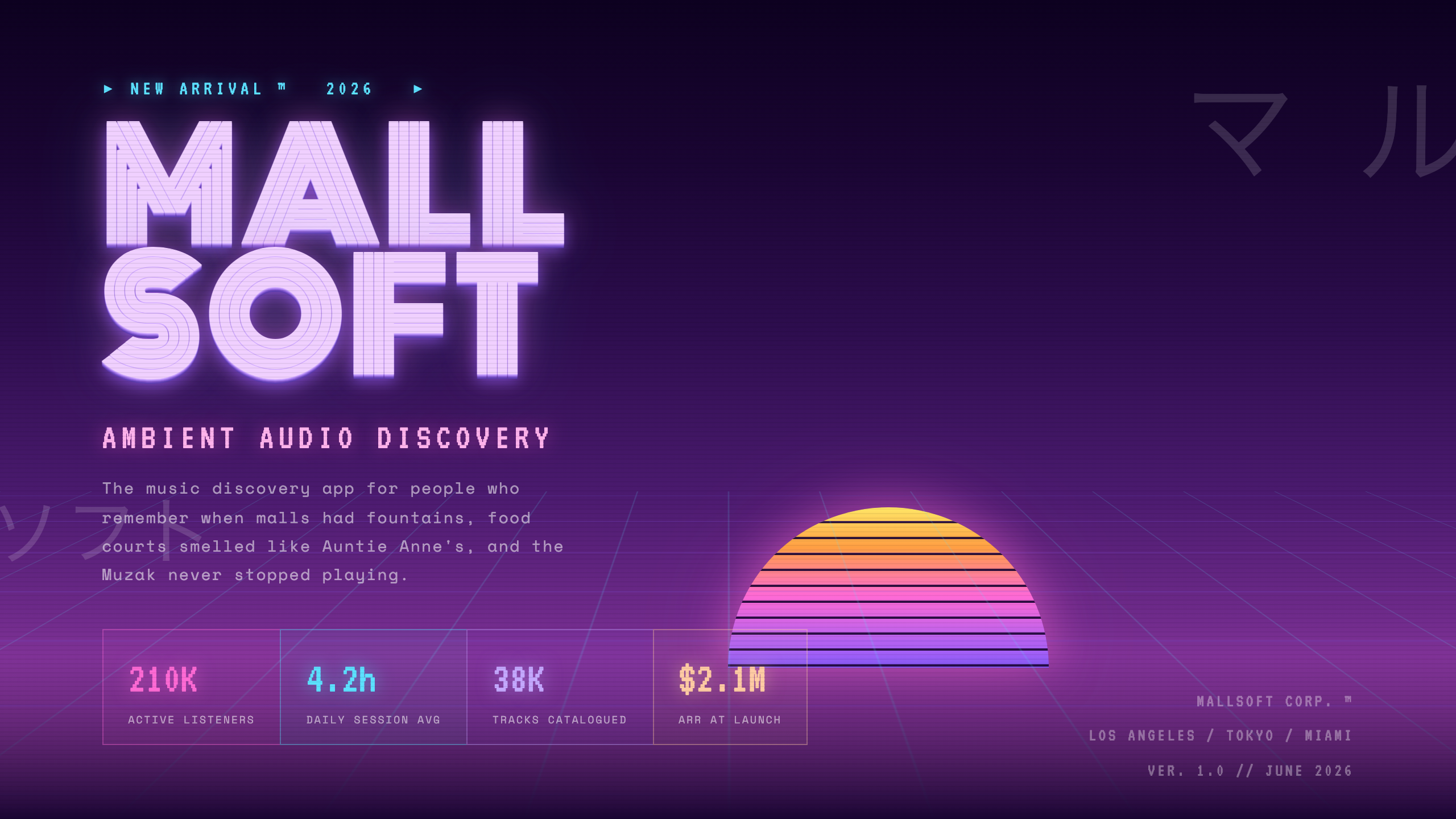
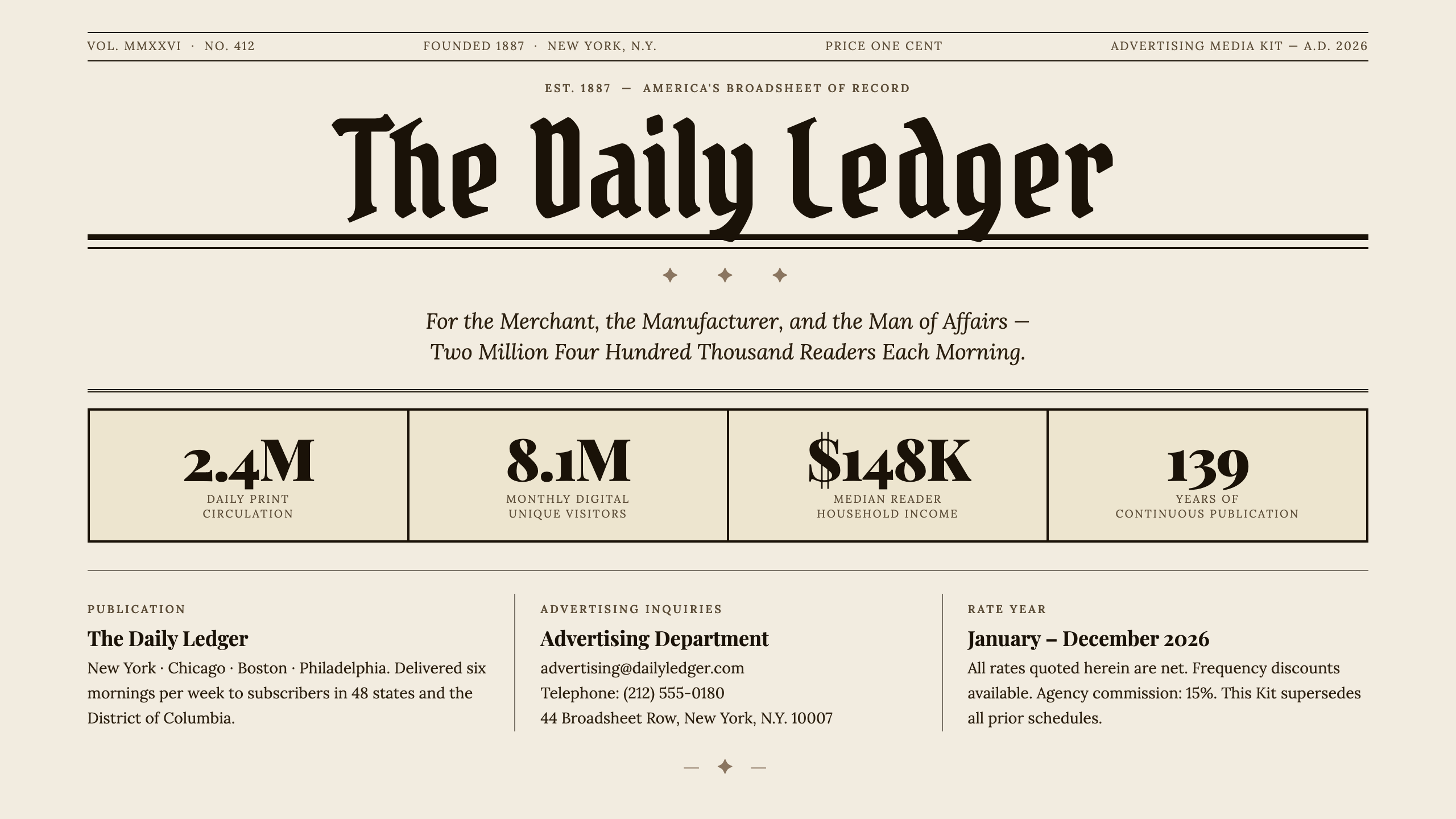
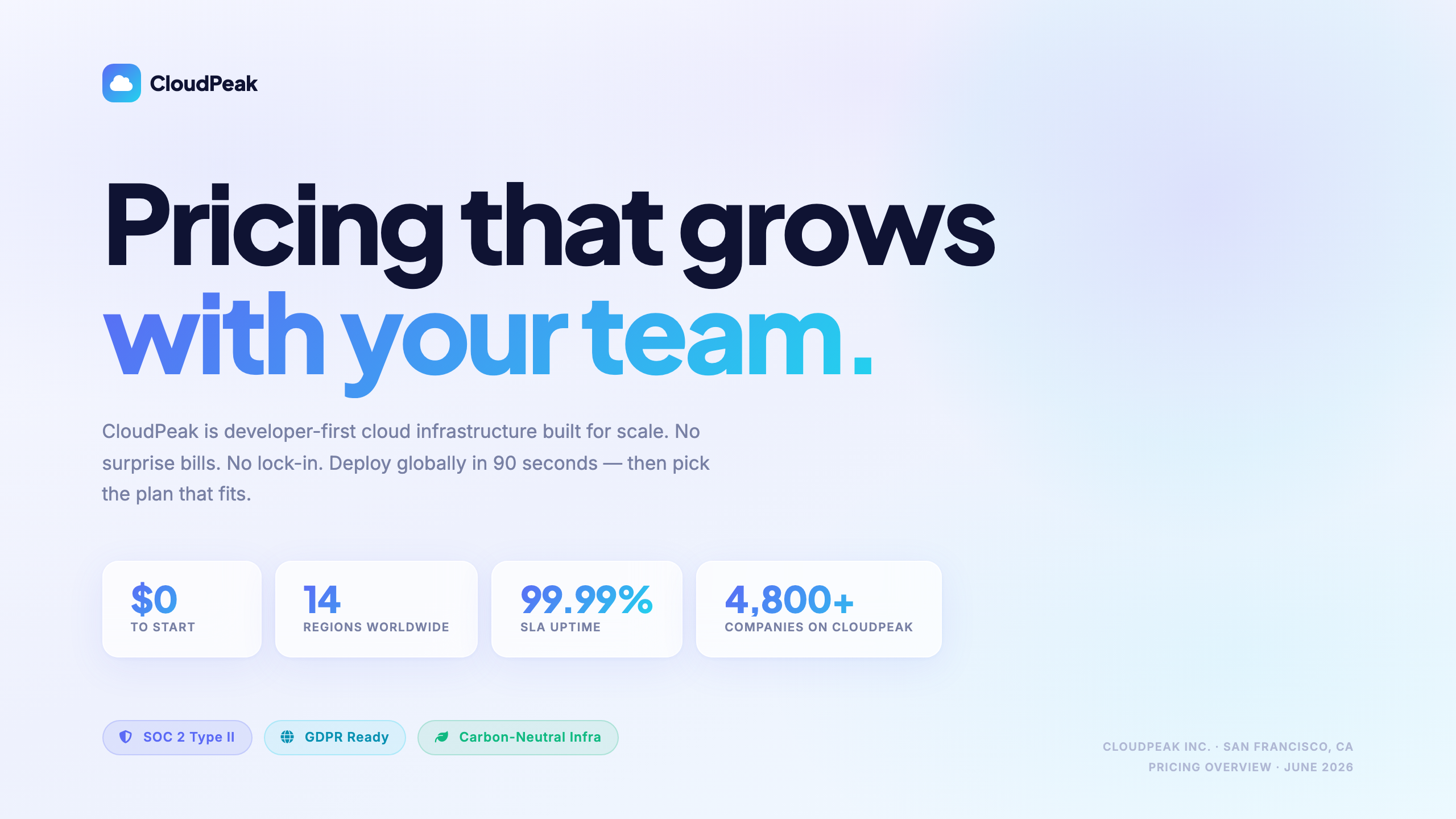
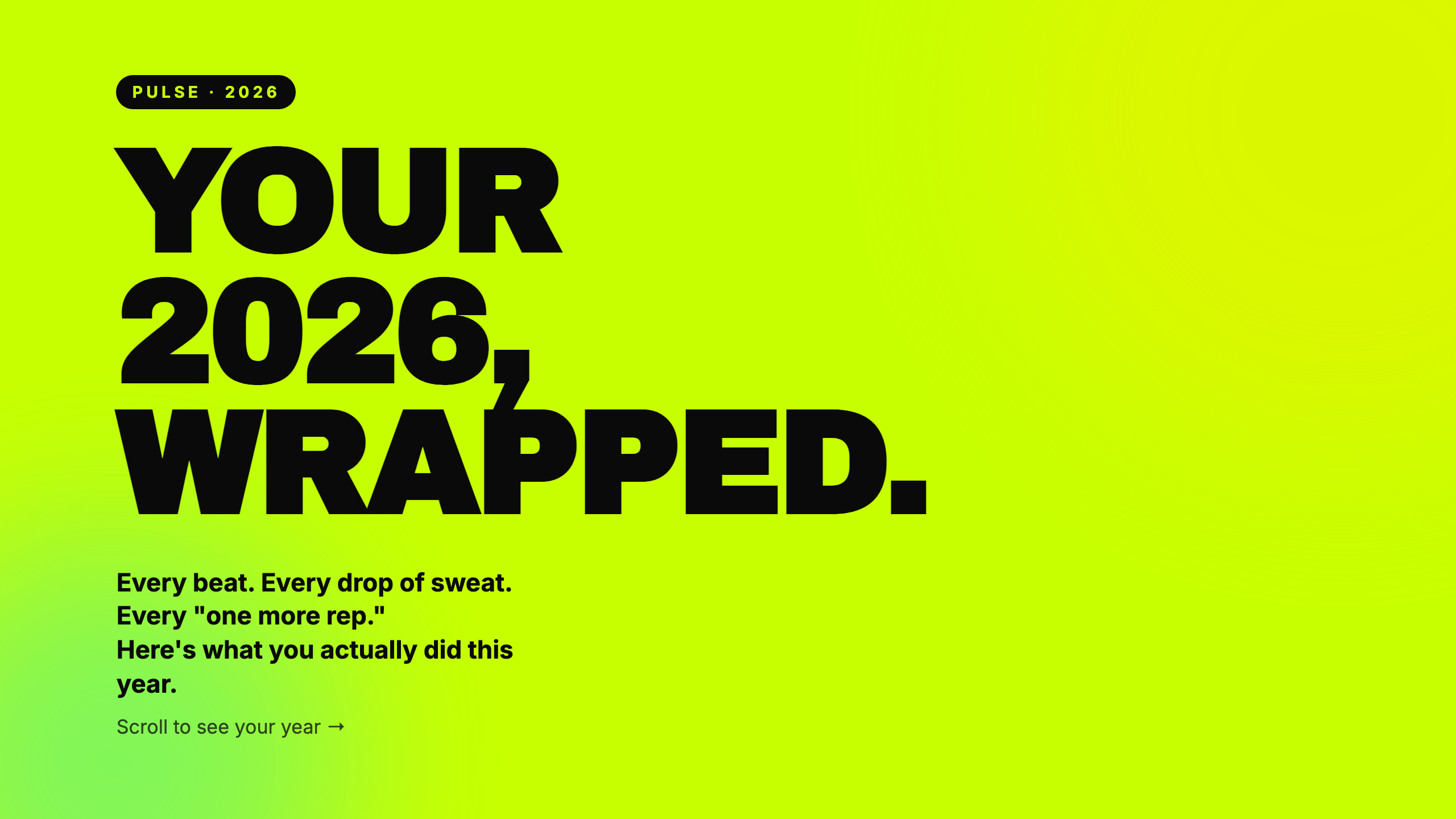
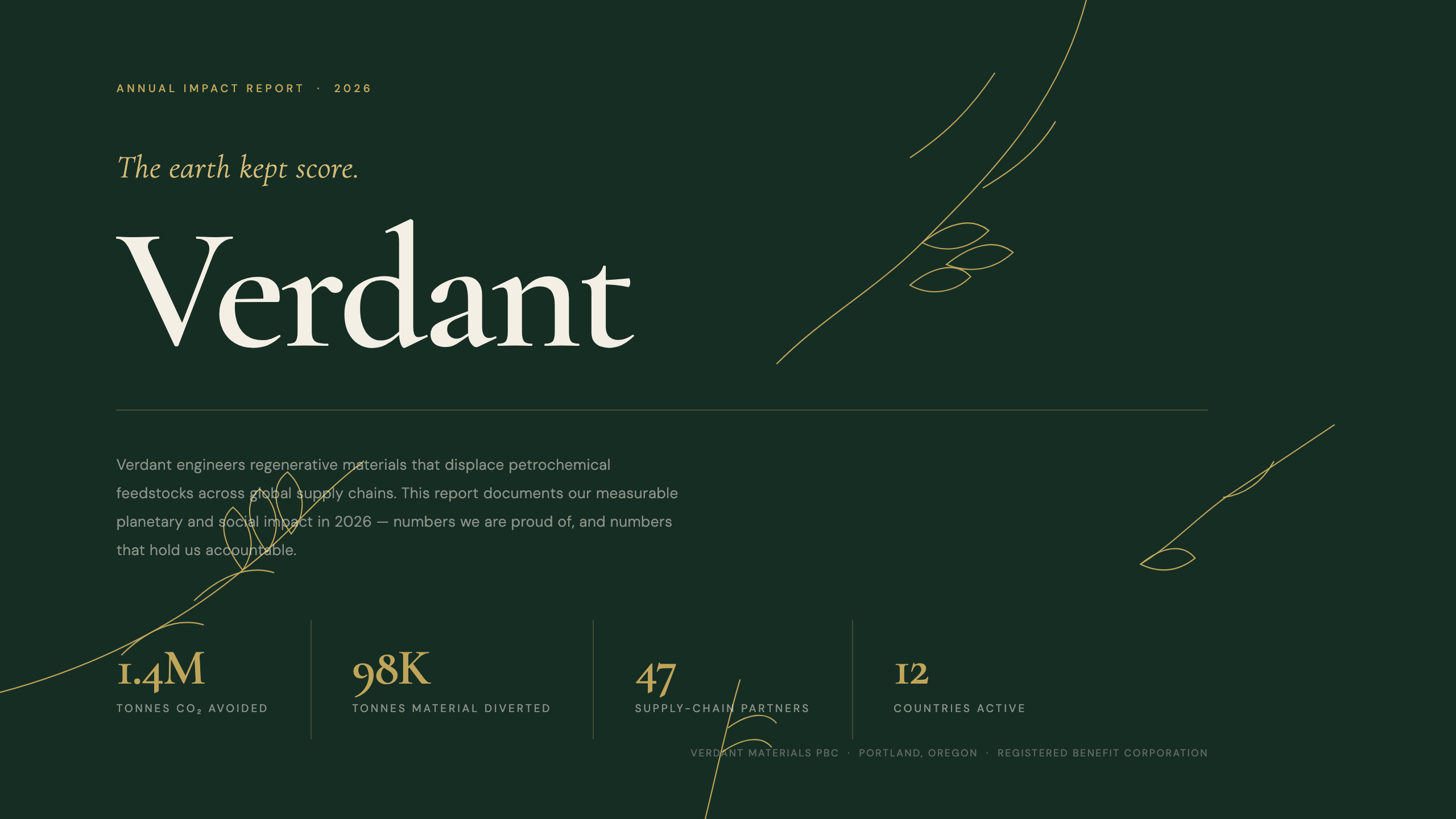
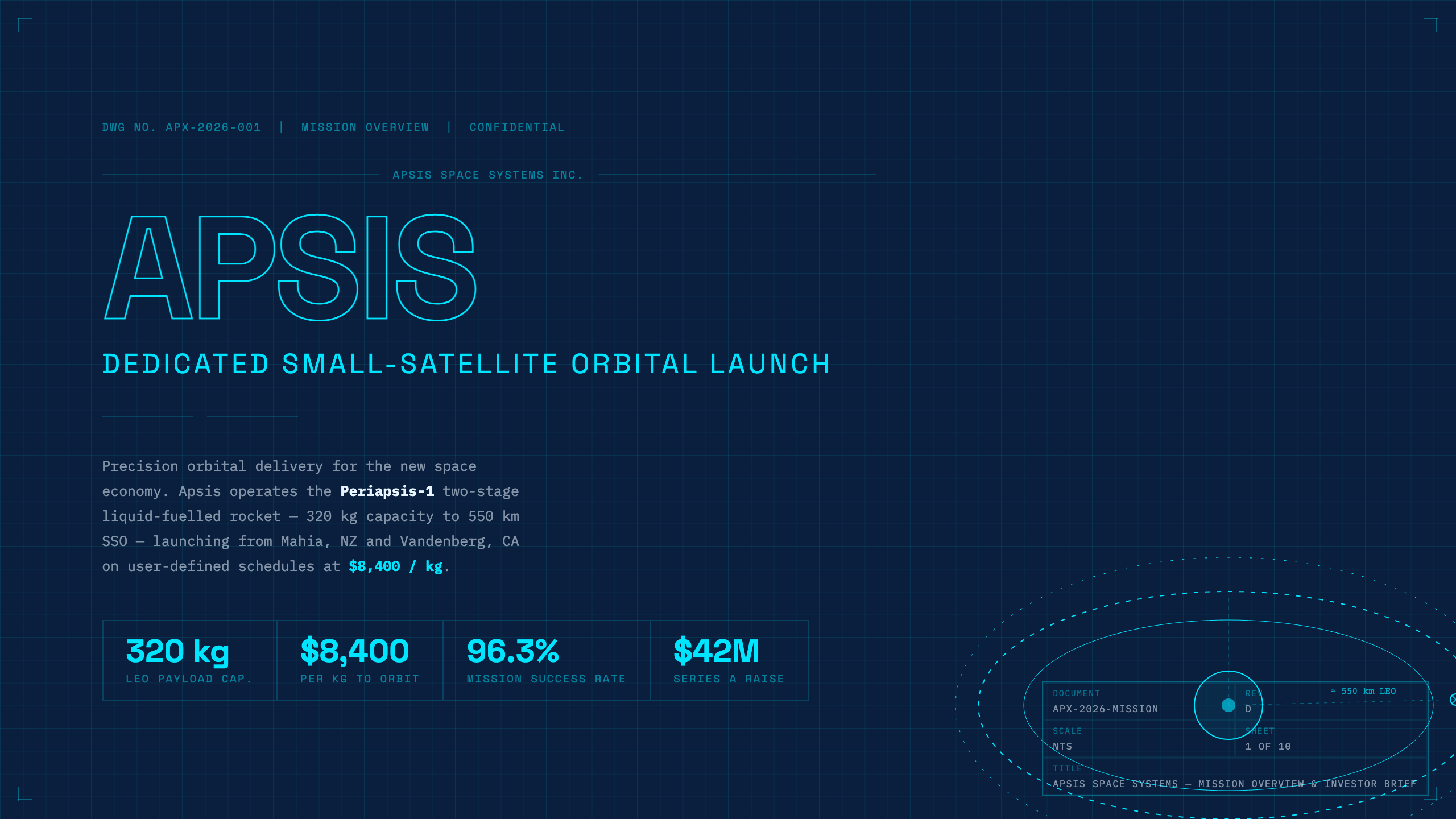
frontend-slides set the bar for live style previews and bold agent aesthetics. You do not have to abandon that show-don’t-tell habit — presentation-md matches the discovery workflow, then adds what a skill-only repo cannot: schema-validated Deck JSON, native PowerPoint round-trip, MCP tools, and a browser Studio. Honest write-up: vs frontend-slides · all comparisons.
preview_themes renders live HTML before you lock a vibe — title by default, or multi-slide craft bake. Mandatory in the skill, not optional.
Agents diff one slide, swap themes with apply_theme, validate with audit_deck. Re-render anytime — lower switch regret.
Editable .pptx for PowerPoint, Keynote, and Google Slides — plus import existing decks back into JSON.
One npx @presentation-md/install for Claude Code, Cursor, Codex, Gemini CLI, and Copilot — with typed MCP tools.
Install with npx @presentation-md/install or pull individual packages from the registries. All npm packages are public under the @presentation-md scope — current: core@1.31.0, render@1.18.0, mcp-server@1.32.10, export@1.23.32.
install, render, export, mcp-server, create-theme, core, and seven publishable themes. PPTX round-trip, MCP tools, and CLI all ship from these packages.
presentation-md-render and four theme packages are live. Four newer themes (retro-arcade, editorial-serif, brutalist-mono, pastel-dreamy) are queued — PyPI rate-limits new projects per day.
The editor is hosted at presentation-md.vercel.app/studio — edit decks with live preview, generate from a prompt, present fullscreen, and export HTML or PowerPoint. Not published as an npm package; built from packages/studio in the repo.
Already copied a command from Start? Jump to the matching tab for lite mode and post-install tips. The @presentation-md/install CLI copies skill files to the right place. Full mode also registers the MCP server so tools like render_deck, audit_deck, and export_deck are available in-context. Also on npx skills add isatimur/presentation-md (skills.sh) and Claude /plugin marketplace add isatimur/presentation-md — see Claude Code and install matrix.
# full install — skill + MCP server (recommended)
npx @presentation-md/install claude-code

# lite — skill only, no MCP server
npx @presentation-md/install claude-code lite

# after install: restart Claude Code, then ask —
# "Build a 10-slide pitch deck from these notes: ..."

# or Claude plugin: /plugin marketplace add isatimur/presentation-md
# then /plugin install presentation-md@presentation-md → /slides <brief>

# or skills.sh: npx skills add isatimur/presentation-md --skill presentation-generator
# run from the root of your project (writes .github/copilot-instructions.md)
npx @presentation-md/install copilot

# lite — skill only, no .vscode/mcp.json
npx @presentation-md/install copilot lite

# full mode also writes .vscode/mcp.json for Copilot MCP tool calls
# after install: reload VS Code window, then ask Copilot Chat —
# "Build a 10-slide pitch deck from these notes: ..."
# full install — .mdc rule + MCP server
npx @presentation-md/install cursor

# lite — .mdc rule only
npx @presentation-md/install cursor lite

# lands at: ~/.cursor/rules/presentation-generator.mdc
# full install — skill + MCP server
npx @presentation-md/install codex

# lite — skill only
npx @presentation-md/install codex lite

# lands at: ~/.codex/skills/presentation-generator/
# full install — extension + MCP server
npx @presentation-md/install gemini-cli

# lite — extension only
npx @presentation-md/install gemini-cli lite

# lands at: ~/.gemini/extensions/presentation-generator/
# render a deck JSON to HTML
npx @presentation-md/render deck.json -o deck.html
npx @presentation-md/render deck.json -o deck.html --theme corporate

# list installed themes
npx @presentation-md/render --list-themes

# validate without rendering
npx @presentation-md/render --validate deck.json

# export native, editable PowerPoint
npx @presentation-md/render deck.json --format pptx -o deck.pptx

# import PowerPoint → Deck JSON
npx @presentation-md/render --from-pptx deck.pptx -o deck.json

# or install globally
npm i -g @presentation-md/render
presentation-md is a free, open-source skill for AI coding agents. It gives Claude Code, Cursor, OpenAI Codex, Gemini CLI, and GitHub Copilot a structured, schema-validated way to generate polished slide decks. The agent fills a Deck JSON spec; a renderer turns it into a single self-contained HTML file — no design skills, no build tool, no hosting required.
Run npx @presentation-md/install <agent> — replace <agent> with claude-code, cursor, copilot, codex, or gemini-cli. One command installs the skill files and optionally registers the MCP server. Restart your agent afterward and ask it to build a deck.
Yes — presentation-md is completely free and MIT licensed. There is no paid plan, no account required, and no usage limits. You can use it commercially and modify it freely.
presentation-md supports Claude Code, Cursor, GitHub Copilot, OpenAI Codex, and Gemini CLI. It also works as a standalone CLI and exposes an MCP server compatible with any MCP-enabled agent. It is not locked to any single AI provider.
Each deck is a single self-contained HTML file. It opens in any browser, requires no hosting, and no build step. You can also export to native, editable PowerPoint (`.pptx`) that opens in Keynote and imports into Google Slides, or import an existing `.pptx` back into Deck JSON. See the gallery of 75 structured theme proofs for live HTML examples.
You don’t have to abandon discovery. presentation-md keeps live theme previews, then adds schema-validated Deck JSON, native editable PowerPoint, MCP tools, and a browser Studio — so decks survive re-theme, audit, and Office handoff. See the honest comparison: vs frontend-slides. Or try Studio with zero install first.
Hallmark is a viral anti-AI-slop design skill for pages and UI. presentation-md is the anti-slop stack for slide decks — Deck JSON, 75 themes, MCP craft gates, Studio share links, and editable PPTX. Same craft refusal energy; different artifact. One-prompt decks land via scaffold_deck → studio_share_url. See vs Hallmark.
No. Keep the default vibe, ship the deck, then swap themes later with one JSON field. The Popular filter on this site is the recommended starting set — browse All 75 only when you want options.
frontend-slides is a discovery-first HTML prompt pack; Hallmark is an anti-slop page/UI skill; Claude Design is Anthropic Labs' subscription canvas; Gamma, Pitch, Canva, Tome, and Beautiful.ai are web apps separate from your coding workflow. presentation-md runs inside the AI agent you already use and produces portable HTML + PPTX you own — with schema validation, theme proofs, MCP tools, and Studio. See: vs Hallmark, vs frontend-slides, vs Claude Design, vs md-slides, vs Beautiful.ai, vs Gamma, vs Pitch, vs Canva, vs Tome, or the full vs index.